Values: R/B 125 0 R/F 125
Function Mode
Accessing the Sub-Trim Function
1.Turn on the transmitter power switch.
2.Press the Scroll key to enter Function mode.
3.Press the Scroll key until “TRIM” appears in small letters
to the left of the screen.
4.Press the Channel key to select the channel to be
adjusted (Steering, Throttle or Auxiliary Channel 3).
5.Press the Increase or Decrease keys until the proper
servo position is achieved.
6.Press the Scroll key to access the Servo Reversing
function.
7.To exit the Function mode, either turn off the transmitter
power switch or press the Scroll and Channel keys at the
same time.
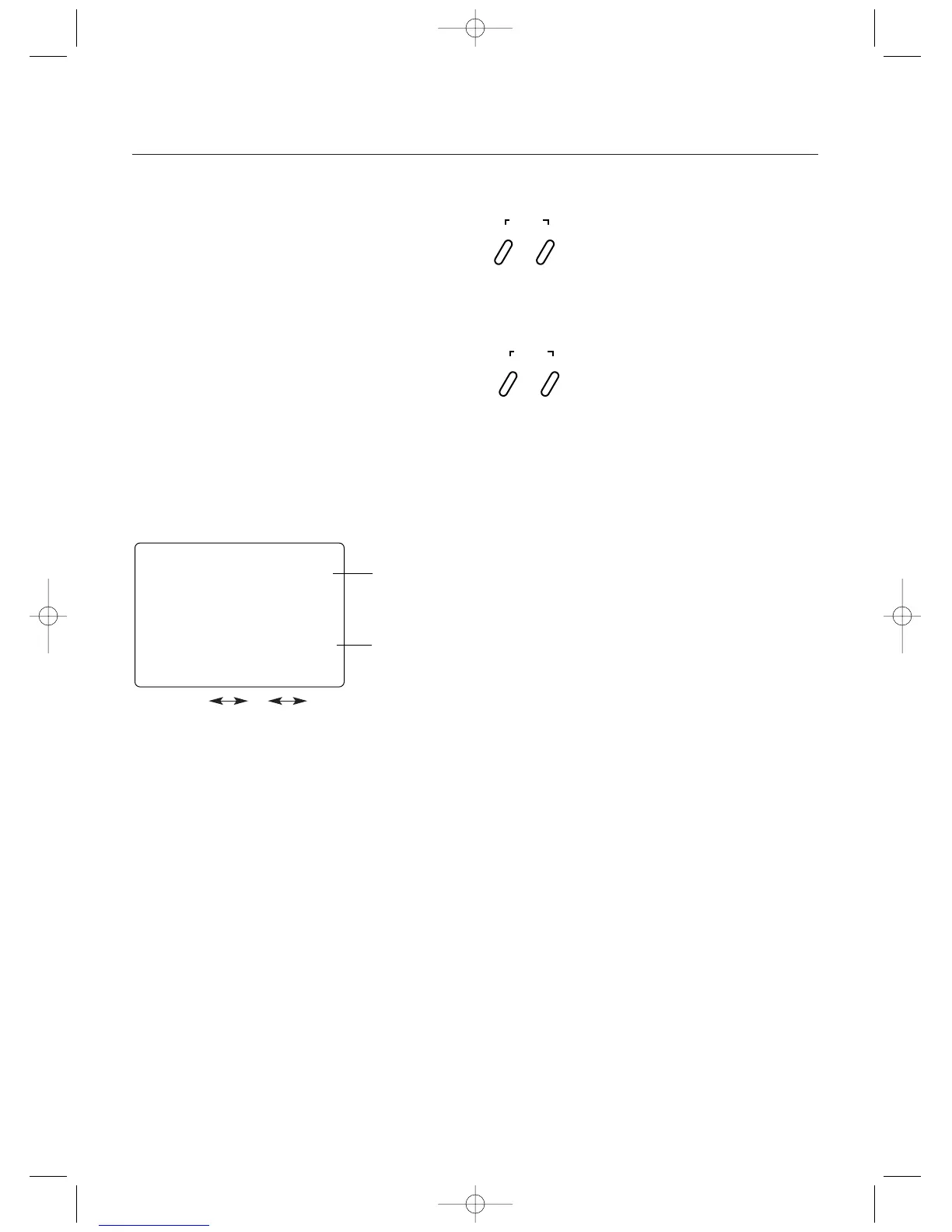
Press the Scroll key until "TRIM" appears on the
screen. Press the Channel key to select the desired
channel to be adjusted.
STS = Steering
THS = Throttle
AUS = Auxiliary Channel 3
Press the Increase or Decrease keys to achieve the
desired Sub-Trim Value.
SCROLL
ENTER
CHANNEL
INCREASE
CLEAR
DECREASE
Sub-Trim
The Sub-Trim function of the XS3 is an electronic trimming
feature that allows the neutral position of the servo on
either the steering, throttle or auxiliary channel (optional) to
be moved, while allowing the electronic trim lever for that
channel to remain in the center position. This feature is
very useful as it allows the servo arm/wheel position to be
moved to help with control linkage installation, eliminating
the need to make mechanical linkage adjustments.
Although the Sub-Trim function is a very useful feature, it is
suggested that only small amounts of sub-trim be used so
that no unwanted, non-equal servo travel is created. It is
suggested that less than 30 points of Sub-Trim be used
during adjustment. If more than 30 points of Sub-Trim are
required, it is suggested that a mechanical linkage
adjustment be performed.
sts
0
TRIM
Current Channel
STS = Steering
THS = Throttle
AUS = Auxiliary
Channel 3
Current Value
27



 To Next Page