Synthesized Channel Select cont.
Accessing the TX Channel Select Function
1.Press the Scroll and Channel keys at the same time and
hold.
2.Turn the transmitter power switch on to enter System
mode.
3.Press the Scroll key until “CH” appears on the screen.
4.Press the Increase or Decrease key to select the desired
channel number 1–6 (27MHz) or 61–90 (75MHz).
5.Press the Scroll key to access the Model Name Entry
function.
6.To exit System mode, either turn the transmitter power
switch off or press the Scroll and Channel keys at the
same time.
Accessing the RS300 RX Channel Select
Determine the frequency band and channels available
marked next to the rotary dial matches the transmitter.
Set the channel on the RS300 receiver to match the XS3
transmitter by adjusting the ten position rotary switches
using a small 1/8” flat blade screwdriver until they point to
the corresponding channel numbers.
•To set a 75MHz receiver to channel 78, rotate the first
rotary switch to the “7” position and the second rotary
switch to the “8” position.
• 27MHz receivers will only have one rotary switch for
accessing channels 1–6. Use this single switch to select
the desired channel.
System Mode
15
Model Name Entry
The XS3 allows a three-character name to be input for each
of the six models available. The current model with name
will then be displayed in the Normal display screen.
This feature is useful to help identify different models,
setups, etc.
Accessing the Model Name Entry Function
1.Press the Scroll and Channel keys at the same time and
hold.
2.Turn on the transmitter power switch to enter the System
mode.
3.Press the Scroll key until “MD1” appears on the screen
with the first character flashing.
4.Press the Increase or Decrease keys to select the correct
letter/number for the first character (flashing). To clear
the character, pressing the Increase and Decrease keys at
the same time.
5.To change the remaining two characters, press the
Channel key until the desired character to be changed is
flashing.
6.Press the Scroll key to access the Frame Rate function.
7.To exit the System mode, either turn the transmitter
power switch off or press the Scroll and Channel keys
at the same time.
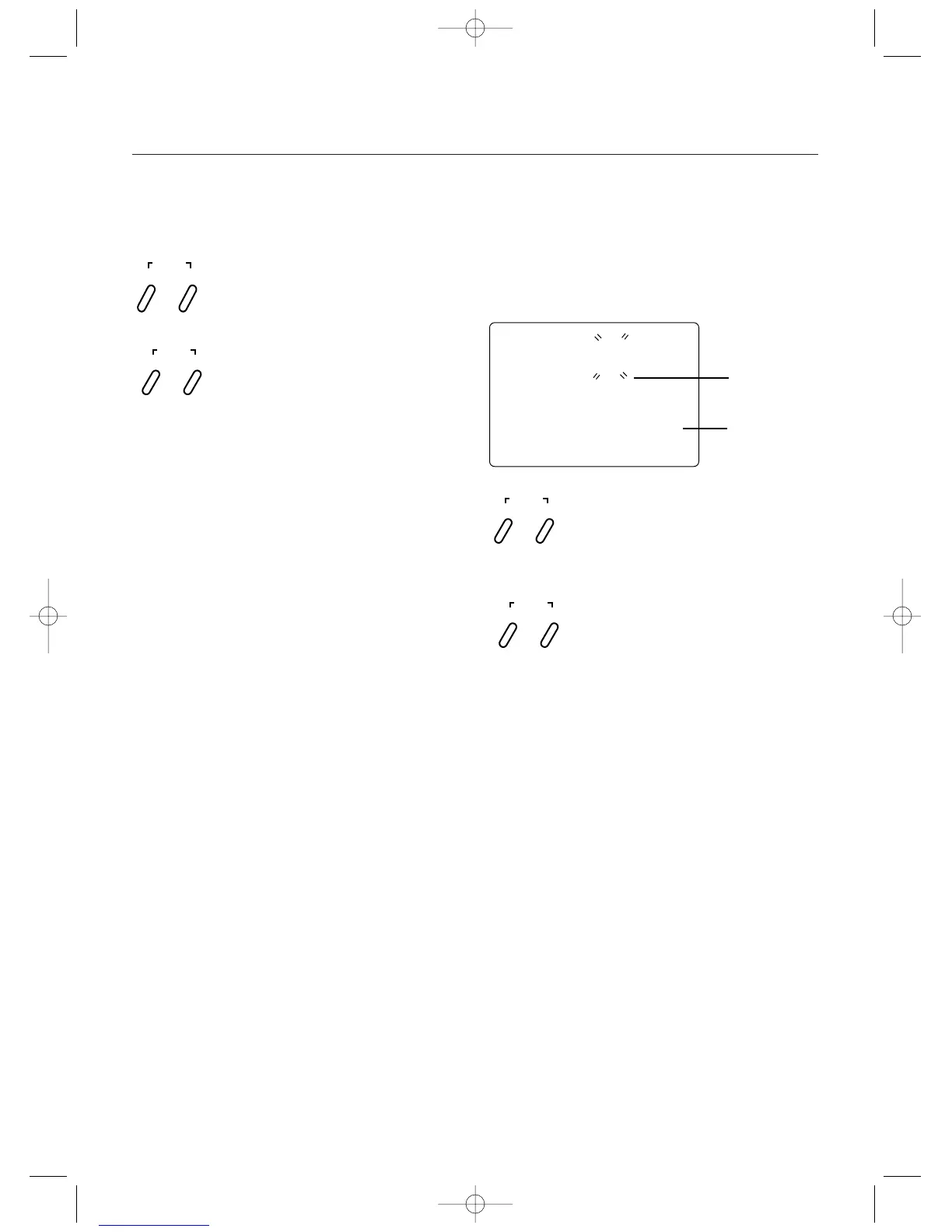
Press and hold the Scroll and Channel keys at the
same time while turning transmitter power switch
on. Next, press the Scroll key until the flashing
“M” appears. Press the Channel key to select the
character to be changed.
Press the Increase or Decrease keys to select the
correct letter/number to be used.
SCROLL
ENTER
CHANNEL
INCREASE
CLEAR
DECREASE
md !
1
Character to
be Adjusted
Current Model
Number
Press and hold the Scroll and Channel keys at the
same time while turning transmitter power switch on.
Next, press the Scroll key until “CH” appears.
Press the Increase or Decrease key to select the
desired channel for transmission.
SCROLL
ENTER
CHANNEL
INCREASE
CLEAR
DECREASE



 To Next Page