28
Function Mode
Servo Reversing
The Servo Reversing feature of the XS3 is a very convenient
feature when setting up a new model. The purpose of the
servo reversing function is to change the direction of the
servo rotation in relation to the wheel/trigger movement.
The Servo Reversing function is available for the steering,
throttle and Auxiliary Channel 3 of the XS3.
Accessing the Servo Reversing Function
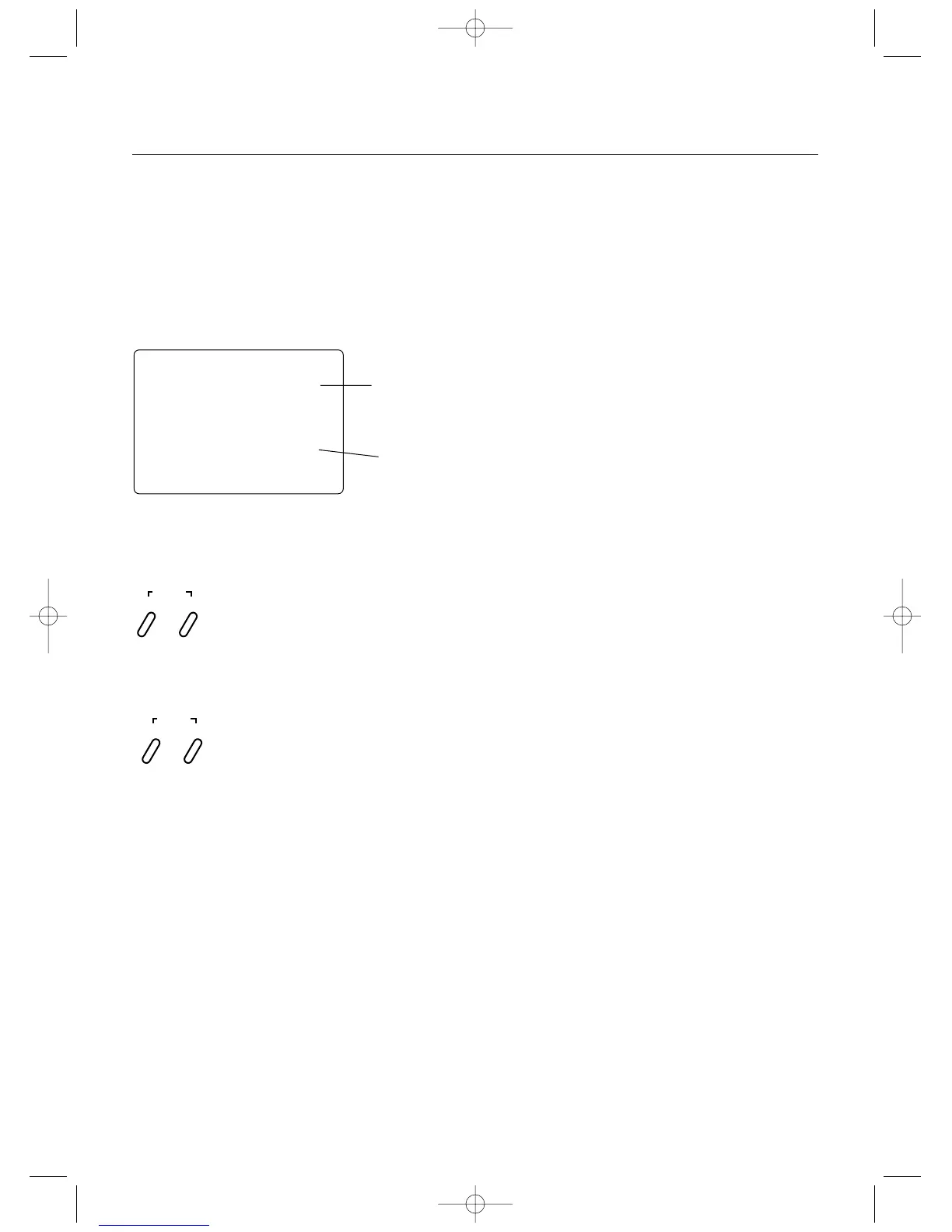
Current Channel
ST = Steering
TH = Throttle
AUX = Auxiliary
Channel 3
Servo Direction
st
—
REV•NORM
Press the Mode key until “REV. NORM” appears on
the screen. Press the Channel key to select the
desired channel to be adjusted.
STS = Steering
THS = Throttle
AUX = Auxiliary Channel 3
Press the Increase or Decrease keys to move the
cursor to the desired servo direction.
SCROLL
ENTER
CHANNEL
INCREASE
CLEAR
DECREASE
1.Turn the transmitter power switch on.
2.Press the Scroll key to access Function Mode.
3.Press the Scroll key until “REV
.
NORM” appears in small
letters to the right of the screen.
4.Press the Channel key to select the channel to be
changed (ST = Steering, TH = Throttle, AUX = Auxiliary
Channel 3).
5.Press the Increase or Decrease keys to move the cursor
to the desired direction.
6.To exit the Function mode, either turn off the transmitter
power switch or press the Scroll and Channel keys at the
same time.



 To Next Page