Fuel Mixture
When selected, Grip Lever A can be used to access the
Auxiliary Channel 3 function of the XS3 for use as a fuel
mixture channel.
When the LN (linear) Auxiliary Channel 3 function is
selected, Grip Lever A can be used to change the neutral
position of the servo to lean or richen the engine’s fuel mix-
ture. Once the desired fuel mixture has been achieved, the
Grip Lever A value indicated on this screen can be trans-
ferred manually to the Sub-Trim function and the value of
the AUX screen can be returned to zero. Please refer to
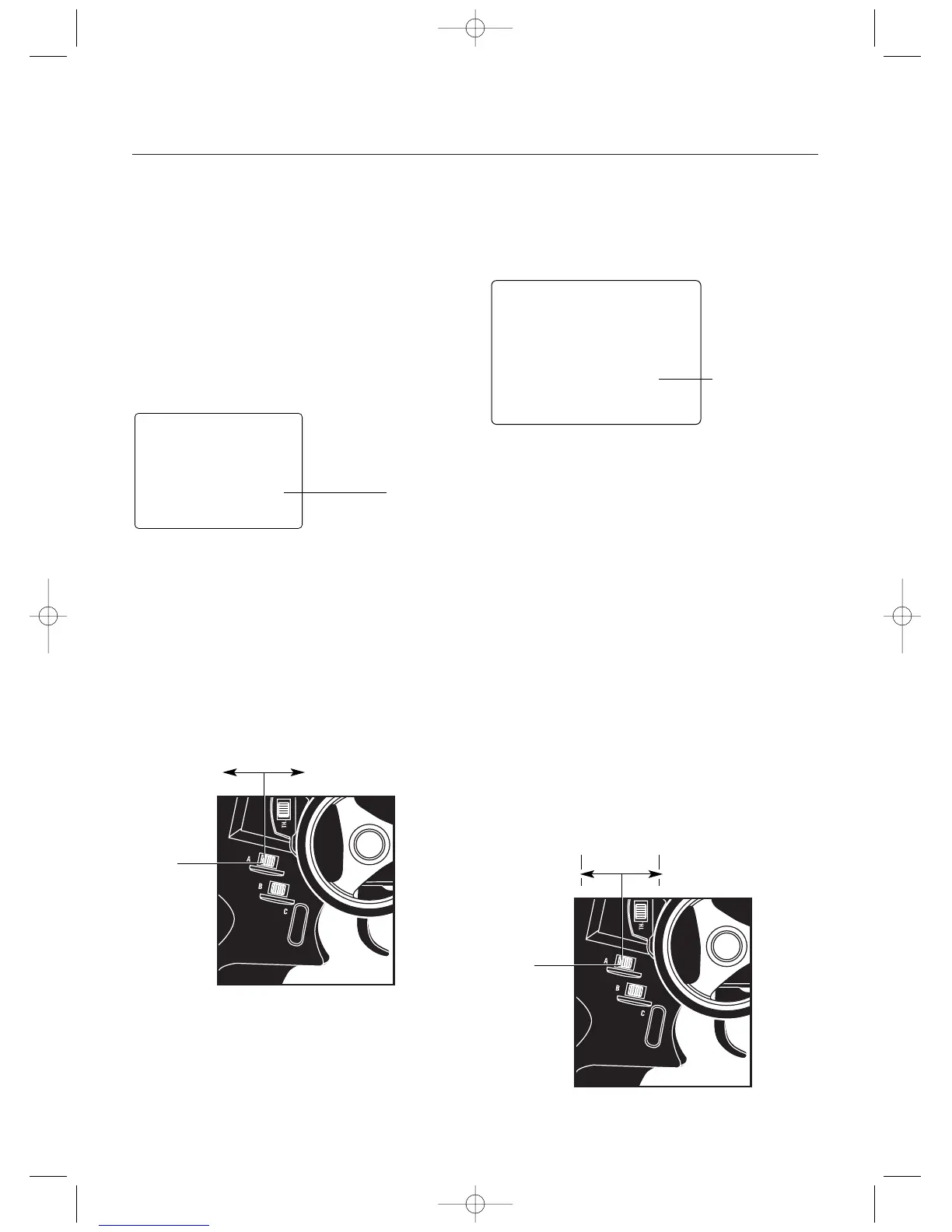
diagram A to the right for proper grip lever operation.
Transmission Shift Selector
When the 2P Auxiliary Channel function is selected, the
Grip Lever A can be used to move the Auxiliary 3 Channel
servo to one of two positions (left/right or forward/reverse)
when LA or Eb is selected for the Grip Button C function.
Please refer to diagram A below for proper shifting proce-
dures.
Note: The End-Point Adjustment function is used
to set the forward and reverse gear servo travel
positions.
aux
0
Auxiliary Channel 3 Fuel Mixture Control (LN selected)
Current Value
Forward Gear Reverse Gear
(Transmission Use)
(Fuel Mixture Use)
Decrease
Increase
Grip Lever A
Brake Trim
Diagram A
Grip Lever A: Brake End-Point Adjustment/Auxiliary Channel 3 Access
32
Brake End-Point Adjustment
The Brake End-Point Adjustment, located at Grip Lever A,
allows the maximum servo travel on the braking side of the
throttle trigger to be increased or decreased from 100% to
0% (off). This function is very useful in race conditions as
it allows the racer to custom tailor the “panic” brake value
to maximize the car’s braking power for the current track
conditions. Please note that since the Brake End-Point
value shown in the “BRK” screen is a percentage of the
total braking value established in the End-Point Adjustment
function (page 23), the value will not always increase or
decrease each time the Grip Lever A is moved.
Note: If Grip Lever A is assigned an Auxiliary
Channel 3 function by selecting “LN” or “2P” with
Grip Button C in use, the Brake End-Point
Adjustment will not be available.
To adjust the brake endpoint value, move the electronic
Grip Lever A either left (-) or right (+). As soon as the grip
lever is moved, the BRK End-Point Adjustment screen will
appear and will continue to be displayed unless the Grip
Lever A is untouched for a period of two seconds.
Current Value
(100% to 0%)
brk
50
EPA
R/B
Move the grip lever A to the left or right to decrease or increase values.
Decrease
Increase
Grip Lever A
Brake Trim



 To Next Page