Model Select
The XS3 has memory for six models. This feature allows
for six different models to be operated with the same trans-
mitter (additional receivers and servos must be purchased
separately) or one model with six different race setups.
Accessing the Model Select Function
1.Press the Scroll and Channel keys at the same time and
hold.
2.Turn the transmitter power switch on to enter System
mode.
3.If “MDL” does not appear on the screen, press the
Scroll key until “MDL” appears.
4.Press the Increase or Decrease keys to select the desired
model number (1, 2, 3, 4, 5 or 6).
5.Press the Scroll key to access the Channel Select
function.
6.To exit System mode, either turn the transmitter power
switch off or press the Scroll and Channel keys at the
same time.
System Mode
14
Synthesized Channel Select
One of the XS3 transmitter’s most valued features is its
ability to synthesize the frequency needed for operation on
a single select channel without the need for replacing a
crystal. Depending on the operating frequency band of your
transmitter, the XS3 will either have 6 channels (1–6) on
the 27MHz band or 30 channels (61–90) on the 75MHz
band you can select from. (Please refer to the Frequency
Chart on page 36 if you need to reference the exact fre-
quency a particular channel is transmitting on.) When used
in conjunction with the RS300 synthesized FM receiver, you
will have access to virtually all available channels without
needing to purchase any crystal sets!
Note: Your XS3 radio system will only operate
either on 27MHz or 75MHz, not both. While
in System mode, there is no RF output being
generated by the XS3 enabling you to safely make
the appropriate channel selection. You must turn
the transmitter off and then back on to enable
RF output.
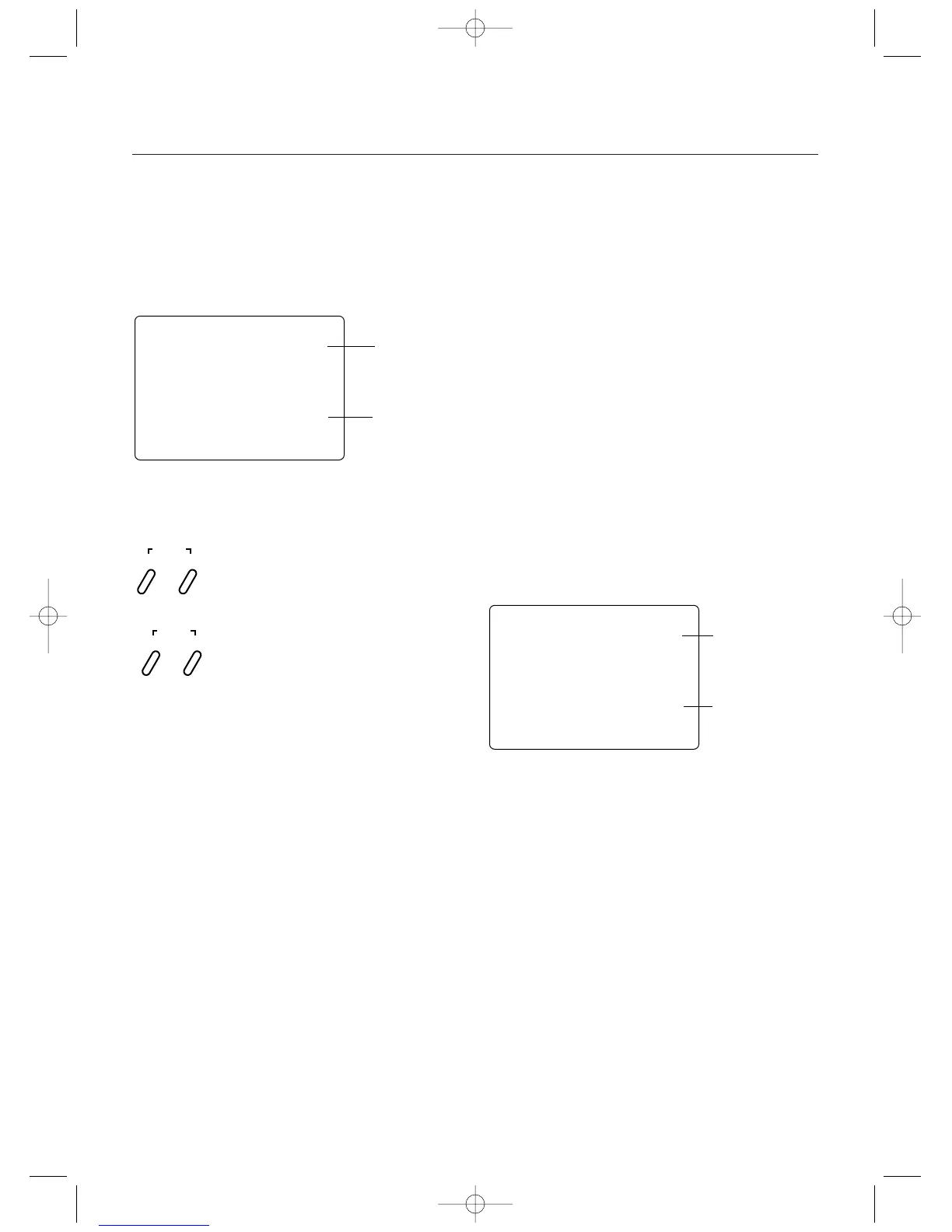
mdl
1
Model Select
Fuction
Current Model
Number
ch
65
Channel Select Fuction
Channel Number
Press and hold the Scroll and Channel keys at the
same time while turning transmitter power switch on.
Press the Increase or Decrease keys to select the
desired model to be used (1, 2, 3, 4, 5 or 6).
SCROLL
ENTER
CHANNEL
INCREASE
CLEAR
DECREASE



 To Next Page