102
■
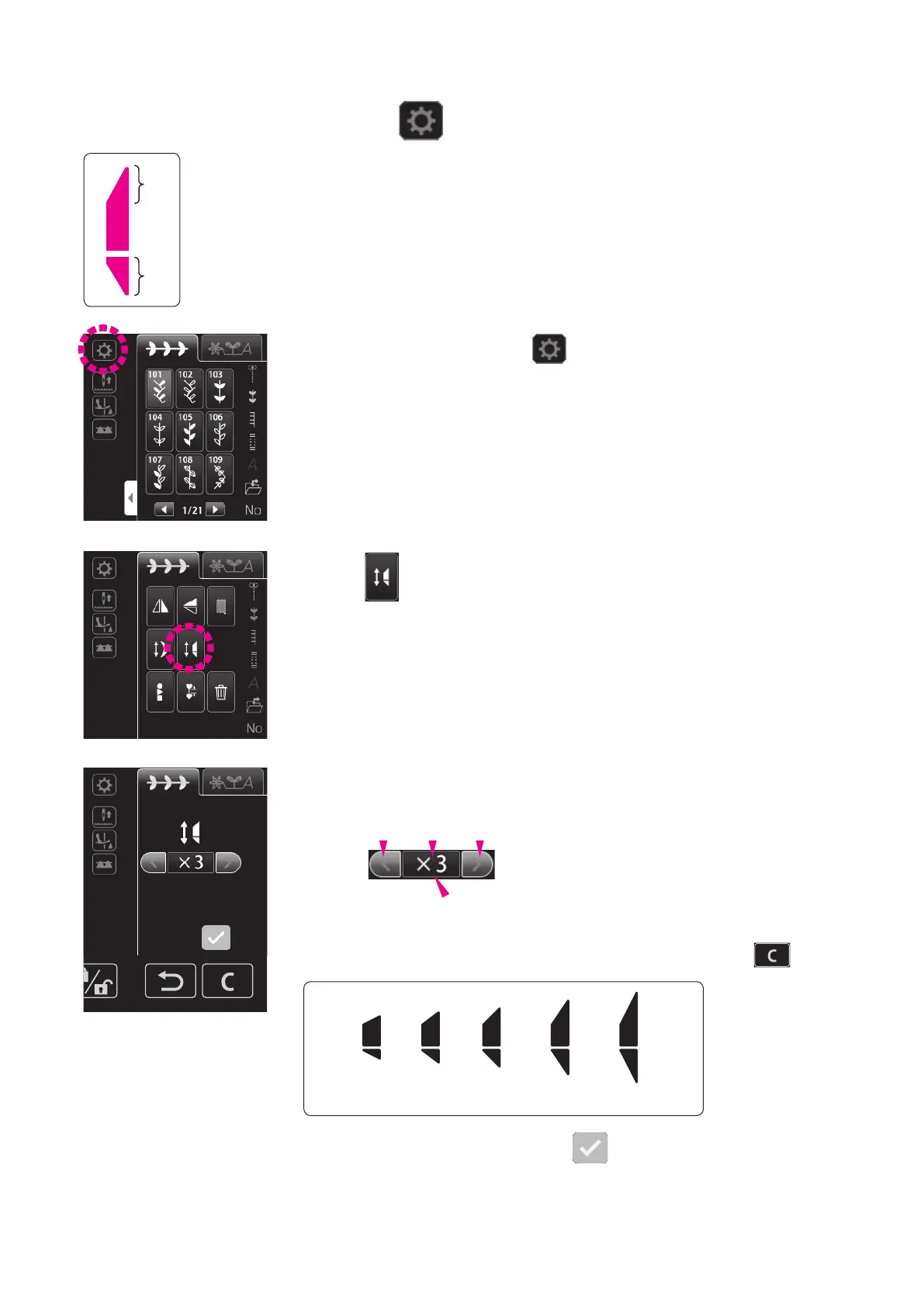
Changing the tapering size
❷
❶
It is possible to change the size of tapering sections (
❶
,
❷
)
according to the product you want to sew.
Size 1 2 3 4 5
Setting range: “×1” - “×5”
* Initial value has been factory-set to “×3”.
The set value is conrmed by pressing .
Shortened Lengthened
1. Invert the pattern. Then, press .
2. Press .
3. Select the size of tapering.
The size of tapering will be returned to its initial value by
pressing the blue frame.
The initial value is also restored by pressing
.
Standard
value


 To Next Page
 Loading...