Pacterm Screens
Pacterm has two screens for your use in working with your TNC:
•
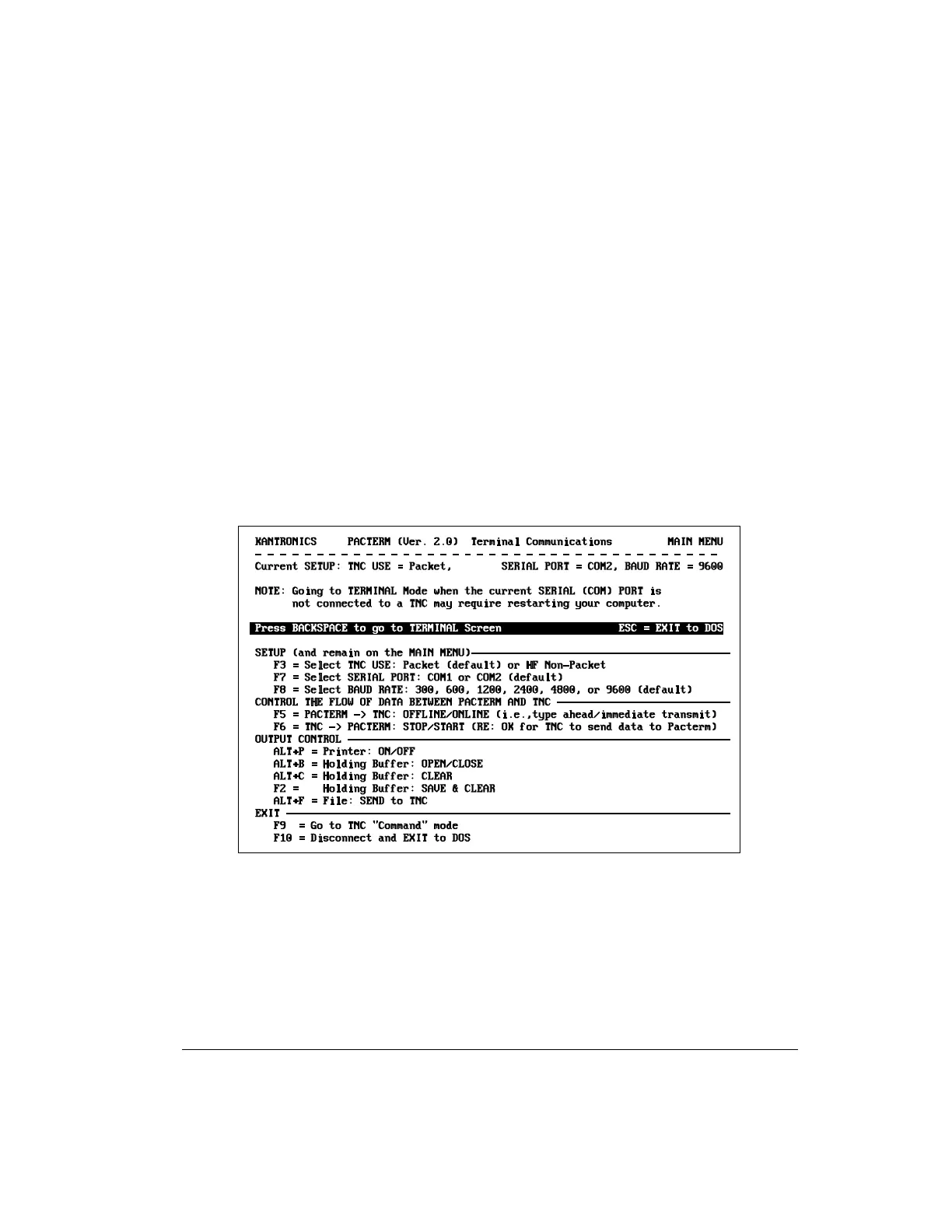
A MAIN Menu Screen, for setting up the communication, and
•
A TERMINAL Screen, for sending commands and data to your TNC,
viewing data sent to Pacterm by your TNC, and using the functions
described on the MAIN Menu (except SETUP functions and ESC).
The MAIN Menu Screen
As shown below, the MAIN Menu screen shows all the functions available in
Pacterm and serves as a “Help” screen as well.
Each MAIN Menu function is described in detail later in this manual.
To go to the TERMINAL Screen from the MAIN Menu, press the BACKSPACE
key or use any MAIN Menu function other than SETUP functions, F10, or ESC.
Pacterm Screens Pacterm v 2.0
KAM’98 v 8.3 79 User’s Guide



 To Next Page