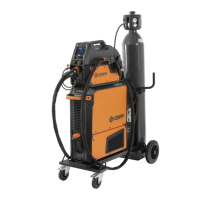
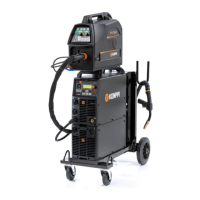
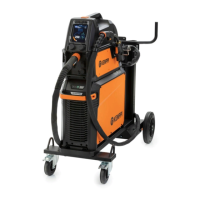
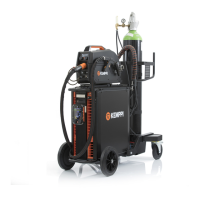
X8 MIG WELDER 2.5 Operation
2.
Click the welding machine icon on the toolbar.
3.
A dialog opens. Click Download dWPS. You get the WPS in a file format.
4.
Save the WPS on a USB stick.
5.
Insert the USB stick in the USB port of the X8 Power Source. All the WPSs on the USB stick are
saved in the welding machine and are available in the WPS lists, after you have confirmed the
copying through Control Pad.
Deleting WPS
You can only delete WPSs in the Advanced mode of Control Pad. To set the Control Pad to
Advanced mode, go to Settings view > Panel settings > Basic/Advanced mode.
Proceed as follows:
1.
Go to the View menu > WPS.
2.
Press the green button.
3.
Select a WPS from the list.
4.
Press the green button to open the command menu.
OPERATING MANUAL | EN 133
©
KEMPPI 2017 | 1817


 To Next Page
 Loading...