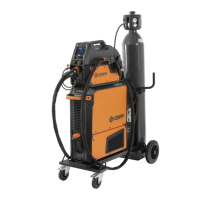
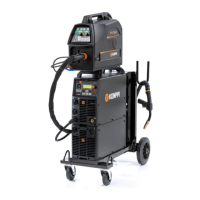
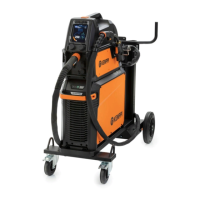
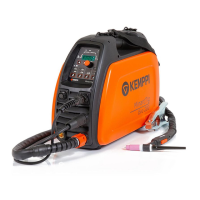
X8 MIG WELDER 2.4 Installation
2.
Pull the front panel outwards from the lower edge.
3.
Remove the lower left cover from the rear of the power source.
4.
Push the cooler inside the power source from the opening in the front.
Note:
Do not use force, but make sure the connectors on the cooler and the power source
are properly connected.
5.
Fill the coolant container with applicable coolant solution. For more information, see Filling
cooler on page 111.
6.
Attach the two screws in the front panel of the power source.
2.4.2.4 Installing or replacing mains cable
The power source is supplied with a 5-meter mains cable without a plug installed.
Warning:
The mains cable must be installed by an authorized electrician.
For high voltage versions, install the 6 mm
2
cable. For multi-voltage versions, install the 16 mm
2
cable.
The mains cable includes the following wires:
1. Brown: L1
2. Black: L2
3. Grey: L3
4. Yellow-green: Protective earth
2.4.3 Wire Feeder installation
This chapter describes the wire feeder installation.
For wire feeder cable connections, see Installing interconnection cable. For information on
operating the wire feeder, see Wire feeder control panel on page 106.
2.4.3.1 Installing wire feeder
The installation of the Wire Feeder Rotating Plate and Double Wire Feeder Rotating Plate is
identical, as is installing one or two wire feeders.
Install the wire feeder on the power source with a Wire Feeder Rotating Plate. To install two wire
feeders, use a Double Wire Feeder Rotating Plate.
Proceed as follows:
1.
Place the wire feeder rotating plate or double rotating plate on top of the power source, with
the orange claw at the rear of the unit.
OPERATING MANUAL | EN 35
©
KEMPPI 2017 | 1817

 To Next Page
 Loading...