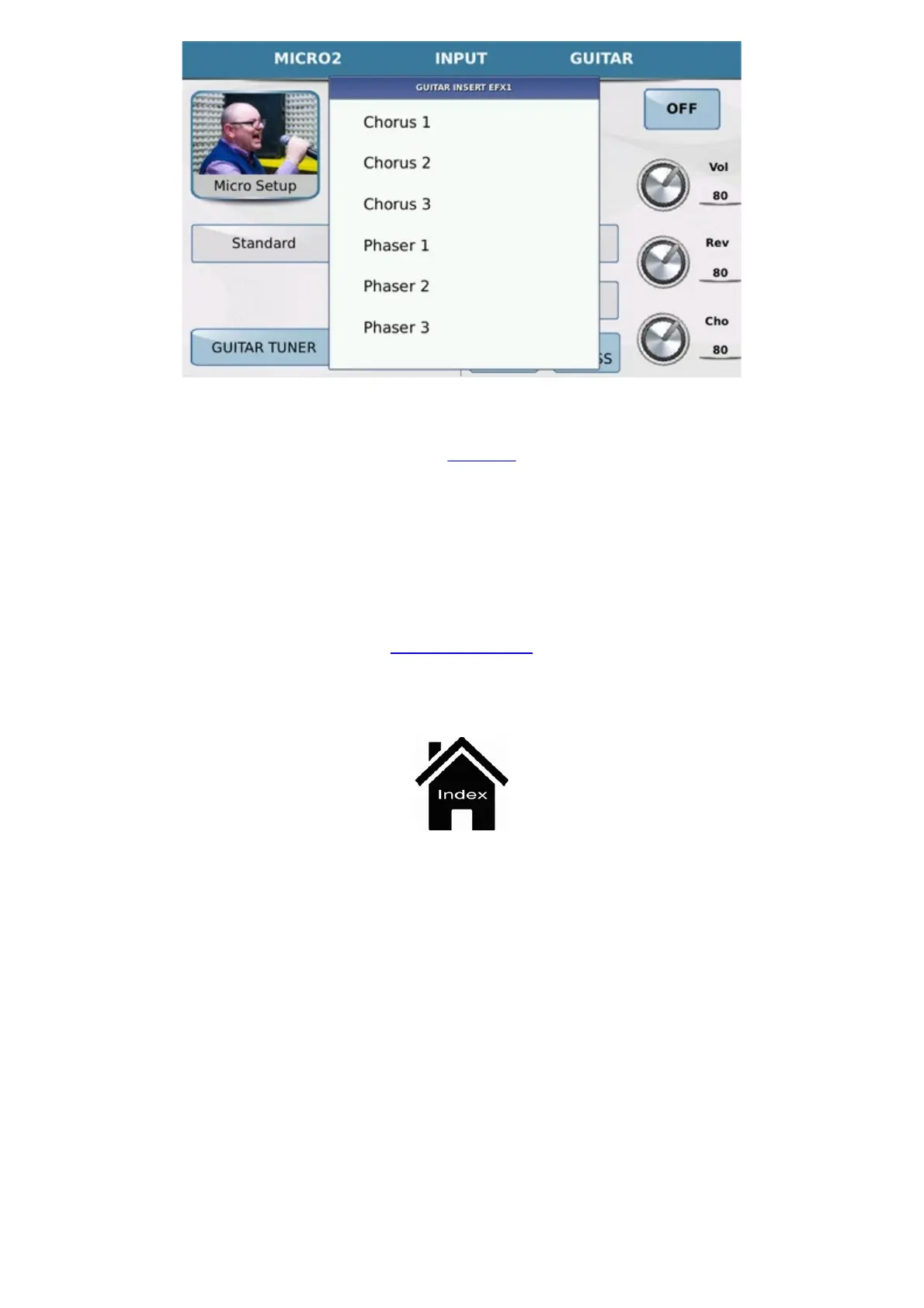
Micro 2 / Guitar
https://www.ketron.it/images/ketron/Manuali_HTML/SD40/english/32_input.html[13/05/2020 17:07:46]
Finally, each guitar effect may be edited by pressing the
EDIT key.
Any the changes made to the effect may be saved in a Setup by pressing the SAVE key on the panel. The display
allows you to save your modifications in an effects setup for microphone or guitar. Once you have made this choice,
you may press
SAVE to open a window on which to save the setup with the same file name or you may press
SAVE AS to open the alphanumeric keypad on which you may save the setup with a new file name.
Front Panel



 To Next Page