Style
https://www.ketron.it/images/ketron/Manuali_HTML/SD40/english/06_style.html[13/05/2020 16:58:17]
-
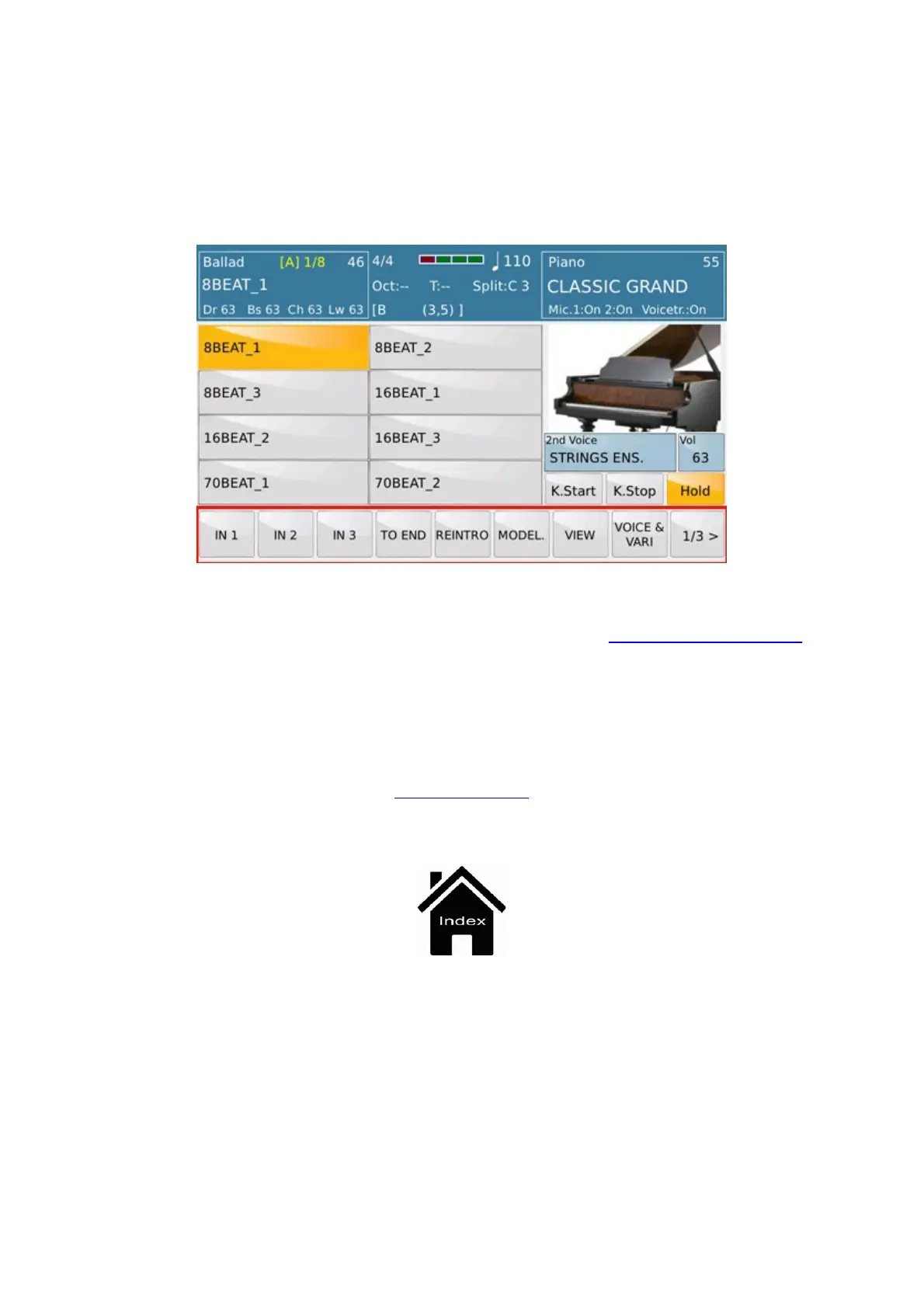
: When this key is on, an automatic accompaniment is enabled when you play a chord on the Lower
section of the keyboard connected to the Midi In of the instrument, without having to press the START/STOP key on the
panel.
-
KEY STOP: This key stops the accompaniment when you lift your hand from the Lower section of the keyboard.
-
HOLD : Keeps the accompaniment playing even when you stop playing the chord with your left hand until you play
the next chord.
and many Touch Screen direct access buttons that we find in the section named as
Arranger Setting.
Front Panel



 To Next Page