Playlist
https://www.ketron.it/images/ketron/Manuali_HTML/SD40/english/38_playlist.htm[13/05/2020 17:08:22]
Playlist
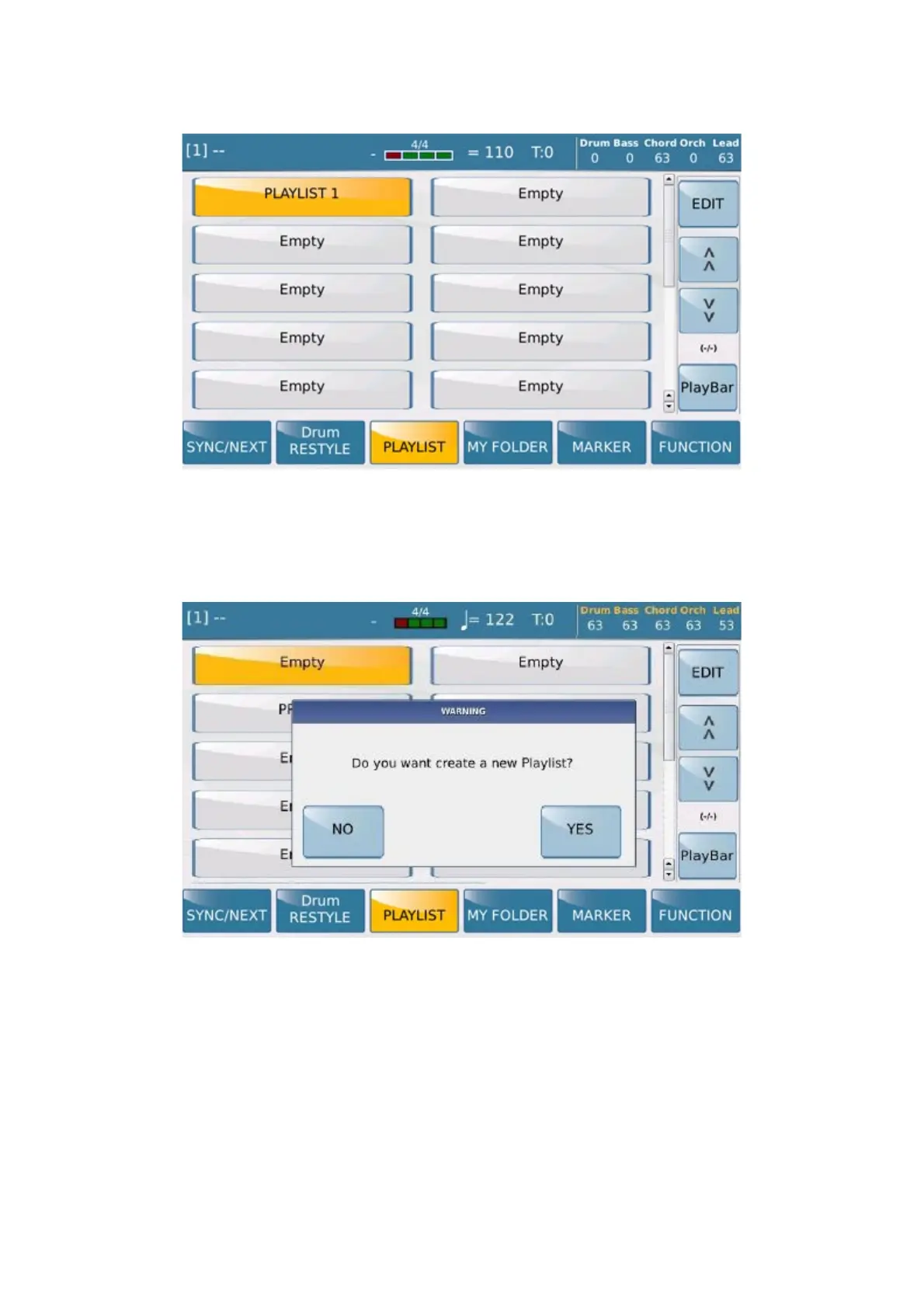
The Playlist is a list of files that may be played on the instrument and are displayed in a screen in the order decided
by the user. It is useful, for example, to organise musical repertoires in different playlists so as to have specific
music playlists ready for a performance. To create a playlist, select
EMPTY and confirm with YES on the
dialogue window.
The display now shows the current directory from which you may open the folders and find files to add to the
playlist using the screen and the
ENTER and EXIT keys on the panel. After selecting the file, press the
INSERT ITEM key to add the file to to the new Playlist.
For same purpose you can also use the mode DRAG & DROP (select the file by pressing on the screen and
drag it file to the desired location):



 To Next Page