Playlist
https://www.ketron.it/images/ketron/Manuali_HTML/SD40/english/38_playlist.htm[13/05/2020 17:08:22]
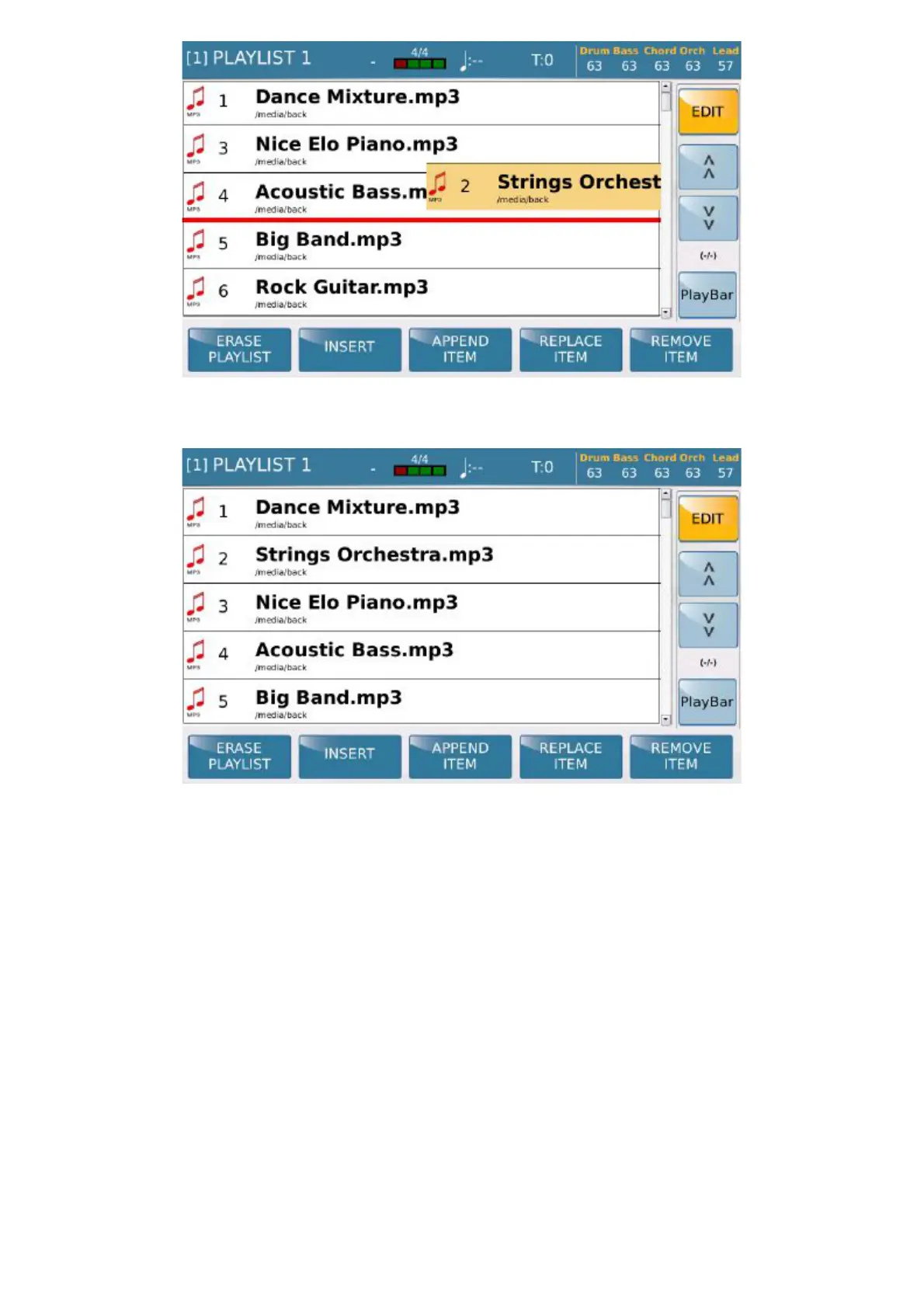
Edit all your preferred playlists with EDIT.
When you select the EDIT key the functions that you may use to edit the playlist selected are displayed at the
bottom. When using these functions remember that the playlist must always be saved in Edit, and that if you escape
from the Edit page without saving your modifications they will be lost.
- ERASE: Deletes the playlist.
- INSERT: Adds new files to the playlist selected. When you select this function the current directory is
displayed from where you may navigate, opening and closing folders on the Touch Screen display and with the
ENTER and EXIT keys until you find the file you require. Select the file and then press INSERT
ITEM
to add it to the playlist. If you wish to escape from this function select ABORT.
- APPEND ITEM: Adds new files directly on the bottom of the selected playlist
- REPLACE ITEM: Use this function to replace a file in the playlist with another file. To do this, select
the function then touch the playlist file you wish to replace; the display shows you the navigation root to select the
replaced file. After selecting the file, press
CONFIRM or ABORTto escape from the function.



 To Next Page