Media
https://www.ketron.it/images/ketron/Manuali_HTML/SD40/english/08_media.html[13/05/2020 16:59:15]
Media
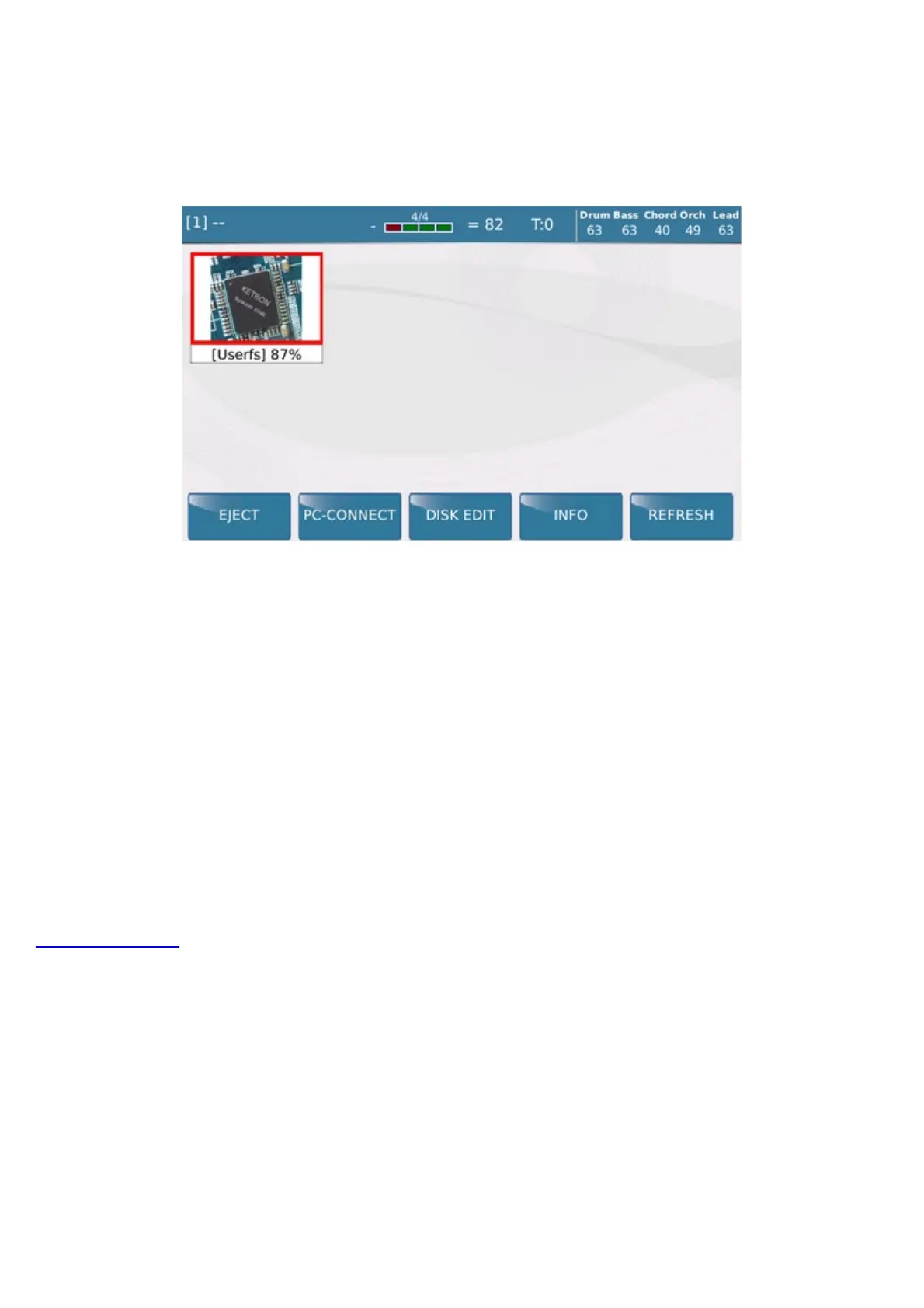
When you press the key MEDIA a screen is displayed showing the devices installed in the instrument or
connected via the USD ports.
The following functions are displayed at the bottom of the screen:
-
EJECT: Use this function to remove the device selected, with exception of the internal SSD of the instrument
(User FS). This is the same safe hardware removal function that you have on your computer, which protects devices
connected from any damage that may occur if they are removed when data is being written to a file.
Once the modifications have been made on the peripheral (saving a Midifile, copy, etc..) before removing the pen
drive, press Eject to ensure that the modifications have actually been saved.
- PC-CONNECT: This function permits a computer connected by USB cable to the USB Device of SD40
to read all the storage devices installed on the SD40 and those connected to the USB Host ports. Once the
connection has been enabled, the computer will read the internal SSD of the instrument as well as any devices
connected to the instrument via the USB Host ports, such as a Pen Drive.
Press the PC CONNECT function to disable the connection. A message will appear warning you to remove
the hardware from the computer safely in order to avoid damage.
- DISK EDIT: This enables a number of functions for the files selected in the lower bar.
- INFO: Shows information relevant to the drive selected.



 To Next Page