Functions
https://www.ketron.it/images/ketron/Manuali_HTML/SD40/english/25_function.htm[13/05/2020 17:04:49]
Functions
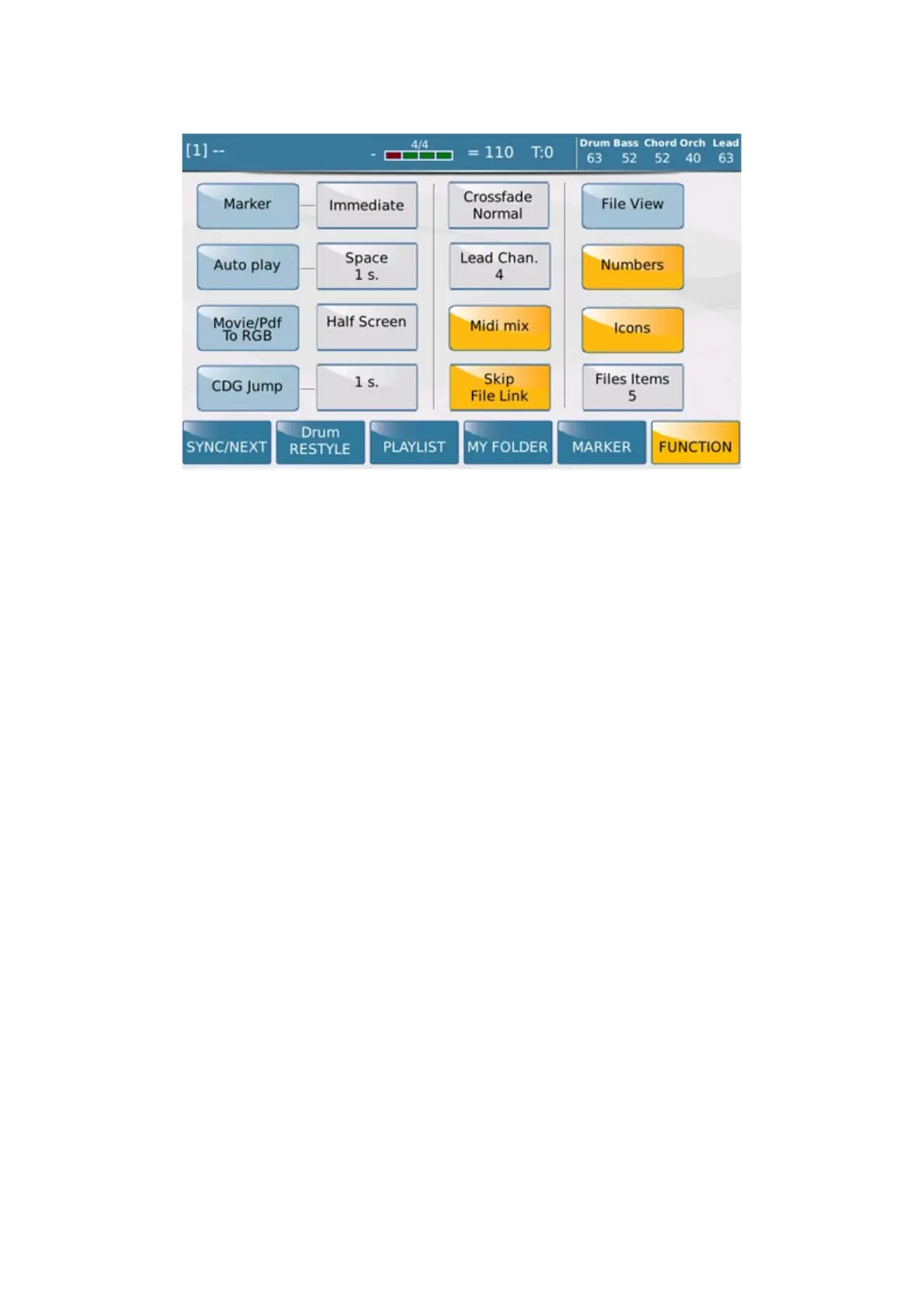
On this screen you may customise the settings of your Player GM.
-
MARKER: Sets the mode with which the Player passes from one section to another of the file you are
playing (Immediate, End Bar, End Section, Loop). Markers are pointers that allow you to jump from one part of the
song. I.e: from the intro to the chorus or into bridge directly or repeat the same part at your pleasure. Markers can be
inserted on MIDI File using proper sequencing programs for computers.
- AUTO PLAY: Automatically plays all the songs in a Folder. You can set the interval between songs in
seconds (0 s. - 30 s.) in the box next to Space. Simply select the box and change the value with Dial.
- Movie/PDF To RGB: When enabled, this setting allows you to view a movie or pdf only on an external
monitor.
- CDG JUMP: This function allows you to skip the initial part of the CDG files (often used for information
purposes). Touch the corresponding box on the right to set the initial time to cancel using the Dial (from 0s. to 30s of
the file.)
- CROSSFADE: This function sets the Crossfade curve from one file to another (Normal, Slow 1, Slow 2,
Fast 2, Fast 1)
- LEAD CHAN: This allows you to select the track of the Midifile on which you wish to exclude the Song
Line (Lead Off) .
- MIDI MIX: This function allows you to adjust the main volumes of the Midifile (grouped as Drum, Bass,
Chord , Orch, Lead) using the sliders on the panel. When this function is enabled, the song volume corresponds to
the position of the sliders, while when the function is disabled the Midifile starts with the default values saved in the
Midifile itself without taking into account the position of the sliders.
- SKIP FILE LINK: This function disables the link between two files with the same name. If for example
you have an Mp3 file and a Lyrics file with the same name, if this function is enabled, the Lyrics file will not
automatically be displayed on the screen.



 To Next Page