Player
https://www.ketron.it/images/ketron/Manuali_HTML/SD40/english/05_player.htm[13/05/2020 16:57:59]
Player GM
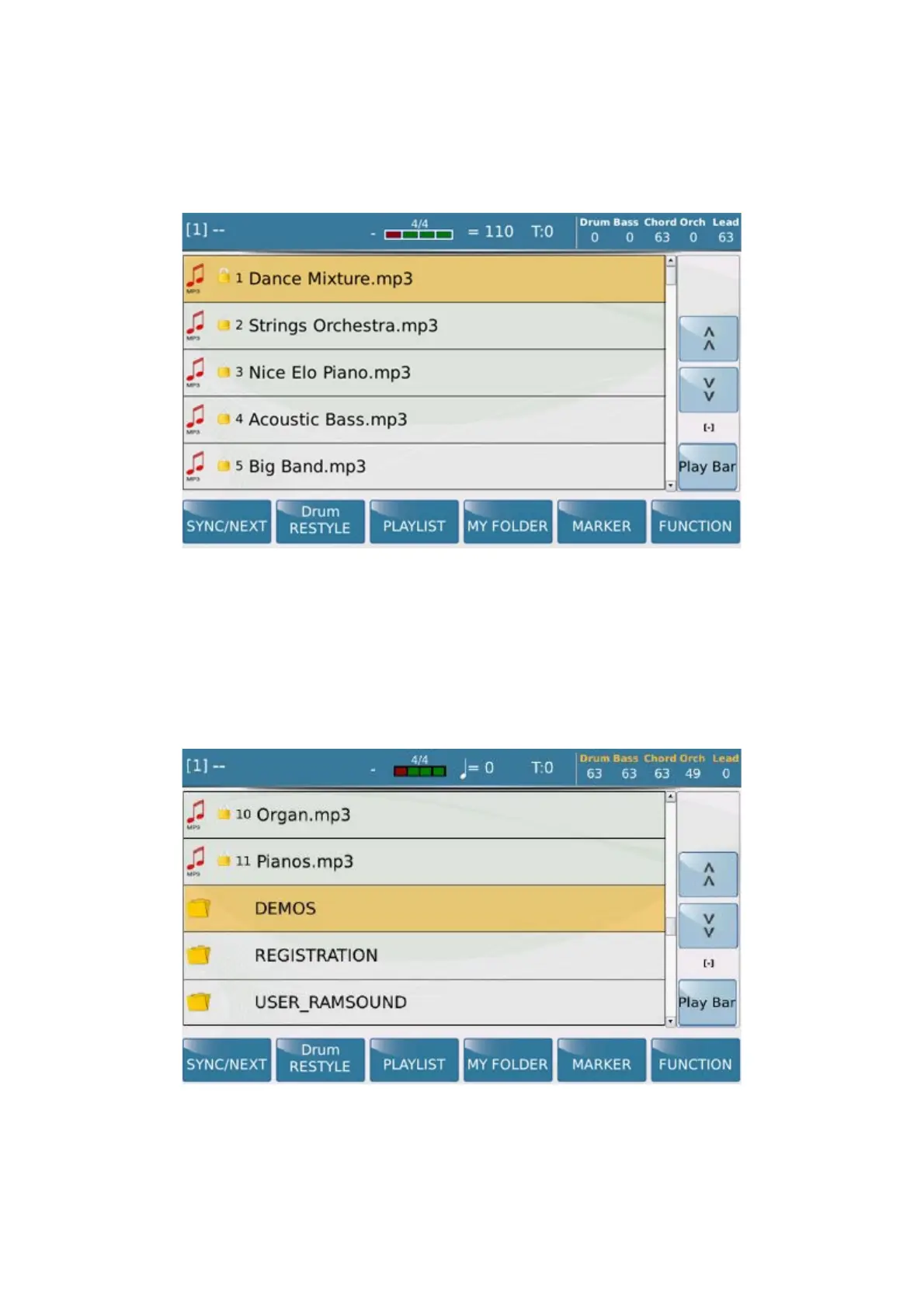
When you select the tab PLAYER, the contents of the internal solid disk (SSD) are displayed to load the files.
When you select the MEDIA menu, the contents of the media device selected (SSD, Card, USB, etc) are displayed.
To navigate use:
1. The Touch Screen that allows you to select the file directly and enter the folder with a double click.
2. The Dial DATA/ VALUE to scroll files, folders or edit the parameters in Editing mode.
3. The Exit key to escape from folders and back root.
4. The Enter key to enter the folder selected rather than double clicking on the Touch screen.
When you touch the file, it will be selected and highlighted in orange and loaded in player 1.



 To Next Page