Player
https://www.ketron.it/images/ketron/Manuali_HTML/SD40/english/05_player.htm[13/05/2020 16:57:59]
SD40 is now ready for you to play!
Press START/STOP to start reproduction or touch the filename selected a second time or press Enter. When the file
is in play, the red light of the START /STOP key lights up.
N.B : when the Auto Play function on the
FUNCTION menu (displayed at the bottom on the right) is
enabled, the songs in the folder are reproduced automatically from first to last.
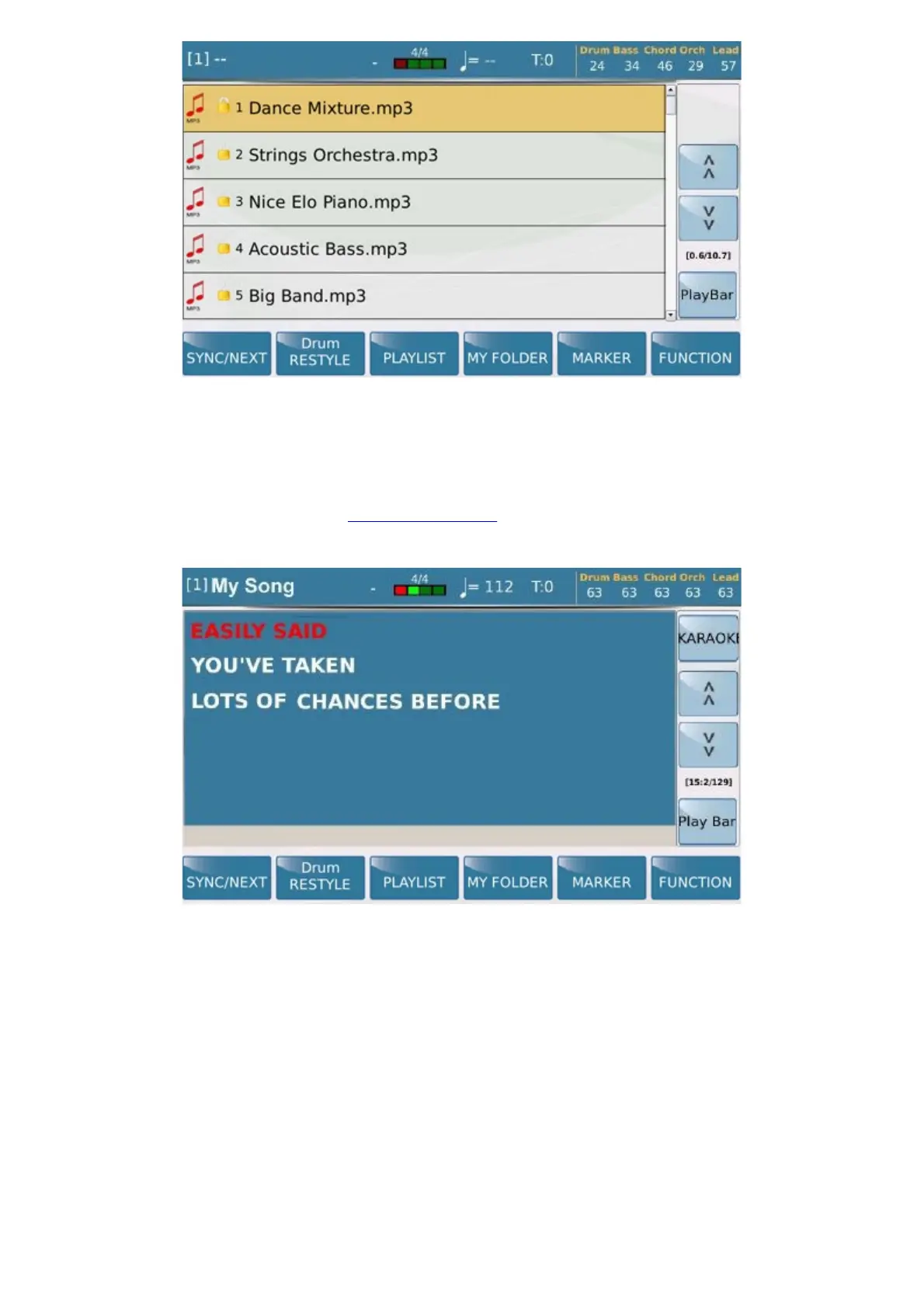
This is the main screen of the PLAYER GM section, created specifically for Midifiles, audio files, videos and
images.
On this screen, if the file contains the Lyrics, these may be displayed on the screen or on an external monitor.
The upper bar displays the current status at all time, showing the following information:
Name of the file selected, preceded by a number in square brackets that indicates the player selected.
- Metronome time (only for Midifiles).
- Speed (only for Midifile).
- Transposition value set for the file playing.
- Volumes of the Drum, Bass, Chord, Orch. (Lower) and Lead sections.



 To Next Page