Registration
https://www.ketron.it/images/ketron/Manuali_HTML/SD40/english/41_registration.html[13/05/2020 17:00:13]
Voices on Registration
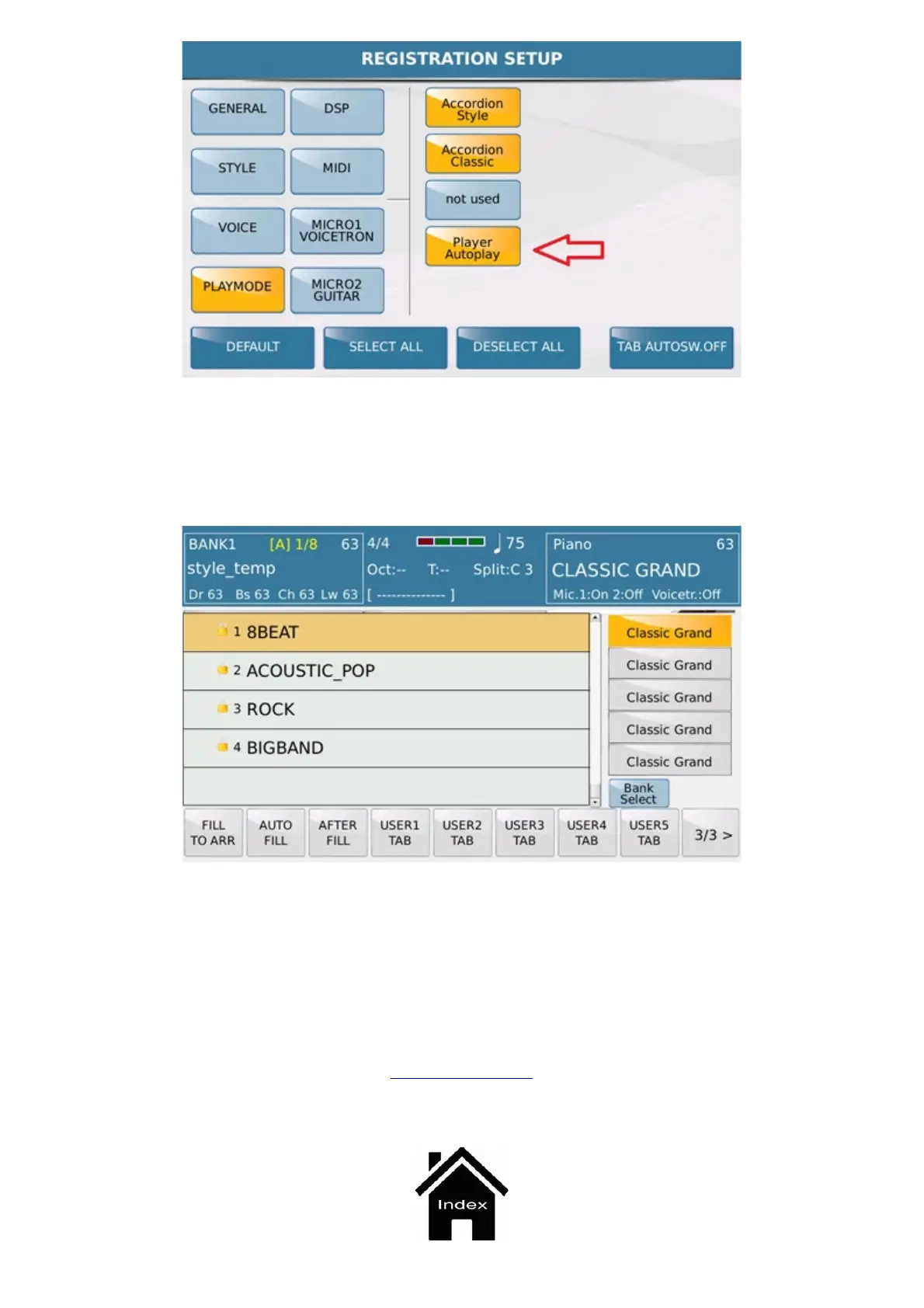
In the Registration environment, pressing the new [Voice Select] button display will show 5 boxes.
In the first box there is the current selected Voice; in the other 4 boxes you can assign voices (by holding down the
box as it already happens for the Voice & Vari function.)
Status of these 5 Voices can be saved in the Registration itself.
Front Panel



 To Next Page