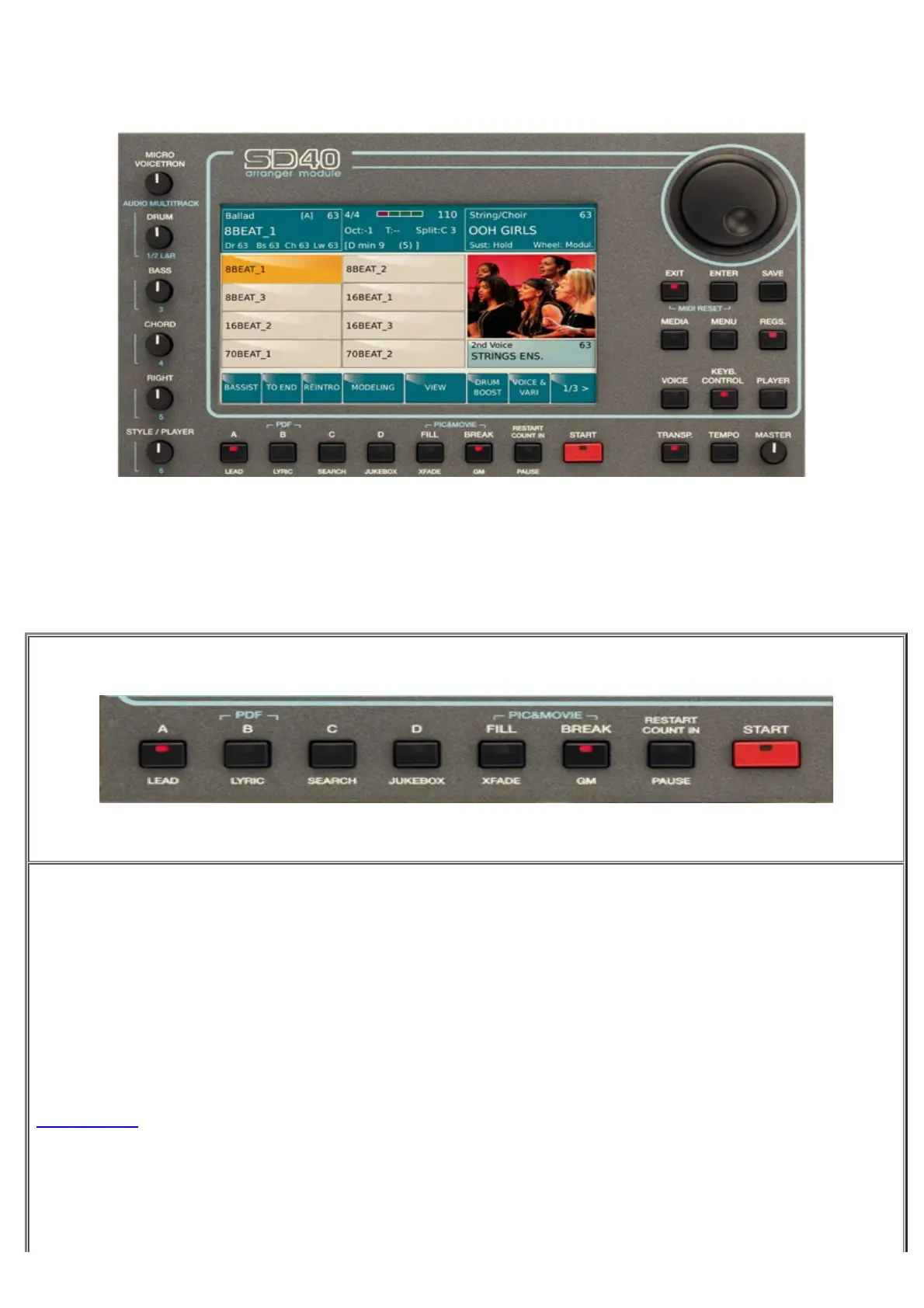
Front Panel
https://www.ketron.it/images/ketron/Manuali_HTML/SD40/english/03_pannello%20frontale.htm[13/05/2020 16:57:20]
Front Panel
The main feature of the front panel is a wide colour touch screen which is the central point of the user interface
system.
On the bottom of display we found following tabs:
Here the features showed on top part of tabs:
-
A : Tab to recall variation A of Arranger
-
B : Tab to recall variation B of Arranger
-
PDF ON: This tab enables / disables the display of PDF files on STYLE / REGISTRATION / PLAYE
environments .
-
C : Tab to recall variation C of Arranger
- : Tab to recall variation D of Arranger



 To Next Page