Search
https://www.ketron.it/images/ketron/Manuali_HTML/SD40/english/43_search.html[13/05/2020 17:07:27]
Search
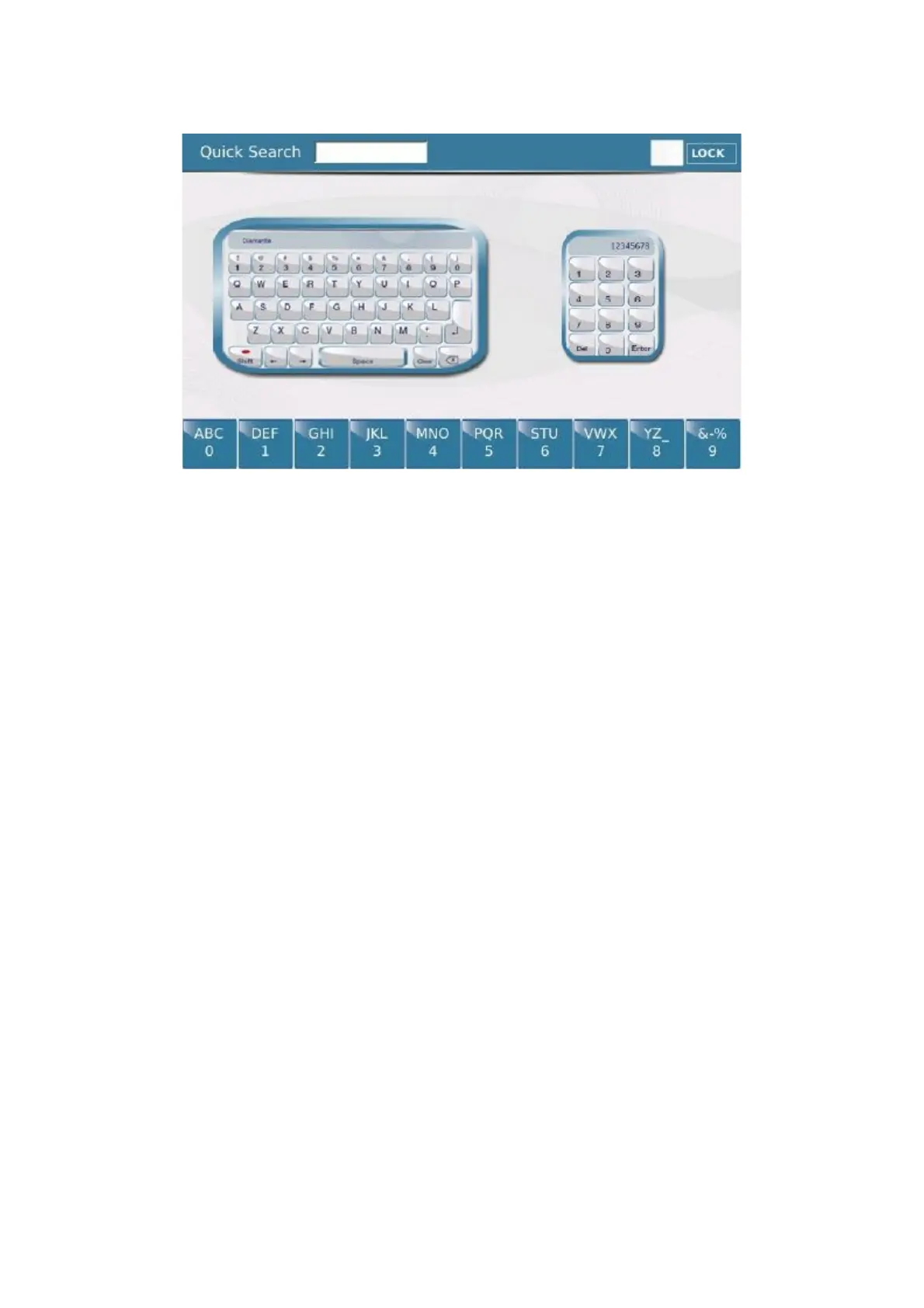
When you press the SEARCH key on the bottom of the display you enter a window with a virtual
alphanumeric keypad and a virtual numeric pad on which you may enter the file name or file number you are
searching for. After entering the file name or number simply confirm by pressing
ENTER to start the file
search. This function searches the Media you have selected, in other words if you have selected the external memory
of a USB device (for example), Search will perform the search only on that device.
The LOCK option, on the other hand, allows you to search for the file in the directory selected without entering
and escaping repeatedly from Search mode. After selecting the Lock function, the current directory is displayed and
you may search for your file using the keypad at the bottom of the display.
There are also 9 quick search keys at the bottom of the display; simply enter the file name or number in the
corresponding box to perform a search without using the virtual alphanumeric keypad or numeric pad. The key
functions in a very similar way to that of a mobile phone: tap the key once to enter the first letter. Tap the key
quickly twice to enter the second letter, 3 times to enter the 3rd letter and 4 times to enter the number. If you wait
before tapping the key again, the first letter etc. is entered again. If you make an error, go back by pressing the
DELETE key on the right at the top.
Pressing on the icons of the two keypads the display will show in this way:
File Search:



 To Next Page