Save
https://www.ketron.it/images/ketron/Manuali_HTML/SD40/english/42_save.html[13/05/2020 17:03:21]
Save
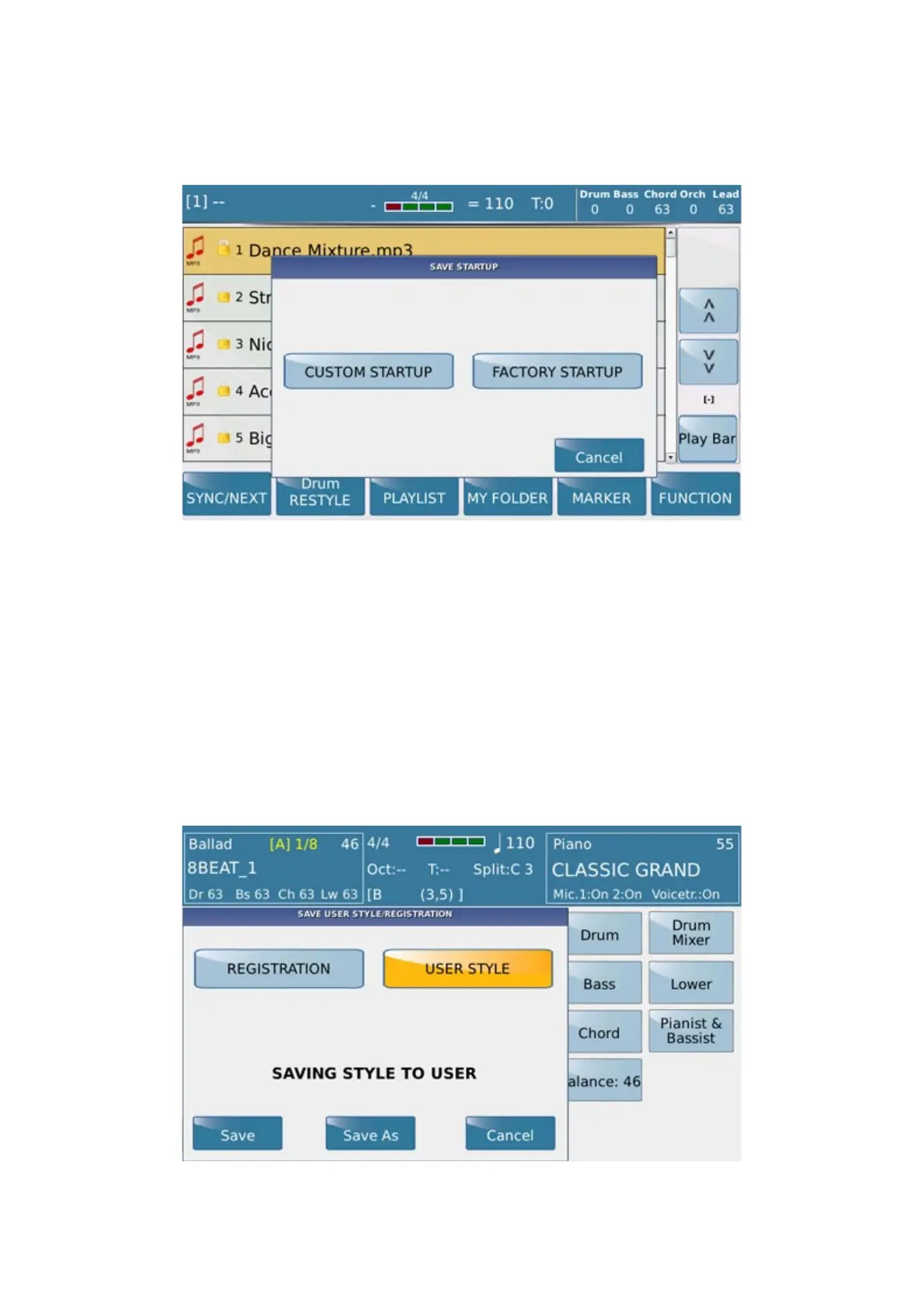
Press the SAVE key in Song Play mode to open this window
with the following save options.
-
CUSTOM STARTUP: Saves customised settings so that they are loaded when you start up your
instrument.
- FACTORY STARTUP: When you start up your instrument, this option overrides user modifications
and reloads the factory settings
- CANCEL: To abort and return to the previous window.
When you press the SAVE key in Style mode, the following window is displayed:
On this page you may save the modifications made to a Registration or User Style. To save the modifications with
the current name of the Style or Registration press
SAVE, or enter a new name with SAVE AS: in this case



 To Next Page