Save
https://www.ketron.it/images/ketron/Manuali_HTML/SD40/english/42_save.html[13/05/2020 17:03:21]
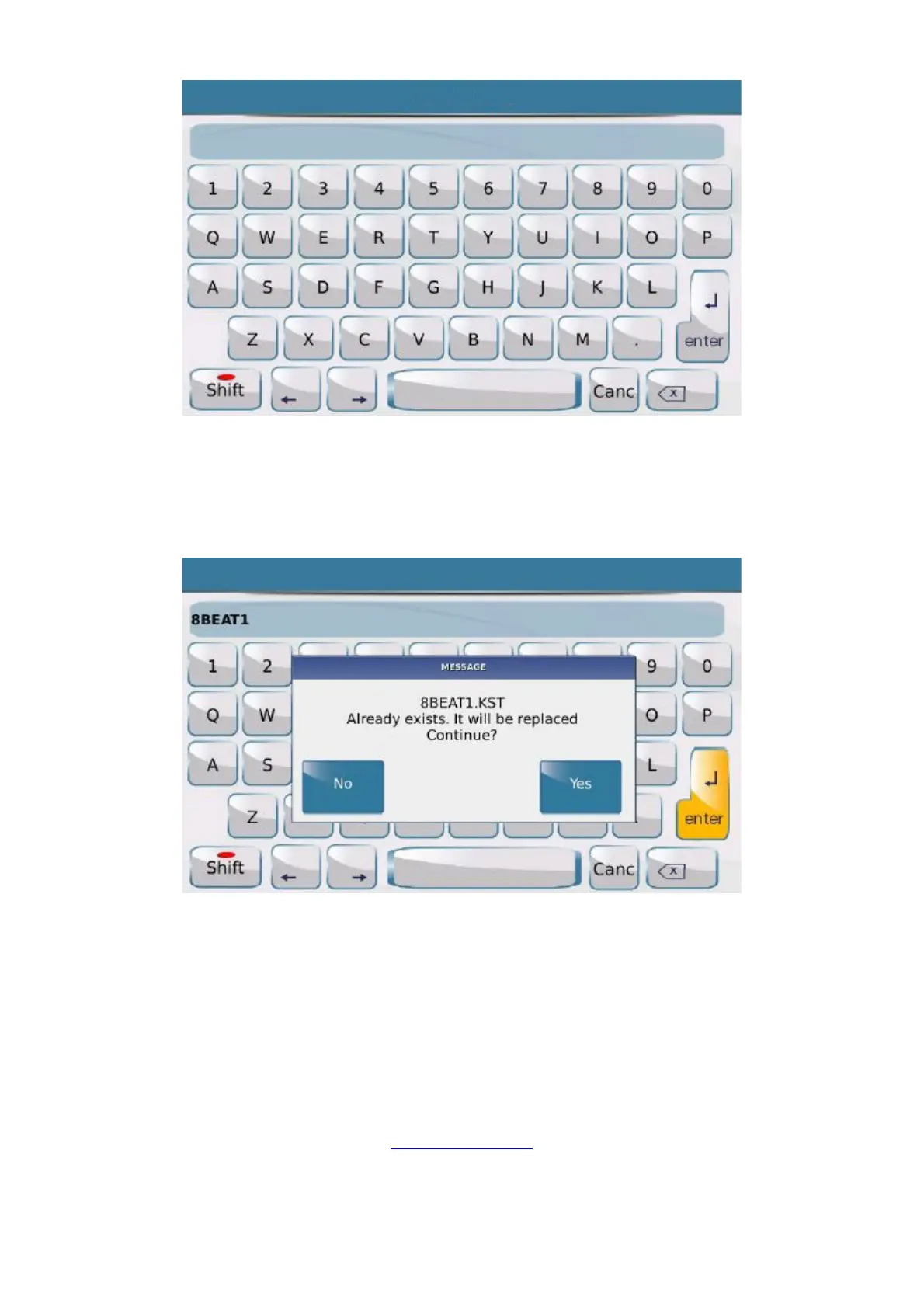
an virtual alphanumeric keypad is displayed on which you may enter the new file name.
After entering the new name simply press ENTER on the alphanumeric keypad to save.
If you press ENTER without rewriting the name, the User Style or Registration will keep the current name and
you will write over the file. This is why the following message is displayed:
This message warns you that if you confirm by pressing YES the Registration or User Style will be overwritten
and the current User Style will be lost. The original factory styles can however not be deleted and will therefore
always be available. When you modify an original factory Style or save it with the same name, it will in any case be
saved in User Style mode without deleting the original Style.
In some menus like Footswitch, Accordion etc., the SAVE key allows you to save specific functions on the
corresponding menu. The save procedures are described in the section of this Manual relevant to the menu in
question.
Front Panel



 To Next Page