Jukebox
https://www.ketron.it/images/ketron/Manuali_HTML/SD40/english/27_jukebox.html[13/05/2020 17:01:37]
Juke Box
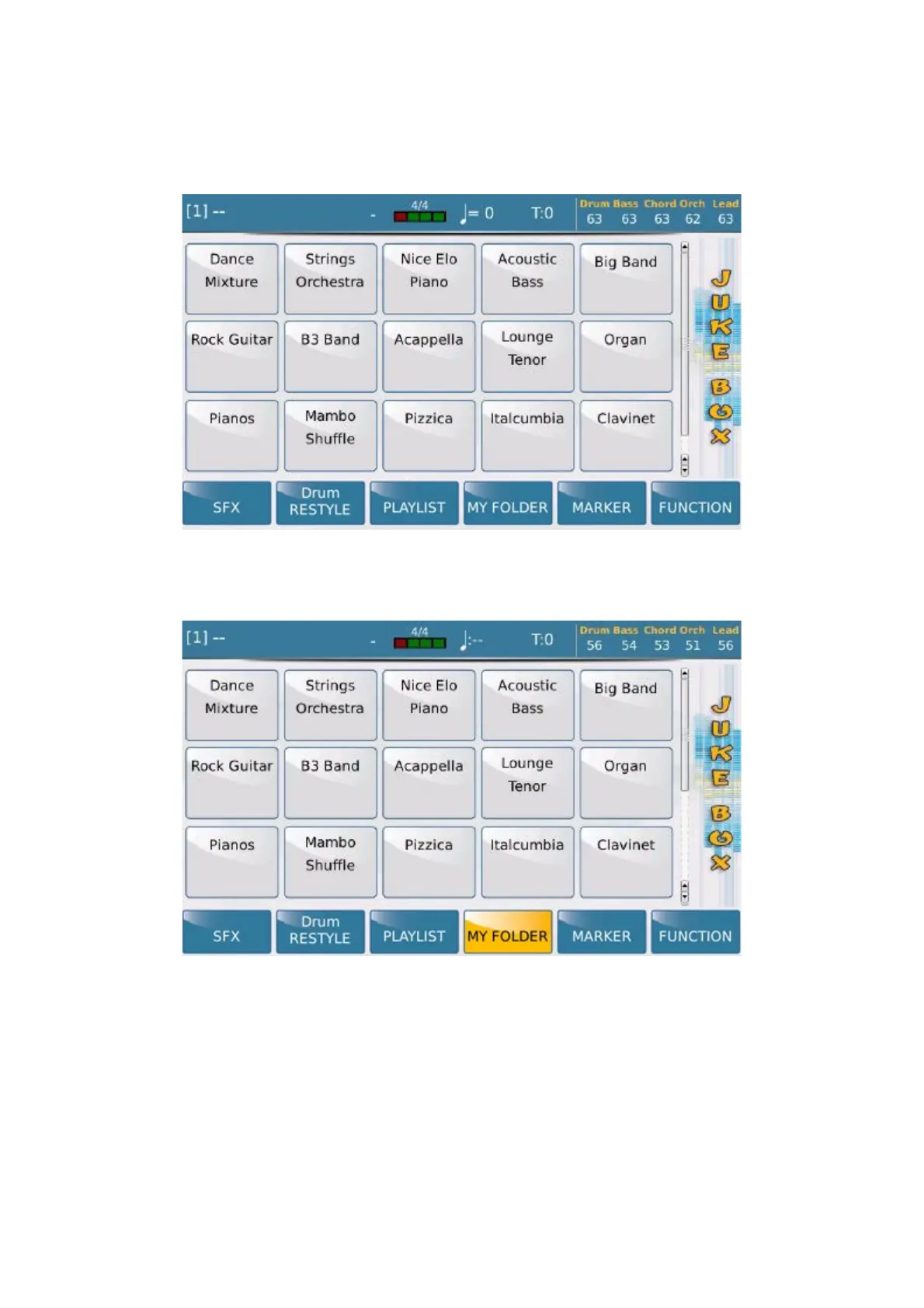
Juke Box allows you to manage the standard Player in a different way to play the files. By default the files in Playlist
1 are displayed but other Playlists may be selected.
The same thing happens when you select MY FOLDER on the display and select a folder. All the songs in
the folder will be loaded in the pad. You may scroll the files in groups of 15 with the Dial.
On this window you may also use a number of sound effects by selecting the SFX key which you will find on the
right at the bottom of the display. The following page opens where each tab enables the sound effect indicated.



 To Next Page