Voice List
https://www.ketron.it/images/ketron/Manuali_HTML/SD40/english/63_voicelist.html[13/05/2020 17:11:36]
VOICE LIST
SD 40 offers this feature really useful for the management of the Voice. The VOICE LIST menu allows you to
allocate the Voice that you use most often on 24 locations at hand. This will avoid frantic search in the various
families VOICE to call just one or ones VOICES who are more used to use in your Performance.
The default VOICE LIST offers 24 locations already preset. Of course you can create your VOICE LIST overwriting
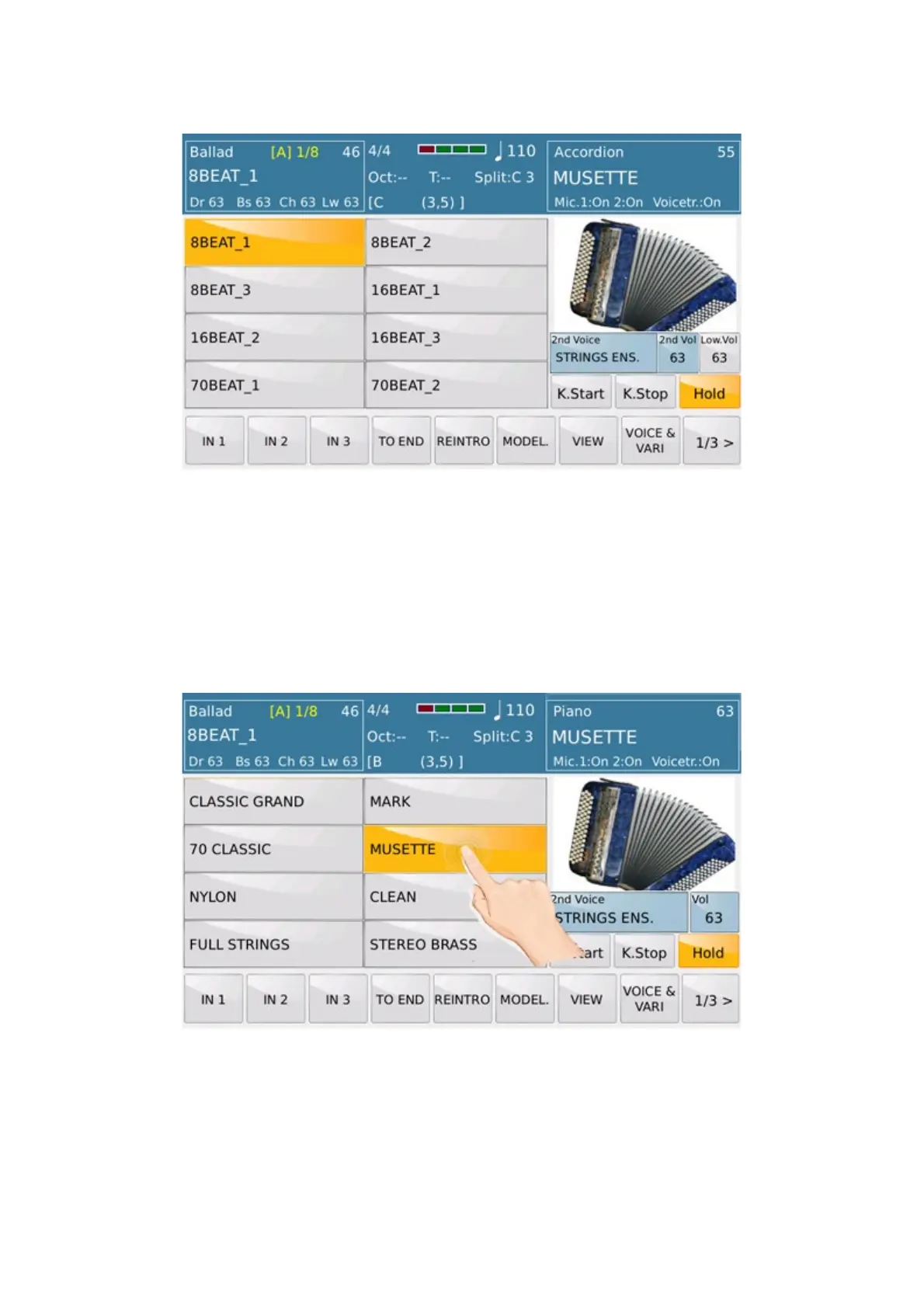
the locations already used. The procedure is quite simple. Selected as shown in the photo below a location (already
used) by holding down the icon for a while.
After a while the screen will show menu choice of VOICE in their families (the LED of VOICE LIST tab will flash).



 To Next Page