Midi
https://www.ketron.it/images/ketron/Manuali_HTML/SD40/english/35_midi.html[13/05/2020 17:05:24]
-
: Provides access to the control window of the 16 tracks called parts and to the 16 corresponding
Midi channels used during reception and transmission from the GM sound module built into the instrument.
-ARRANGER KEYBOARD: Provides access to the control window of the sections and
corresponding Midi channels used during reception and transmission from the sound module built into the Arranger
of the instrument.
- CLOCK IN: When this is enabled (yellow) the SD40 accepts the Clock command from external Midi
appliances and may be synchronised with an external Sequencer / Controller.
- CLOCK OUT: When this is enabled (yellow), the SD40 transmits the Clock to External Midi appliances
(Sequencer/Controller).
- USB MIDI GM : Turns the USB Device port on the back panel into a Midi port for transmission and
reception. In this mode the Midi connection to sequencer software may be made directly using a USB cable without
using the Midi ports and traditional Midi cables.
- USB MIDI KEYB: Enable feature for connection with USB remote keyboard
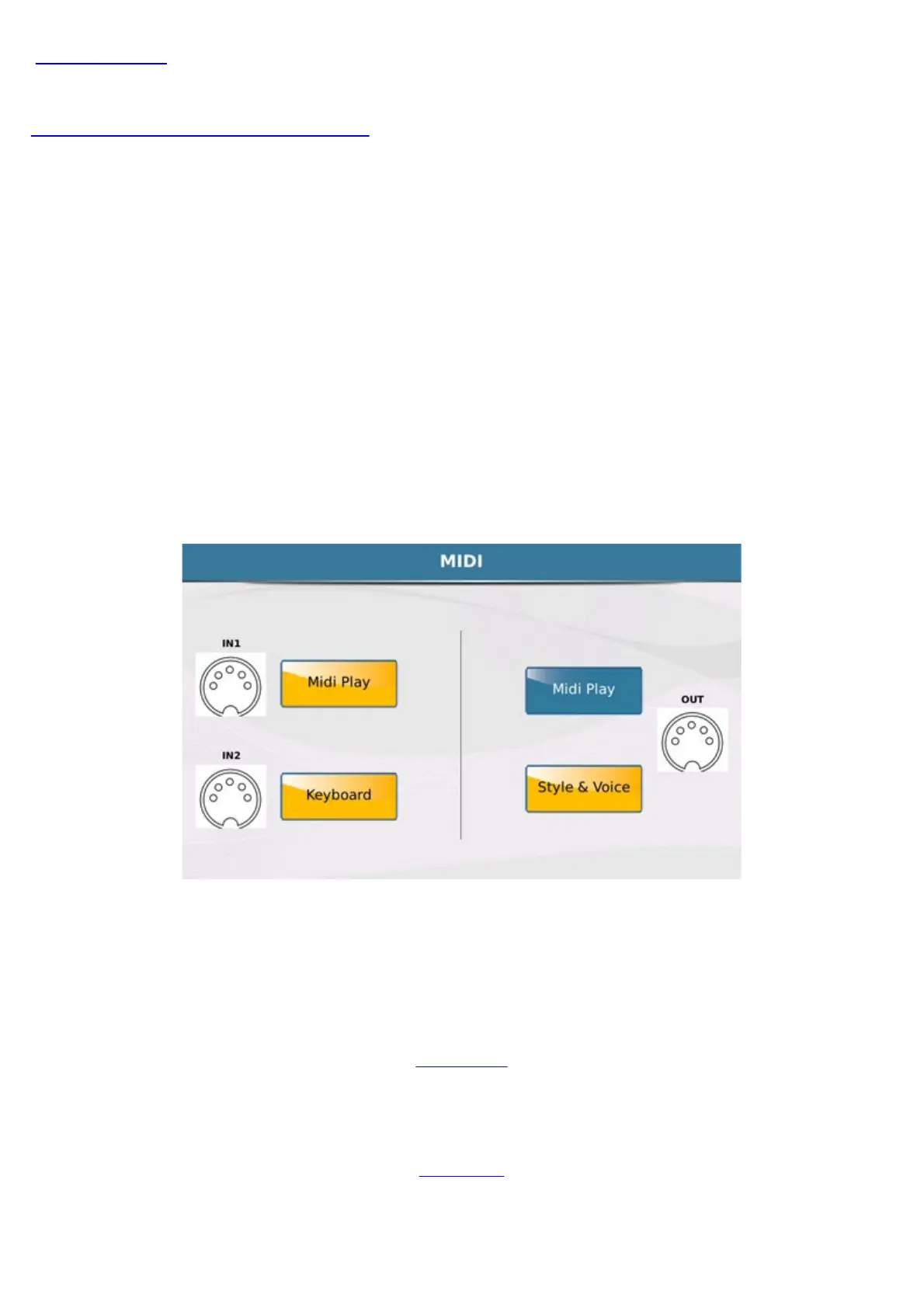
- MIDI PORT: Pressing this key opens a window to route the Midi ports
The window displays 3 devices on the instrument and the respective connections to the Midi In and Midi Out ports.
Midi In 2 port is addressed exclusively to the Keyboard (Global).
Info: You can check an incoming MIDI activity thru Midi In Port by a led placed on EXIT button .
STYLE
MENU



 To Next Page