Menu
https://www.ketron.it/images/ketron/Manuali_HTML/SD40/english/09_menu.htm[13/05/2020 16:59:33]
Menu
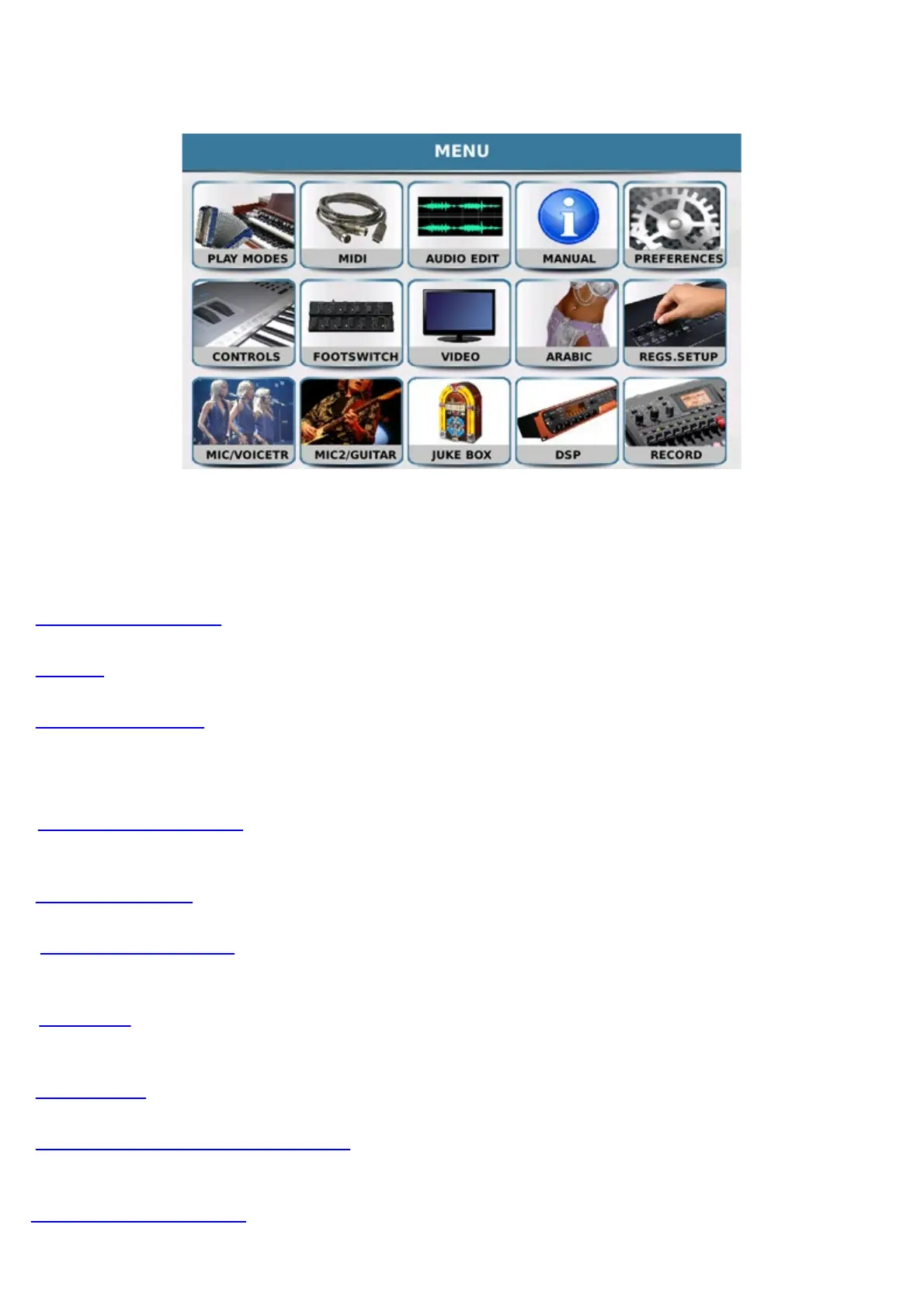
Press the key
MENU on the panel to access the screen that provides access to all the main pages for general
regulation of the instrument, which are displayed as icons on the display.
- PLAY MODES: Allows you to select the 3 main operating modes of the instrument.
- MIDI: Allows you to access the page to adjust the Midi parameters.
- AUDIO EDIT: Opens the page to edit audio files in.wav format.
- MANUAL: Instruction Manual of the SD40.
- PREFERENCES: Opens a page on which a number of system preferences may be set, such as the
language, date etc.
- CONTROLS: Opens a page on which you may set the main parameters such as output volume tone etc..
- FOOTSWITCH: Allows you to assign the functions to the optional footswitch connected to the
Footswitch input on the back panel.
- VIDEO: This page displays the adjustment settings of the monitor connected to the Video port of the
instrument.
- ARABIC: The parameters of the Arabic scale may be set on this page.
- REGISTRATION SETUP: On this page you can filter or enable the retrieval of functions saved in
a registration.
-MICRO/VOCAL : With this tab you can browse on Microphone Edit and VOICETRON menu



 To Next Page