Registration
https://www.ketron.it/images/ketron/Manuali_HTML/SD40/english/41_registration.html[13/05/2020 17:00:13]
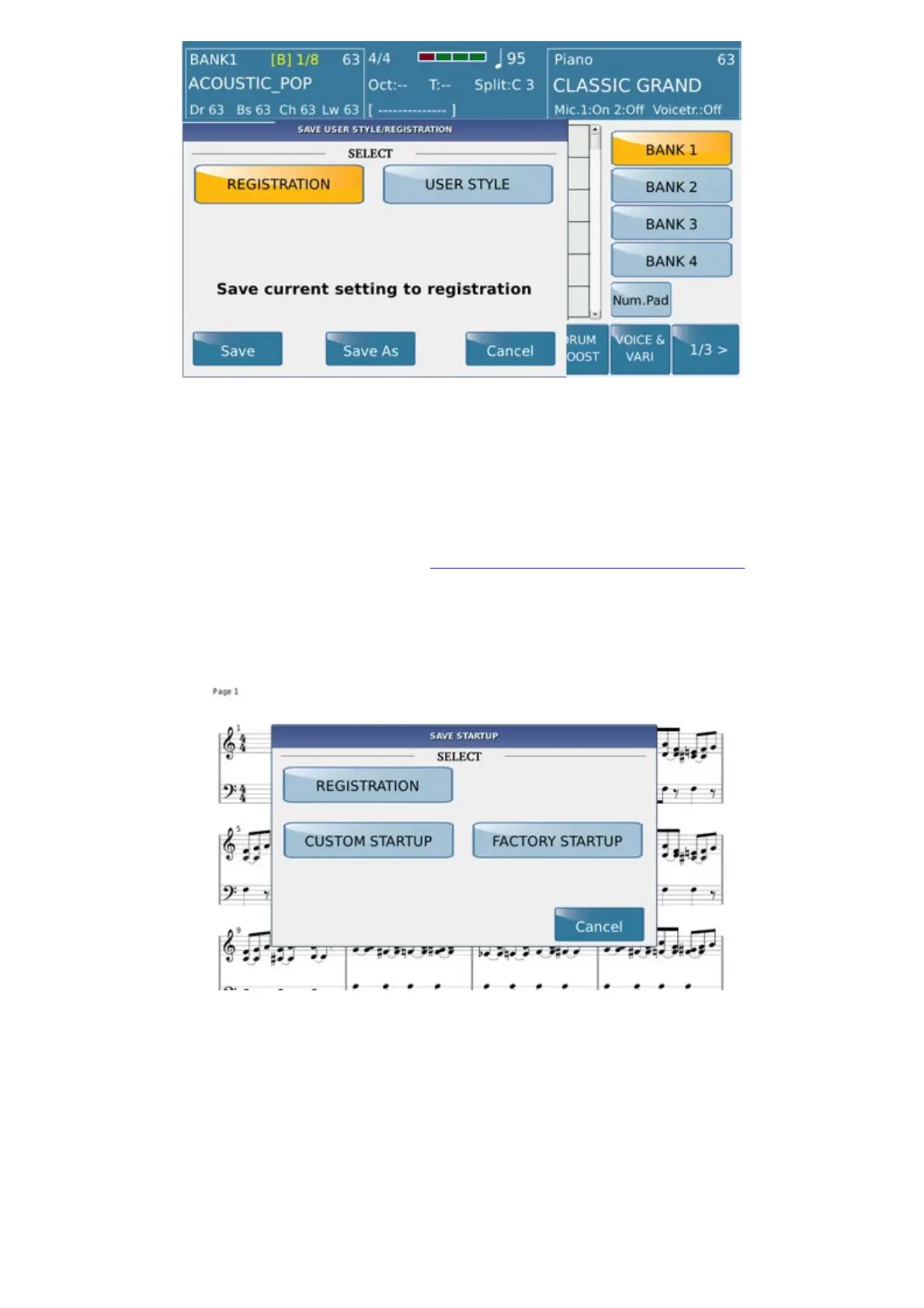
You may now save over your Registration with SAVE, abort by selecting CANCEL, or you may select
SAVE AS to display a virtual alphanumeric keypad on which to enter a new name for your Registration. The
destination location of the new Registration is assigned automatically in progressive order.
When loading a Registration you may also filter a number of its parameters so that they do not affect the other
settings of the instrument. This filter is enabled only in load mode but not in save mode. To set this filter simply
press the
MENU key on the panel and then select REGISTRATION SETUP on the display.
In case of saving images (JPG, PNG) or PDF these files must be firstly selected than instrument will display in this
way:
Example:
From
MEDIA, select picture (or Pdf), than press STYLE tab. Select your own rhythm .Press
REGISTRATION tab and save your Registration..
In case you would add audio file or midi on this registration follows this procedure :
1. Select file:



 To Next Page