Midi Recording
https://www.ketron.it/images/ketron/Manuali_HTML/SD40/english/56_midi_recording.html[13/05/2020 17:09:56]
Midi Recording
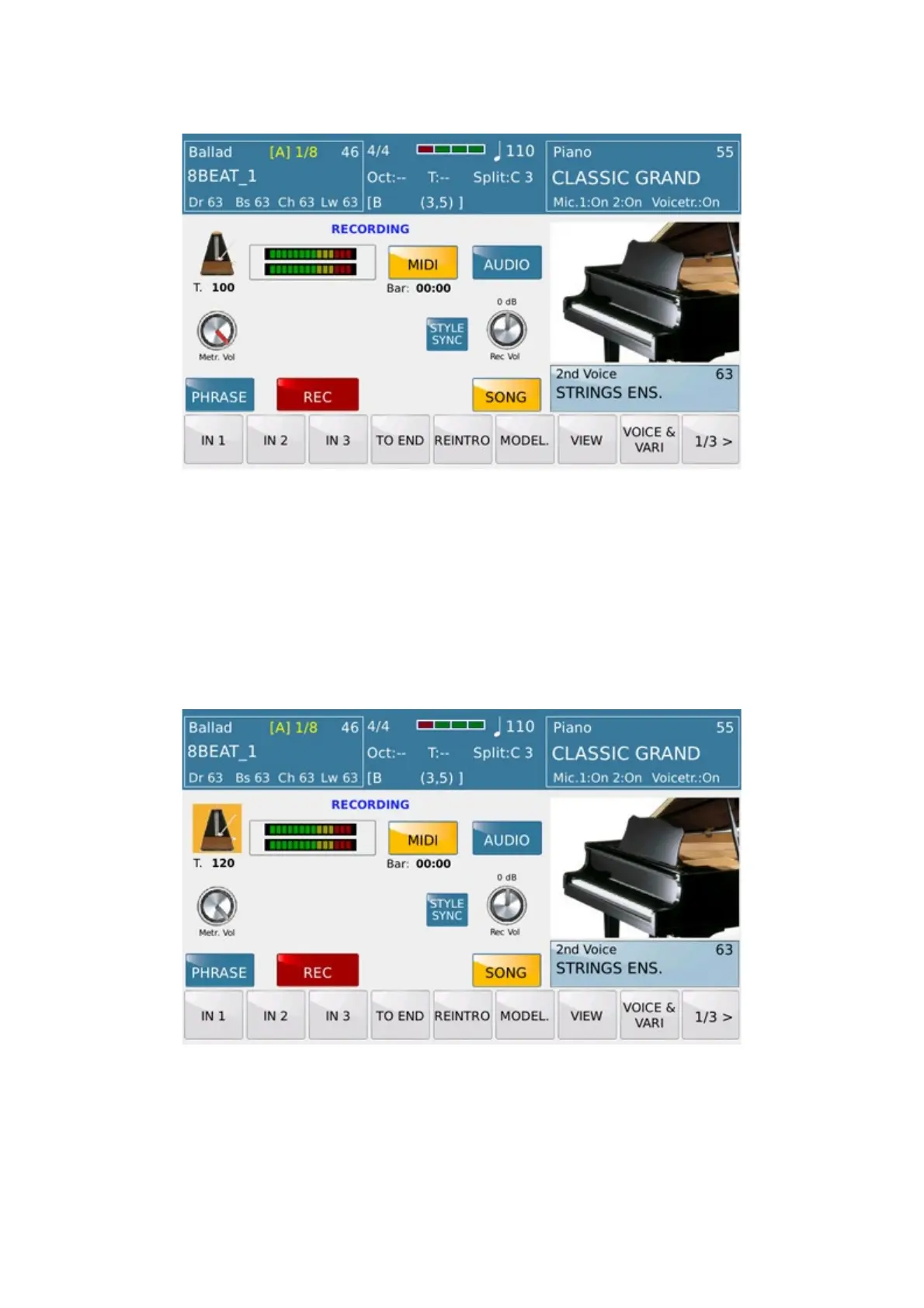
From this menu SD40 can record on Midi mode (and Audio also) everything is played in real time from the
keyboard (Left part, Right part or Full Keyboard) .In addition can record ARRANGER section also. The mode
displayed on this picture is called SONG Mode. With it user can record freely (dependently of available memory) all
notes, change of Voice, Controllers and else.
Start on Recording :
After pressing the icon given to Metronome, sets the speed of the desired BPM (120 bpm) using the Dial
If you want to record without the Arranger Section Arranger press RECORD to start



 To Next Page