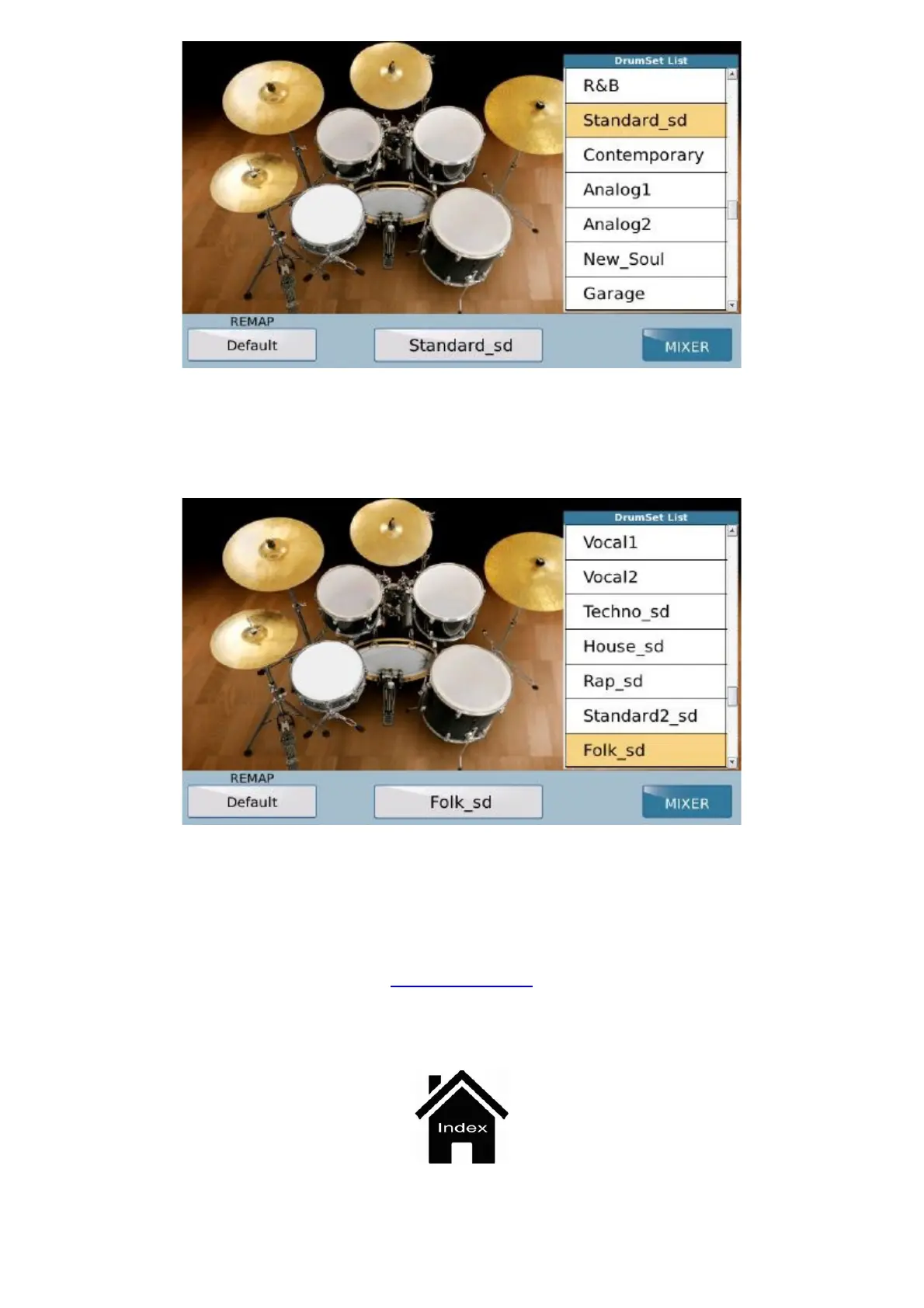
Drum Set
https://www.ketron.it/images/ketron/Manuali_HTML/SD40/english/19_drum_set.html[13/05/2020 17:02:52]
When you select the percussion instrument, this will replace the previous instrument.
On the right of the
REMAP box which displays the name of the percussion instrument there is a box indicating
the original Drum Set. To change it simply select the box.
The list displayed on the right is similar to the previous list and you can scroll it in exactly the same way; the only
difference is that instead of the list of percussion instruments in the same category such as cymbals, toms, snare
drums etc., a list of the Drum Kits is displayed. Press
SAVE on the panel to save the modifications in the current
User Style if you are still in "Style", or to save the modifications in the Midifile if you are in "Player".
Front Panel



 To Next Page