Disk Edit
https://www.ketron.it/images/ketron/Manuali_HTML/SD40/english/16_disk_edit.html[13/05/2020 17:08:55]
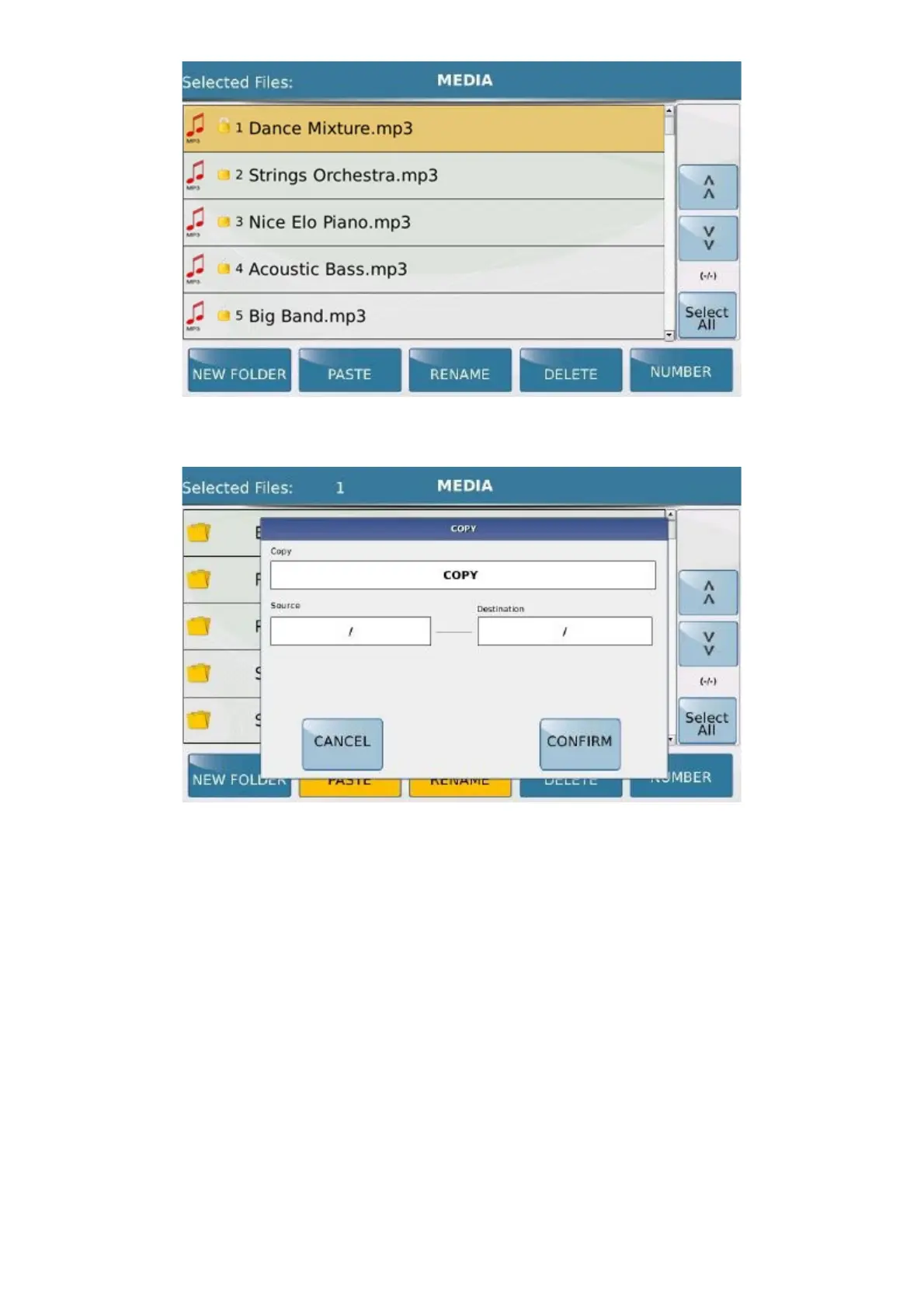
Press the key PASTE to open another screen displaying all the details of the operation you are about to perform.
At this point, simply confirm the copy by pressing CONFIRM or cancel by pressing CANCEL .
- COPY FOLDER : It allows you to copy one or more files previously selected. Pressing esactly over of
the icon of the folder you have selected the entire folder (or more) to be copied. The procedure for save it in another
location (or delete) is the same used previously for the single file.



 To Next Page