Multitrack
https://www.ketron.it/images/ketron/Manuali_HTML/SD40/english/59_multitrack.html[13/05/2020 17:09:41]
Sliders will manage file in this mode:
PLAYER 1: General Volume of selected audio file ( as well usually managed on Player 1)
L & R : Stereo track Background
3 = Individual volume for #3 track
4 = Individual volume for #4 track
5 = Individual volume for #5 track
6 = Individual volume for #6 track or Metronome track (click)
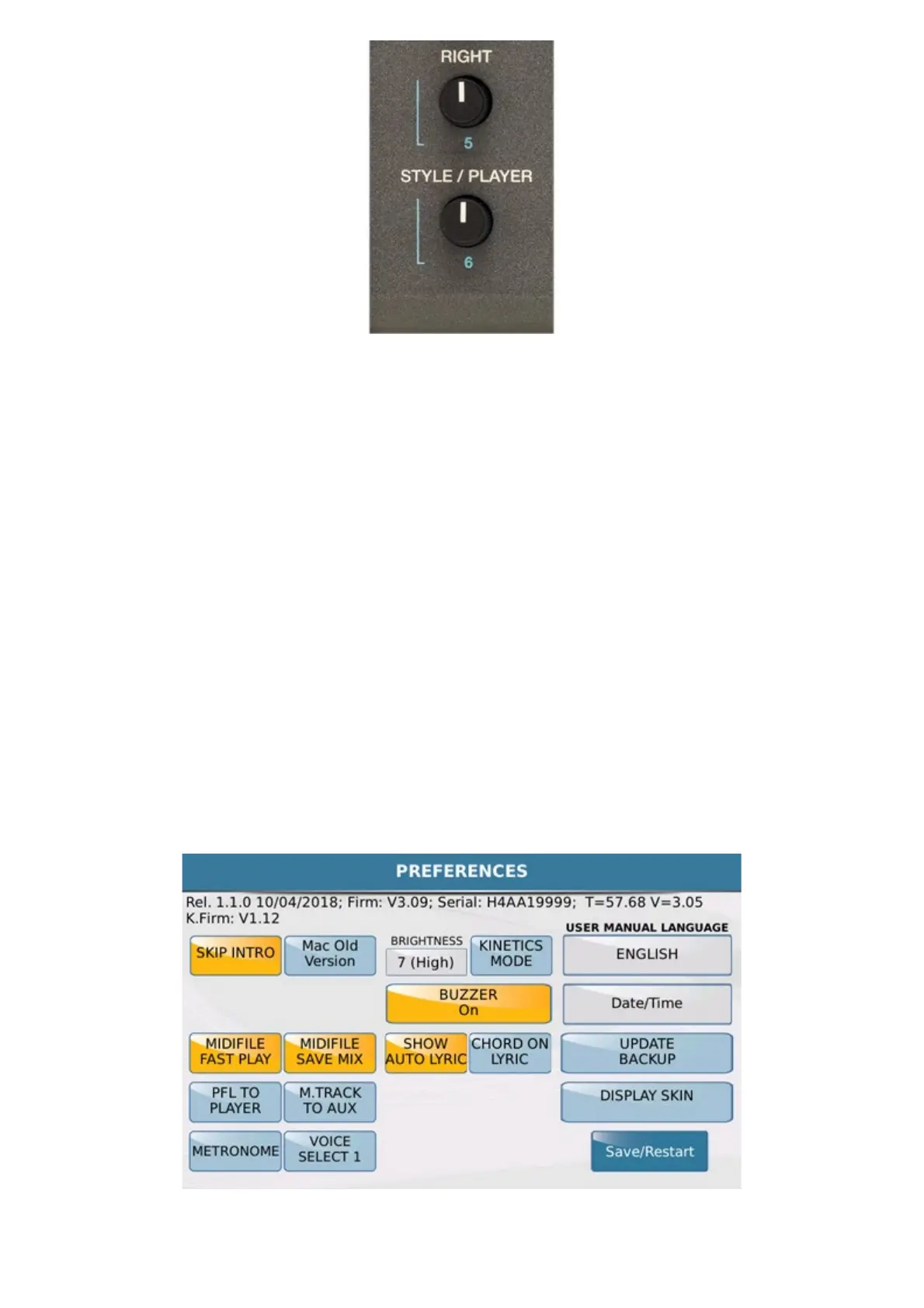
If for example, we are using the track 6 for the metronome, we can assign it to a dedicated output using the Aux /
Headphone out. In this way, selecting M.TRK TO AUX mode User can address track 6 (metronome or
else ) on separate Out manageable also for multiple uses (Drummer Headphone, Single Out, Power Headphones
split, etc).
In this mode, which we believe are truly innovative in this kind of instrument, SD40 becomes an unprecedented
multitracks Audio device. This feature will allow to use PLAYER in all those music needs (stage, recording and



 To Next Page