Drum Restyle
https://www.ketron.it/images/ketron/Manuali_HTML/SD40/english/60_drum_restyle.html[13/05/2020 17:10:35]
Pressing the
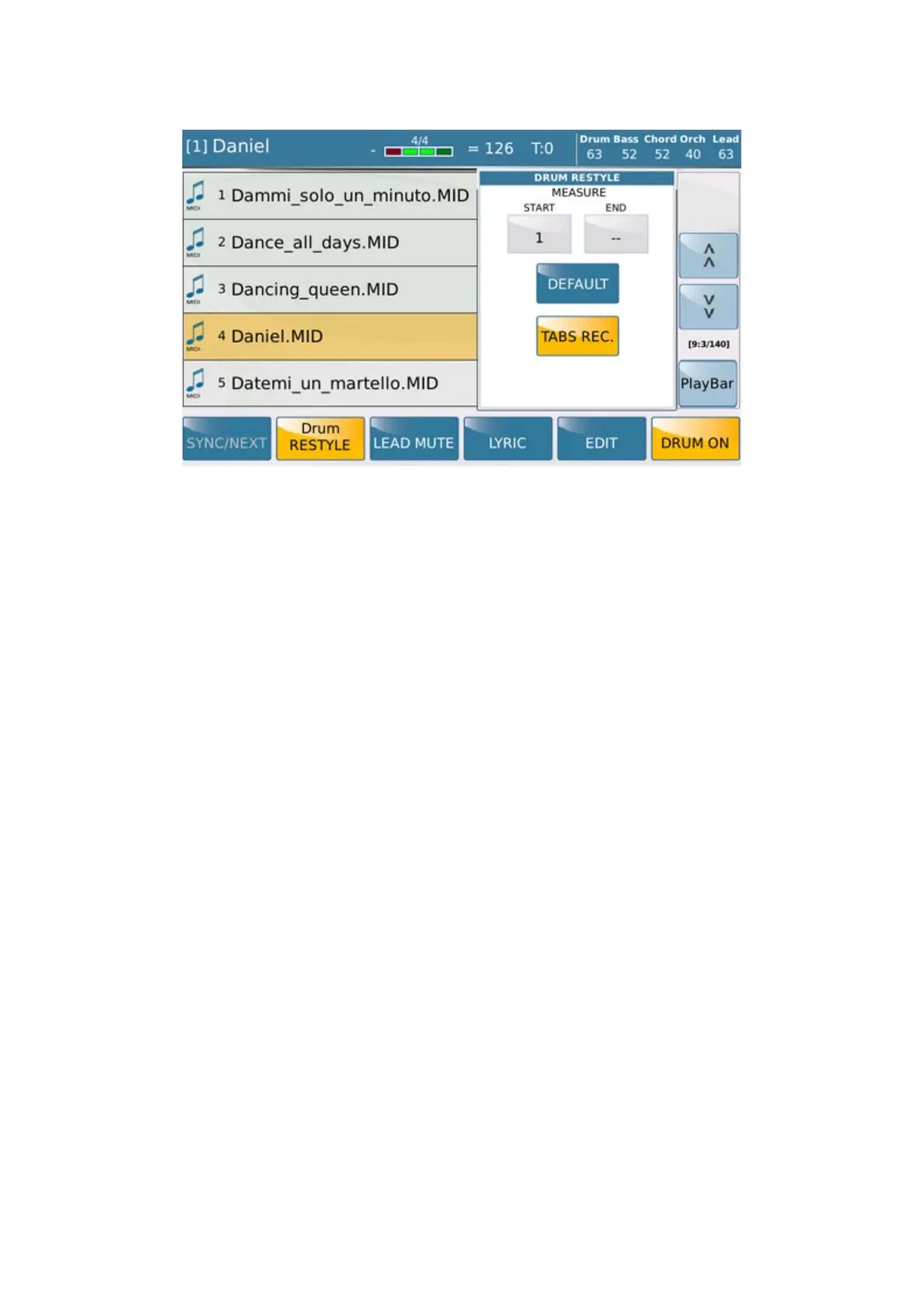
button SD will show the following screen:
We explain in detail the available features:
MEASURE START/END: In these two small boxes we assign through the use of the Alpha Dial
measures from where the application Drum RESTYLE will be applied on Midi File.
For example, if we decide to apply the Start from 16 to 64 measure this setting will mean in detail the Style applied
will have only effective within these measures without changing the original part of the Drum midi files on the
remaining measures.
DEFAULT: Reset immediately any settings made in the Start / END Measure locators
REC TAB : This command ( active on default) allows to record all variations of the style made by tab such
Variation A / B / C / D / Fill, Break and End as well a new entry Style from other Family Style.
When recording is completed, press SAVE tab to save your project as Drum RESTYLE file.
This is screen view showed :



 To Next Page