Arranger Setting
https://www.ketron.it/images/ketron/Manuali_HTML/SD40/english/13_arranger_setting.html[13/05/2020 17:00:58]
-
: When the parameter is selected each time you turn on the Fill In this causes the automatic
switch on the next Arrange part .
- AUTO FILL: When the parameter is selected, the DRUMS automatically runs a Fill In when you switch
from one to another Arranger part.
- AFTER FILL : When the parameter is selected fill is activated by pressing hardly (Aftertouch) on the
lower part of keyboard
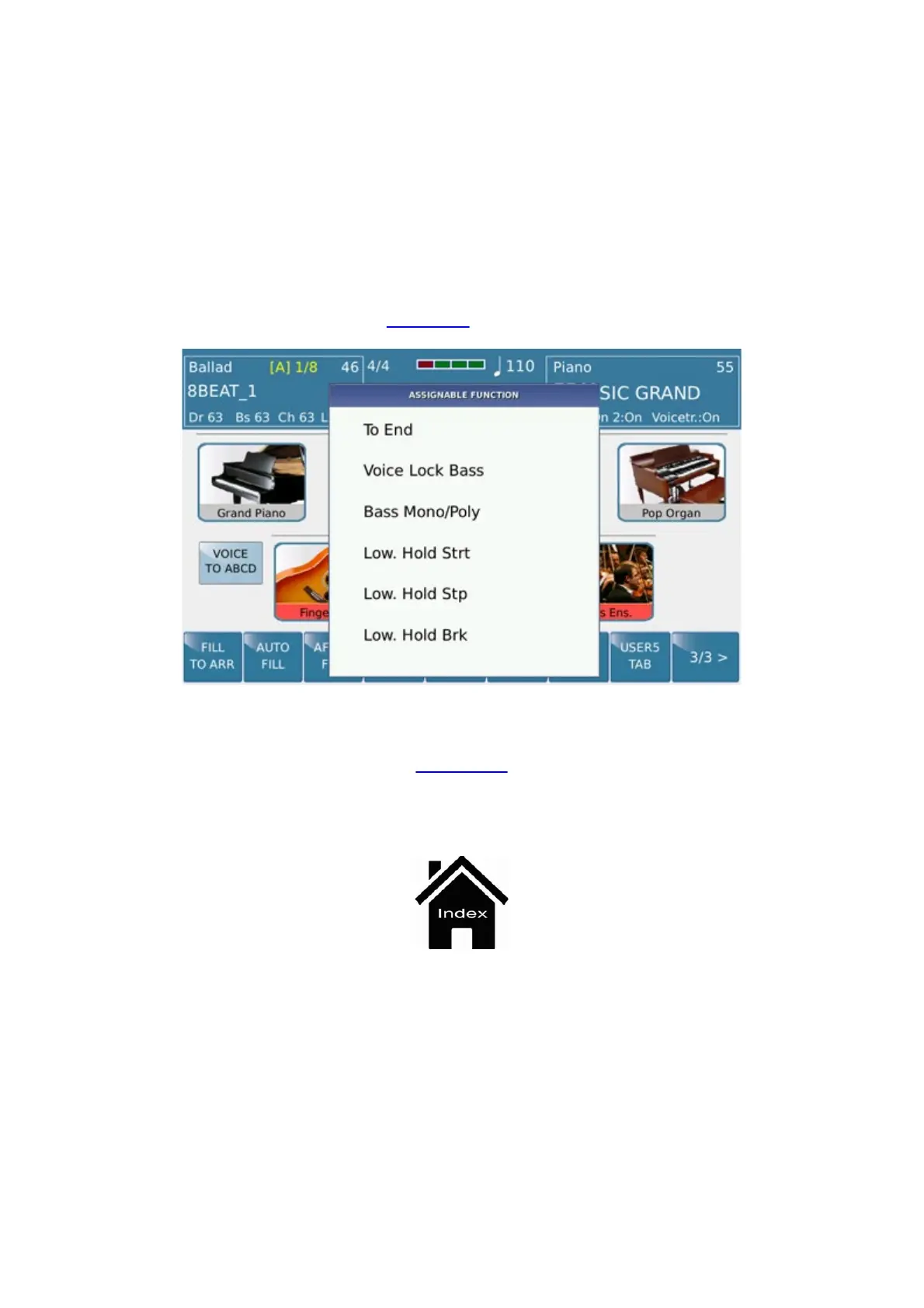
- USER TAB 1/2/3/4/5 : These commands allow User to program their favorite feature selectable from a
Pop Up menu .Press User Tab to program and choose the function from the pop up menu. Then press Exit to confirm
this choice This information can be saved in the STARTUP
menu
STYLE



 To Next Page