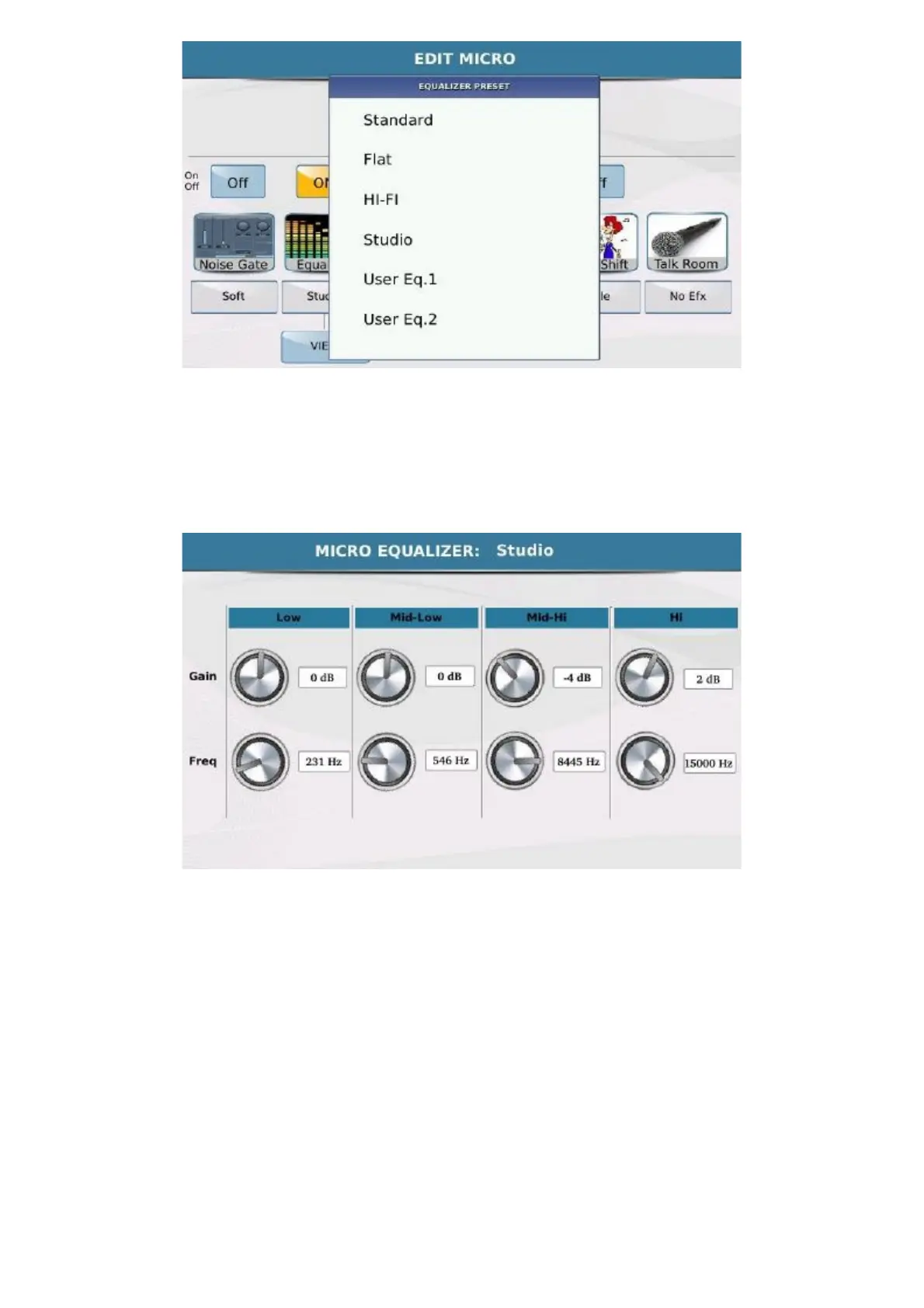
Edit Micro
https://www.ketron.it/images/ketron/Manuali_HTML/SD40/english/21_edit_micro1.html[13/05/2020 17:04:14]
The equalizer has an additional edit level, VIEW, which opens a window in which you can modify the 4 bands,
Low, Mid-Low, Mid Hi and Hi , and select the frequency and gain for each of these. Touch the virtual knob
corresponding to the parameter you wish to modify and use the Dial to modify the value. If a User preset has been
selected as the initial preset, you can save the modifications by overwriting the modified preset over itself. Simply
press
SAVE on the panel and confirm with YES .
- COMPRESSOR: The Compressor/Limiter has 4 presets for the Compressor and 2 for the Limiter.



 To Next Page