Voice Edit
https://www.ketron.it/images/ketron/Manuali_HTML/SD40/english/53_voice_edit.html[13/05/2020 17:07:12]
: : Save the Voice with possibility to assign a new a new Name on USER location
-CANCEL :Clear SAVE operation
There is also the possibility to save the VOICE changed on the Internal Section (PRESET) .
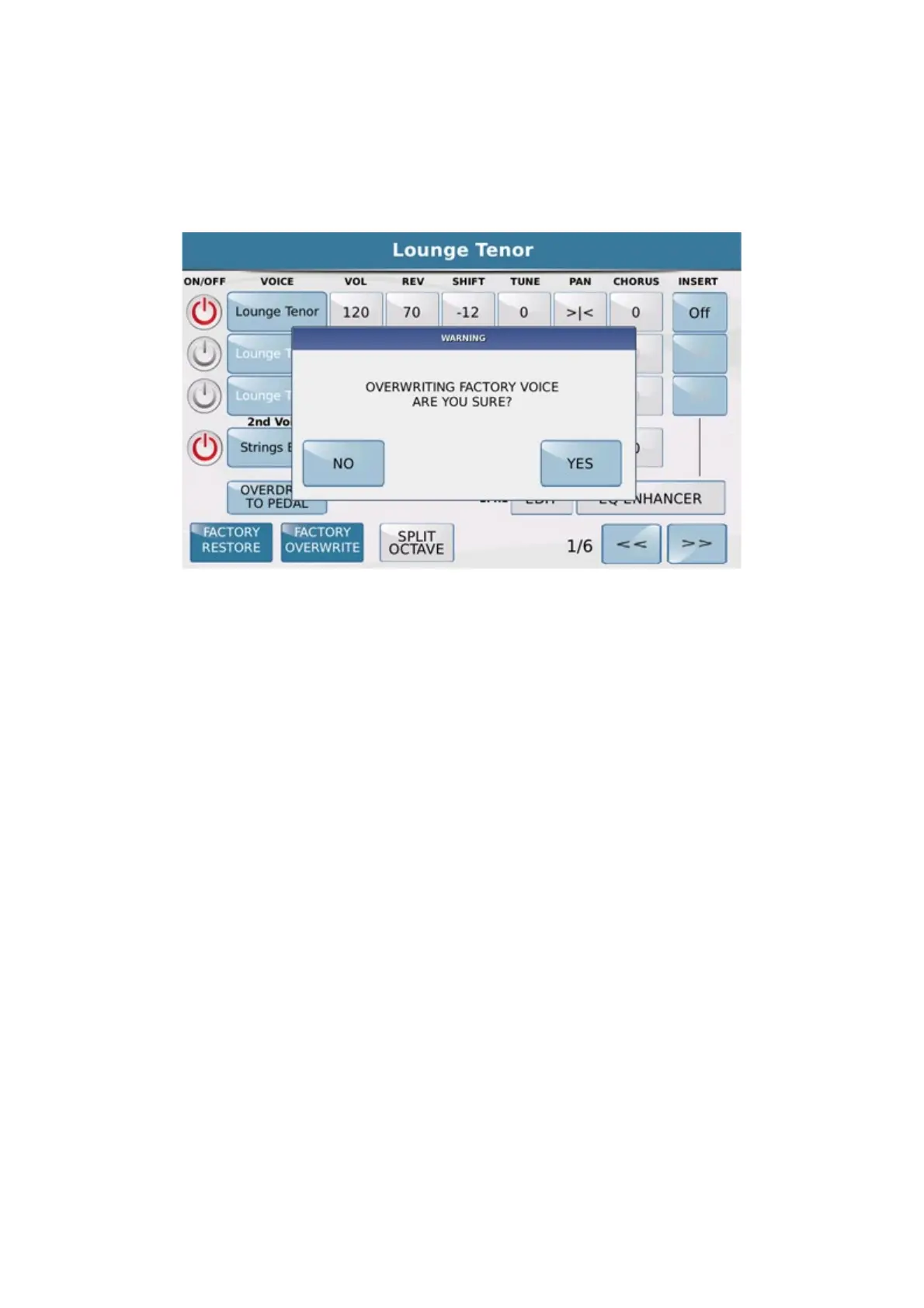
Before pressing SAVE tab press
FACTORY OVERWRITEtab. The display will show::
-YES : Save VOICE with same name on same original location (PRESET) .
-NO : Clear SAVE operation
In case you got a mistake or simply would restore VOICE modified to the original version press
RESTORE
FACTORY
tab. The display will present 'in this way:



 To Next Page