ENGLISH
Chapter 3: Geng Started
28
DVR User’s Manual
3.3 The Main Screen
3.3.1 Screen Icons
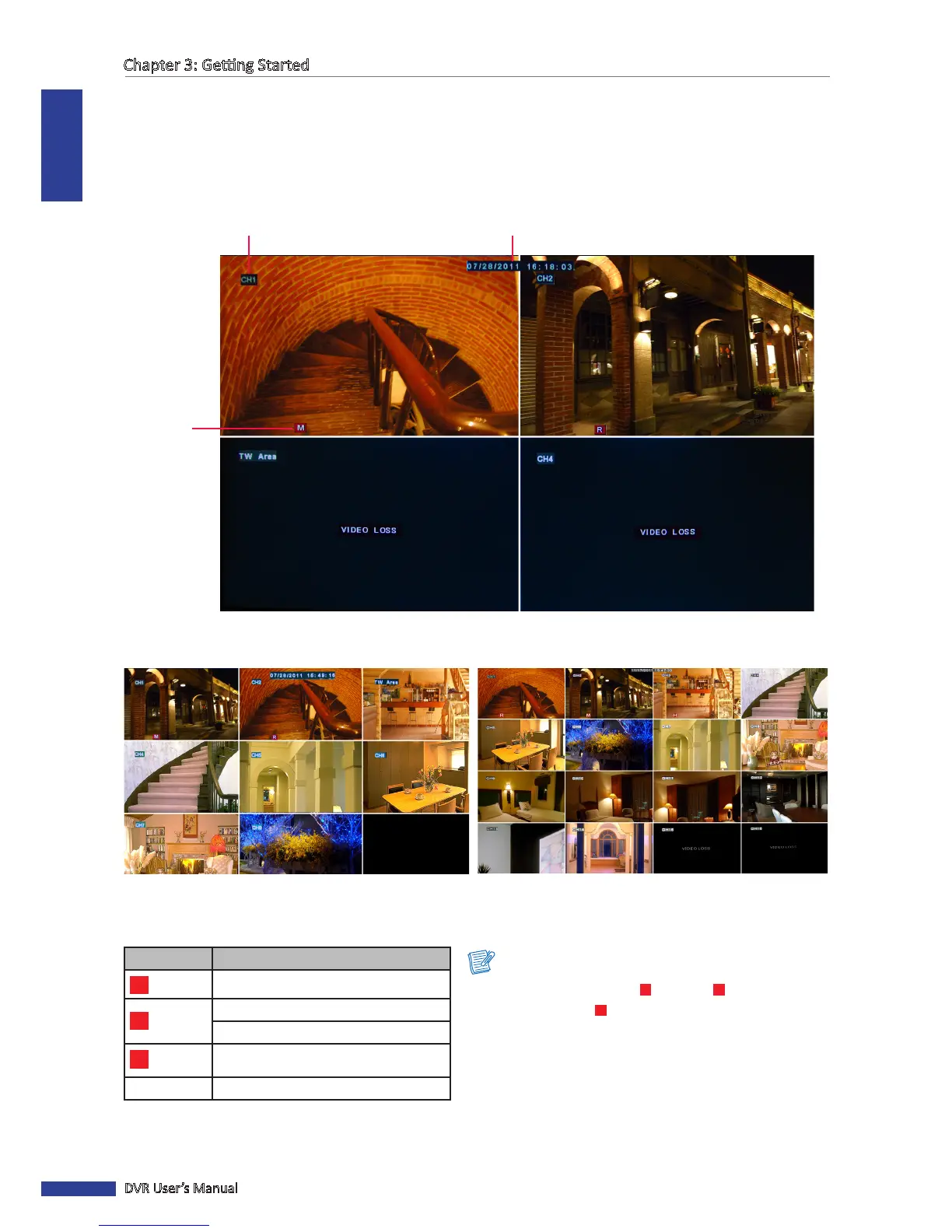
There are four types of recording indicator on the main screen of each channel.
4-window display
Channel tle
Current date & me
Recording
indicator
8-window display 16-window display
Icon Descripon
M
Moon detector is acvated.
Hard disk drive memory is full.
Cannot detect hard disk drive.
R
Video recording is in progress.
VIDEO LOSS Video loss.
Note:
• During recording mode, [
R
] icon or [
M
] icon appears
on the screen. If [
M
] icon is displayed on the screen, it
indicates that moon detecon is enabled.
• If the “VIDEO LOSS” appears on the screen, check the
camera connecon.



 To Next Page