ENGLISH
Chapter 4: Using the DVR
56
DVR User’s Manual
Set Moon Detecon Area
1 In preview mode, right-click on the mouse to display the Pop-up menu.
2 Select Main Menu > ALARM.
3 Click Setup.
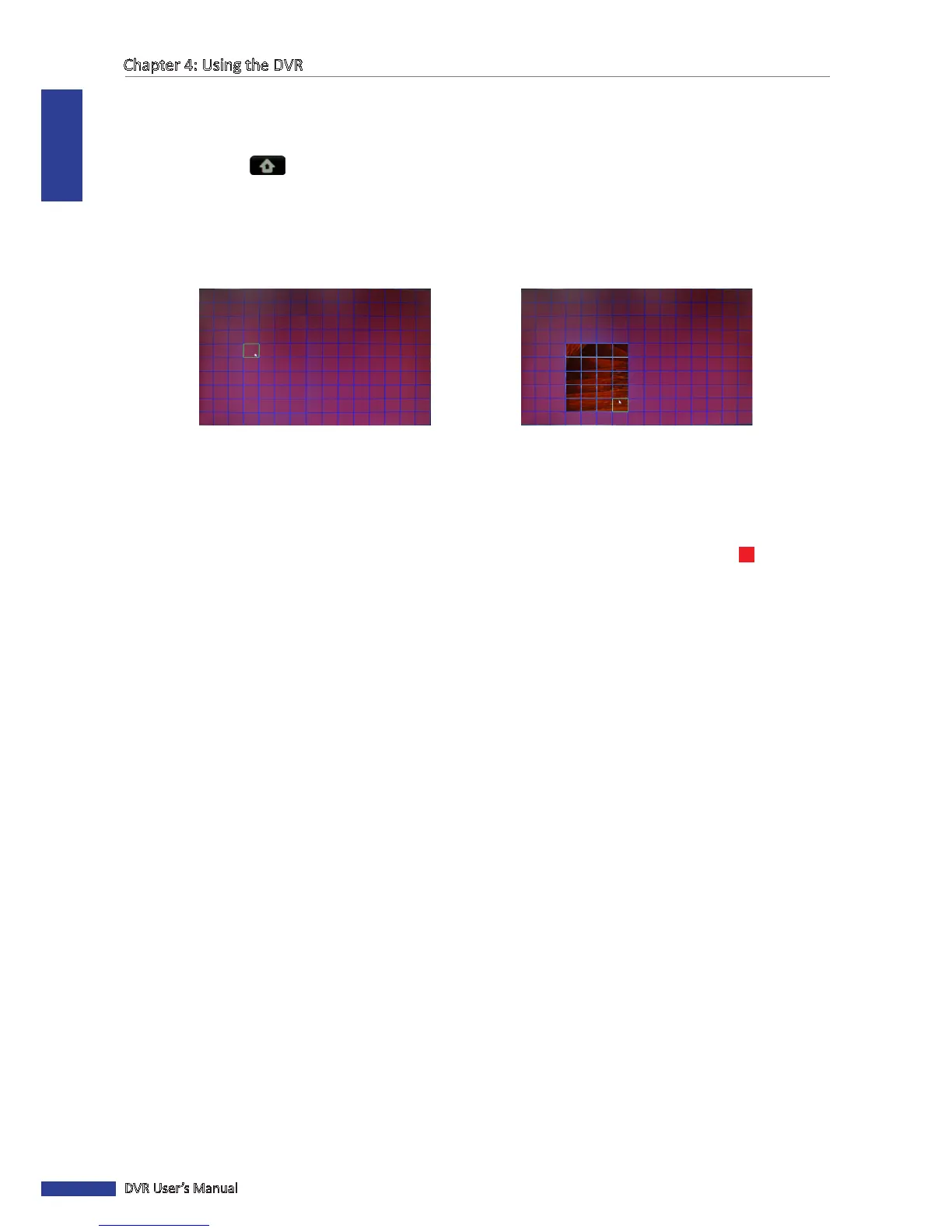
4 A grid screen with a green cursor appears. By default, the whole screen is marked for moon detecon (red block).
If you want to disable moon detecon on an area, click the grid cursor and then drag the mouse to highlight the
scope to unmark the area (transparent block) for moon detecon.
5 To close the grid screen, click the right mouse buon.
6 Aer all sengs are complete, click Apply.
7 When data saving is complete, click OK.
When moon detecon is enabled on a channel, the channel screen displays the moon detecon icon



 To Next Page