ENGLISH
Chapter 3: Geng Started
36
DVR User’s Manual
3.5.1 Cruise Mode
Use the Start Cruise funcon to allow the PTZ camera to start cruising.
1 In the preview mode, right-click on the mouse to display the Pop-up menu.
2 Select Start Cruise.
To disable cruise:
1 Right-click on the mouse to display the Pop-up menu.
2 Select Stop Cruise.
3.6 Zoom
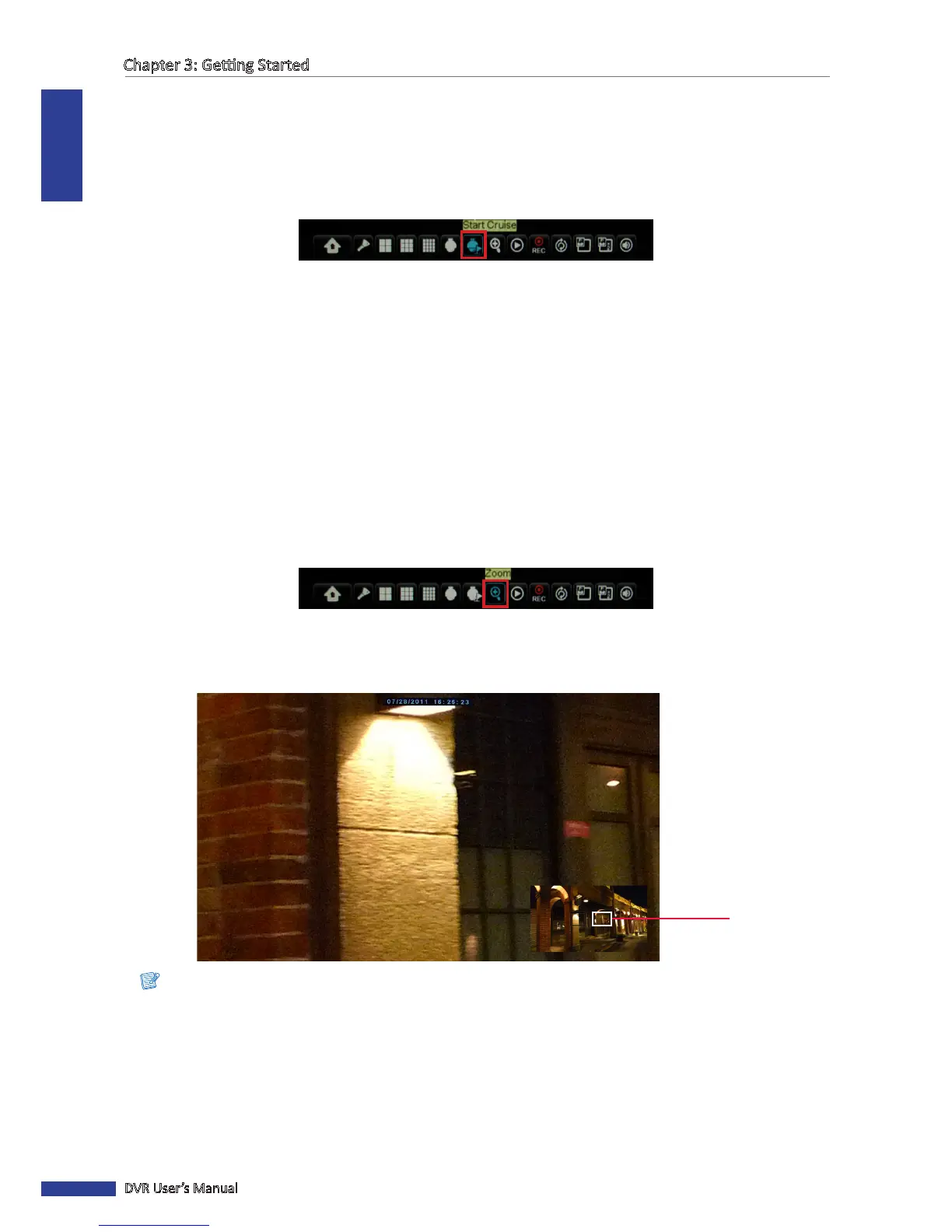
With this funcon, you can check the details of the live display on the zoomed secon.
1 Double-click the mouse buon on a channel to view it on full screen.
2 Right-click on the mouse to display the Pop-up menu.
3 Select Zoom.
4 In zoom mode, click and drag the le mouse buon to frame an area on the screen that you want to zoom in.
The selected locaon will be enlarged and displayed as full screen.
Zoom area
Note:
To pan another area on the screen, simply click and drag the frame on the mini-window display.
5 To exit zoom mode, click the right buon twice. It returns to live image display mode.



 To Next Page