ENGLISH
Chapter 4: Using the DVR
66
DVR User’s Manual
4.8 Advanced Sengs
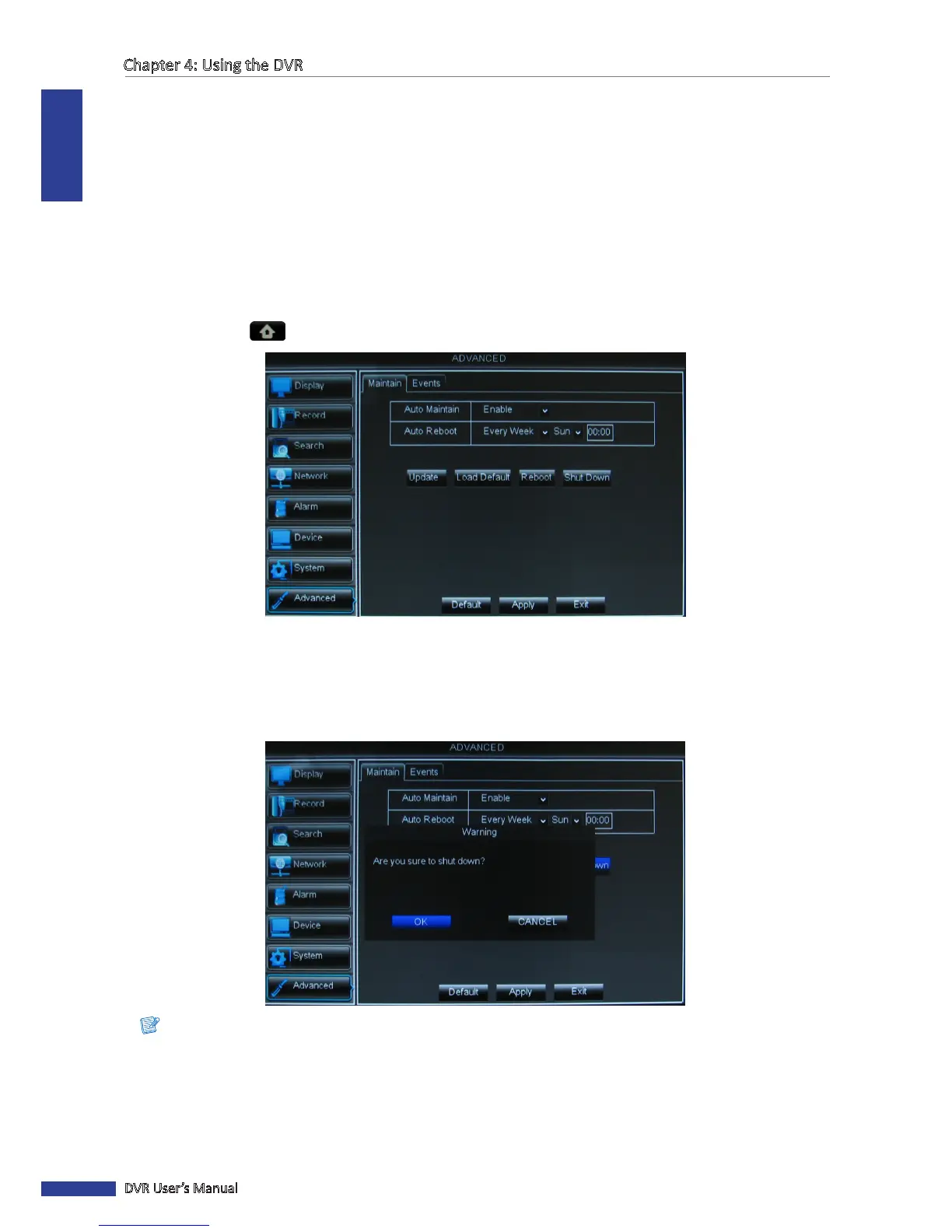
The Maintain page allows you to set automac system maintenance, load factory defaults, update the rmware
sengs, or reboot and power o the DVR manually.
4.8.1 Maintenance Sengs
Manual Reboot and Power O
To reboot or power o the DVR instantly, do the following:
1 In preview mode, right-click on the mouse to display the Pop-up menu.
2 Select Main Menu > ADVANCED.
3 Do one of the following:
• Click Shut Down to turn o the DVR.
• Click Reboot to reboot the DVR.
4 A message appears, click OK to conrm the operaon.
Note:
When turning o the DVR, wait for the message “Now you can power o!” to appear on the screen, turn o the
power switch (for 16-channel DVR only) and then unplug the power cord from the power outlet.



 To Next Page