ENGLISH
Chapter 5: KGUARD Web Client
DVR User’s Manual
95
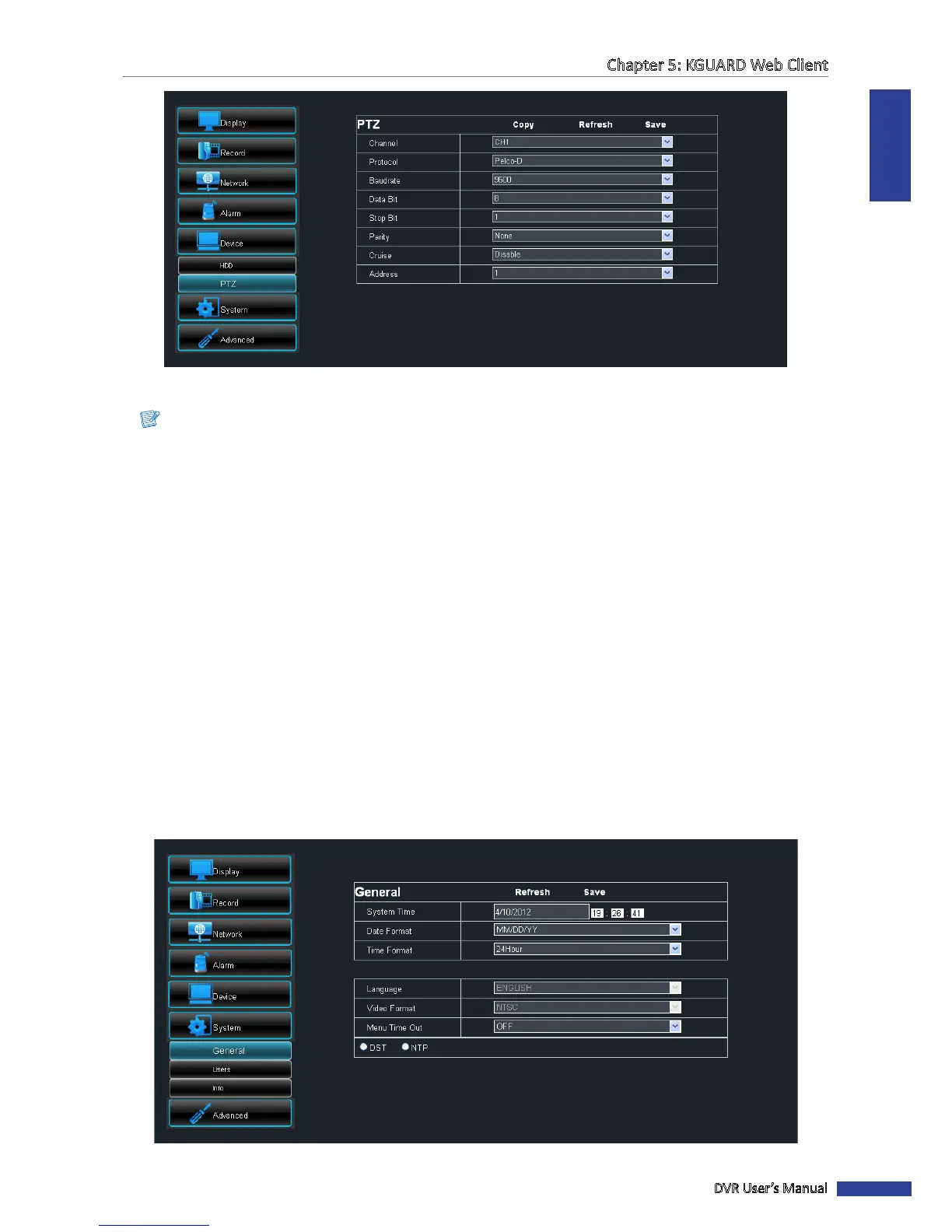
4 Set the Protocol, Baudrate, Data Bits, Stop Bits, and Parity.
Note:
Check the PTZ camera specicaons for the correct sengs.
5 Enable or disable Cruise.
6 Set the Address.
7 Aer all sengs are complete, click Save.
« TIP »
• To apply the same recording sengs to other channels, click Copy. See “Copying Sengs To Other Channels”
on page 79.
• To cancel any modicaons and retain the exisng sengs, click Refresh.
5.5.6 Managing System Sengs
On the System Setup menu, you can modify the me zone and view the language used on the DVR and its signal
source.
General Setup
1 On the Main Menu, click Remote Seng.
2 On the le panel, click System > General. The General screen appears.



 To Next Page