CAUTION
n
LED Headlamp W
arning Light
Continuous driving with the LED
Headlamp Warning Light on or blink‐
ing can reduce LED headlamp (low
beam) life.
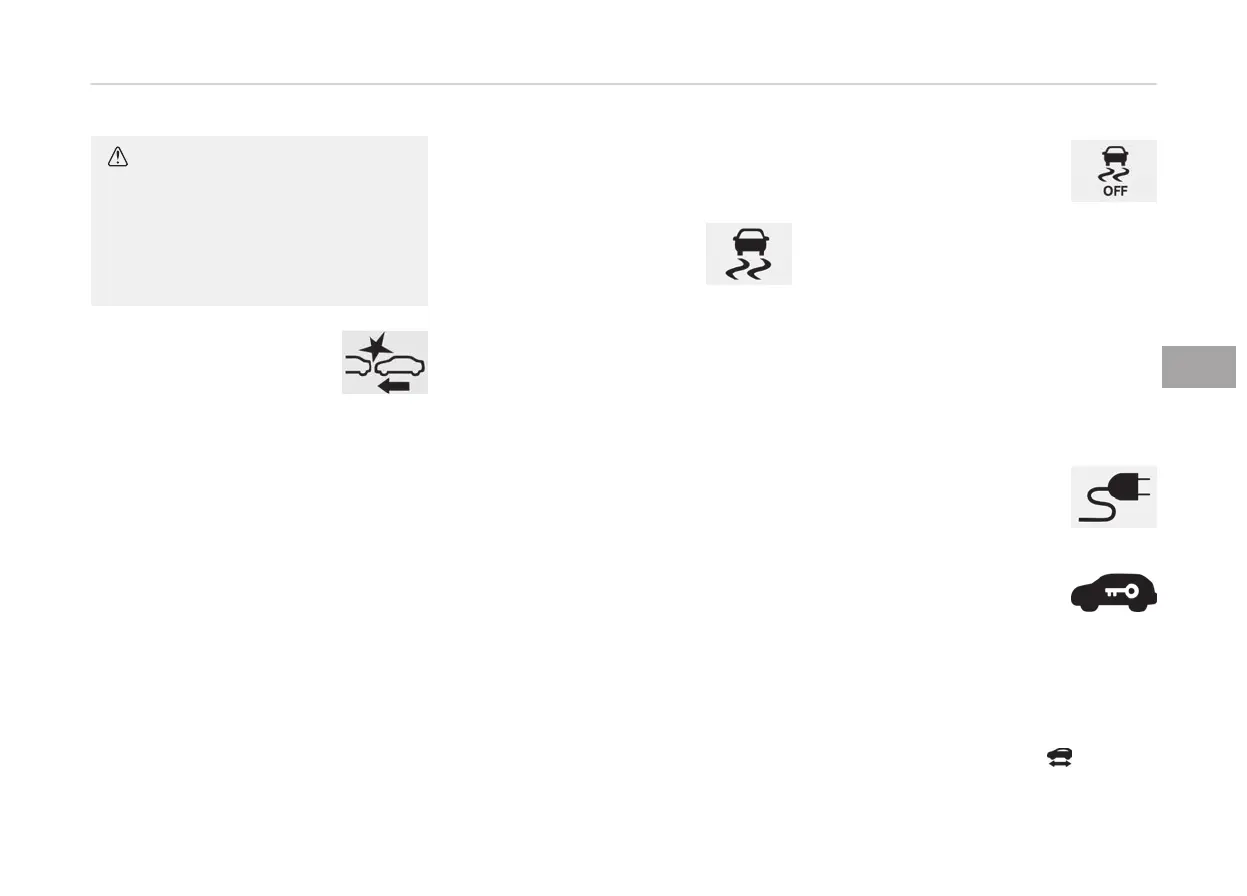
Forward Collision-
Avoidance Assist (FCA)
system warning light
This indicator light illumi‐
nates:
• When
the POWER button is in the ON
position.
- It illuminates for approximately
3 seconds and then goes off.
• When the FCA system is turned off.
• When the radar sensor or cover is
blocked with dirt or snow. Check the
sensor and cover and clean them by
using a soft cloth.
• When there is a malfunction with
FCA. If this occurs, Kia recommend
that you have your vehicle inspected
by an authorized Kia dealer/service
partner.
❈ F
or more details, refer to “Forward
Collision-Avoidance Assist (FCA)” on
page 6-46.
Indicator lights
Electronic Stability
Control (ESC) indicator
light
This indicator light illumi‐
nates:
• When
the POWER button is in the ON
position.
- It illuminates for approximately
3 seconds and then goes off.
• When there is a malfunction with the
ESC system.
In this case, have the vehicle inspec‐
ted by a professional workshop. Kia
recommends to visit an authorized
Kia dealer/service partner.
This indicator light blinks:
While the ESC is operating.
❈ F
or more details, refer to “Electron‐
ic Stability Control (ESC)” on page
6-36.
Electronic Stability
Control (ESC) OFF
indicator light
This indicator light illumi‐
nates:
• When
the POWER button is in the ON
position.
- It illuminates for approximately
3 seconds and then goes off.
• When you deactivate the ESC system
by pressing the ESC OFF button.
❈ For more details, refer to “Electron‐
ic Stability Control (ESC)” on page
6-36.
Charging cable
connection indicator
This indicator illuminates in
red when the charging cable
is connected.
Immobilizer indicator
light (With Smart Key)
This indicator light illumi‐
nates for up to 30 seconds:
When the vehicle detects the smart key
in
the vehicle with the POWER button in
the ACC or ON position.
- Once the smart key is detected, you
can start the vehicle (
indicator
ON).
5-75
5
Features of your vehicle


 To Next Page