DRIVER ATTENTION WARNING (DAW) (IF EQUIPPED)
Driver Attention Warning system is to
warn the driver with any hazardous
driving situations upon detecting the
driver's fatigue level or inattentive driv‐
ing practices.
Driver attention warning
System setting
• Driver Attention Warning system is
set to be in the OFF position, when
your vehicle is first delivered to you
from the factory.
• To turn ON Driver Attention Warning
system, turn on the vehicle, and then
select “User Settings
Driver Assis‐
tance DAW(Driver Attention Warn‐
ing) High sensitivity/Normal sensi‐
tivity/Off” on the LCD display
• The
driver can select Driver Attention
Warning system mode.
- Off : Driver Attention Warning sys‐
tem is deactivated.
- Normal sensitivity : Driver Atten‐
tion Warning system alerts the
driver of his/her fatigue level or in‐
attentive driving practices.
- High
sensitivity : Driver Attention
Warning system alerts the driver
of his/her fatigue level or inatten‐
tive driving practices faster than
Normal mode.
• The set-up of Driver Attention Warn‐
ing system will be maintained, as se‐
lected, when the vehicle is re-started.
Display of the driver's attention
level
• The
driver can monitor their driving
conditions on the LCD display.
- Select 'User Settings Mode' and
then 'Driver assistance' on the LCD
display. (For more information, re‐
fer to “LCD display (if equipped)”
on page 5-60.)
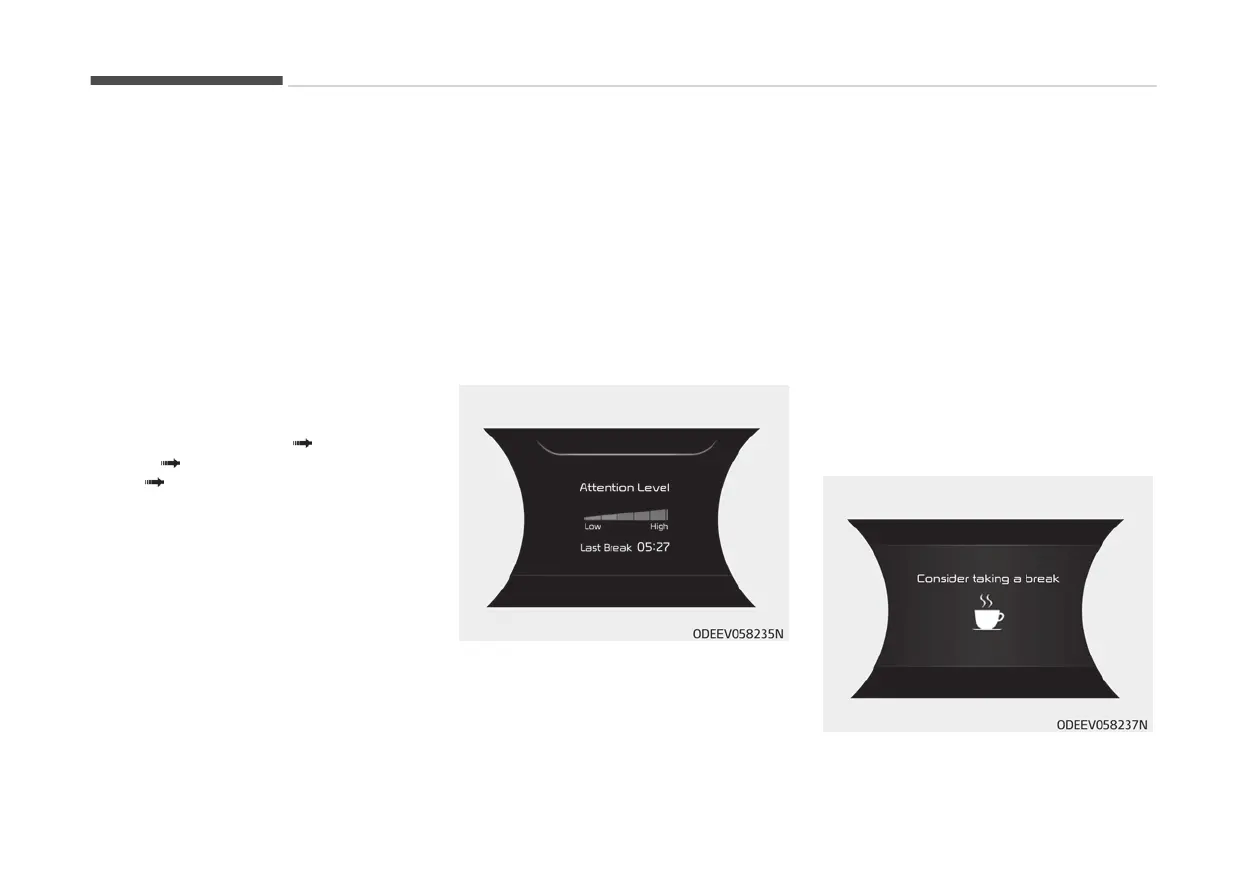
• Driv
er's attention level is displayed on
the scale of 1 to 5. The lower the lev‐
el is, the more inattentive the driver
is.
• The level decreases when the driver
does not take a break for a certain
period of time.
• The level increases when the driver
attentively drives for a certain period
of time.
• When the driver turns on the system
while driving, it displays ‘Last Break
time’ and level reflected that.
Take a break
• The
"Consider taking a break" mes‐
sage appears on the LCD display and
Driving your vehicle
6-84



 To Next Page