CAUTION
• Do not install accessories around
the
sensor and do not replace the
bumper by yourself. It may inter‐
fere with the sensor performance.
• Always keep the sensor and
bumper clean
.
• To prevent sensor cover damage
from
occurring, wash the car with
a soft cloth.
• Do not damage the sensor or sen‐
sor
area by a strong impact. If the
sensor moves slightly off position,
Smart Cruise Control system will
not operate correctly without any
warning or indicator from the clus‐
ter. If this occurs, have the system
checked by a professional work‐
shop. Kia recommends to visit an
authorized Kia dealer/service part‐
ner.
• Use only a genuine Kia sensor cov‐
er
for your vehicle. Do not paint
anything on the sensor cover.
(Continued)
(Continued)
• If the front bumper becomes dam‐
aged
in the area around the radar
sensor, SCC system may not oper‐
ate properly.
• Do not tint the window or install
stickers,
accessories around the
inside mirror where the camera is
installed.
• Make sure the frontal camera in‐
stallation point does not get wet.
• Do not place reflective ob‐
jects(white
paper or mirror etc.)
on the crash pad.
FCA system may activate unnec‐
essarily due to reflect of the sun‐
light.
• Do not impact or arbitrarily re‐
mov
e any front view camera com‐
ponents.
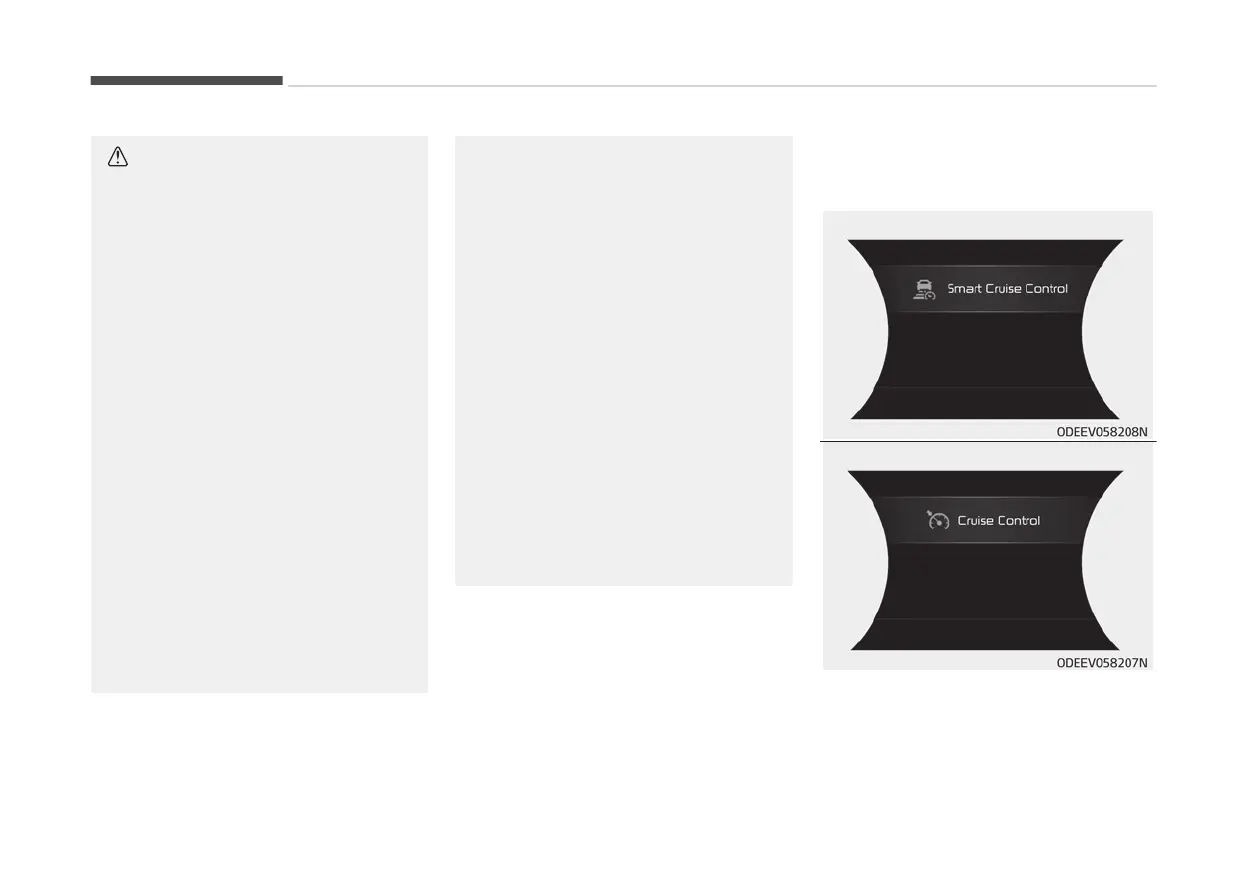
To convert to cruise control
mode:
The driver may choose to only use the
cruise
control mode (speed control
function) by doing as follows:
Driving your vehicle
6-104


 To Next Page