Automatic heating and air
c
onditioning
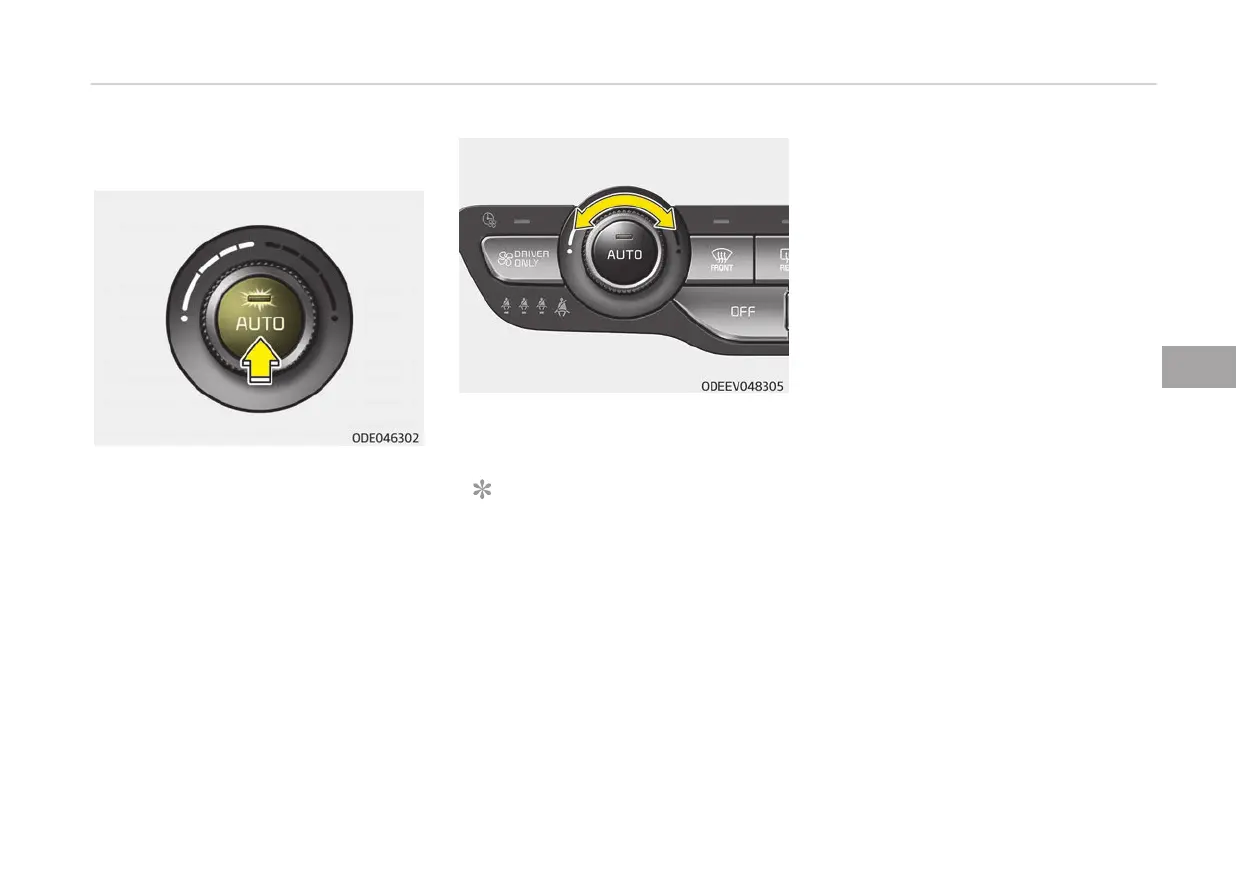
1. Pr
ess the AUTO button. The modes,
fan speeds, air intake and air-con‐
ditioning will be controlled auto‐
matically according to the temper‐
ature setting.
2. T
urn the temperature control knob
to the desired temperature.
NOTICE
• T
o turn the automatic operation
off, select any button or switch
of the following:
- Mode selection button
- Air conditioning button
(Continued)
(Continued)
- Front
windshield defroster
button (Press the button one
more time to deselect the
front windshield defroster
function. The 'AUTO' sign will
illuminate on the information
display once again.)
- Fan speed control button
The selected function will be
controlled manually while other
functions operate automatically.
• For your convenience and to im‐
prove the effectiveness of the
climate control, use the AUTO
button and set the temperature
to 22 °C/72 °F.
5-111
5
Features of your vehicle



 To Next Page