Operation of Charg‐
ing Indicator Lamp
Details
(1) (2) (3)
(OFF)
Blink‐
ing
(OFF)
Reserved
char
ging in op‐
eration (turns
OFF in 3 mi‐
nutes) or tem‐
porary inter‐
ruptions (e.g.,
power failure)
How to Disconnect DC Charger
1. Remove the charging connector
when DC charging is completed, or
after you stop charging using the
DC Charger. Refer to each respec‐
tive DC Charger manual for details
about how to disconnect the charg‐
ing connector.
CAUTION
When disconnecting the charging
connector, do not try to disconnect it
by force while not pressing the re‐
lease button. This may damage the
charging connector and vehicle
charging inlet.
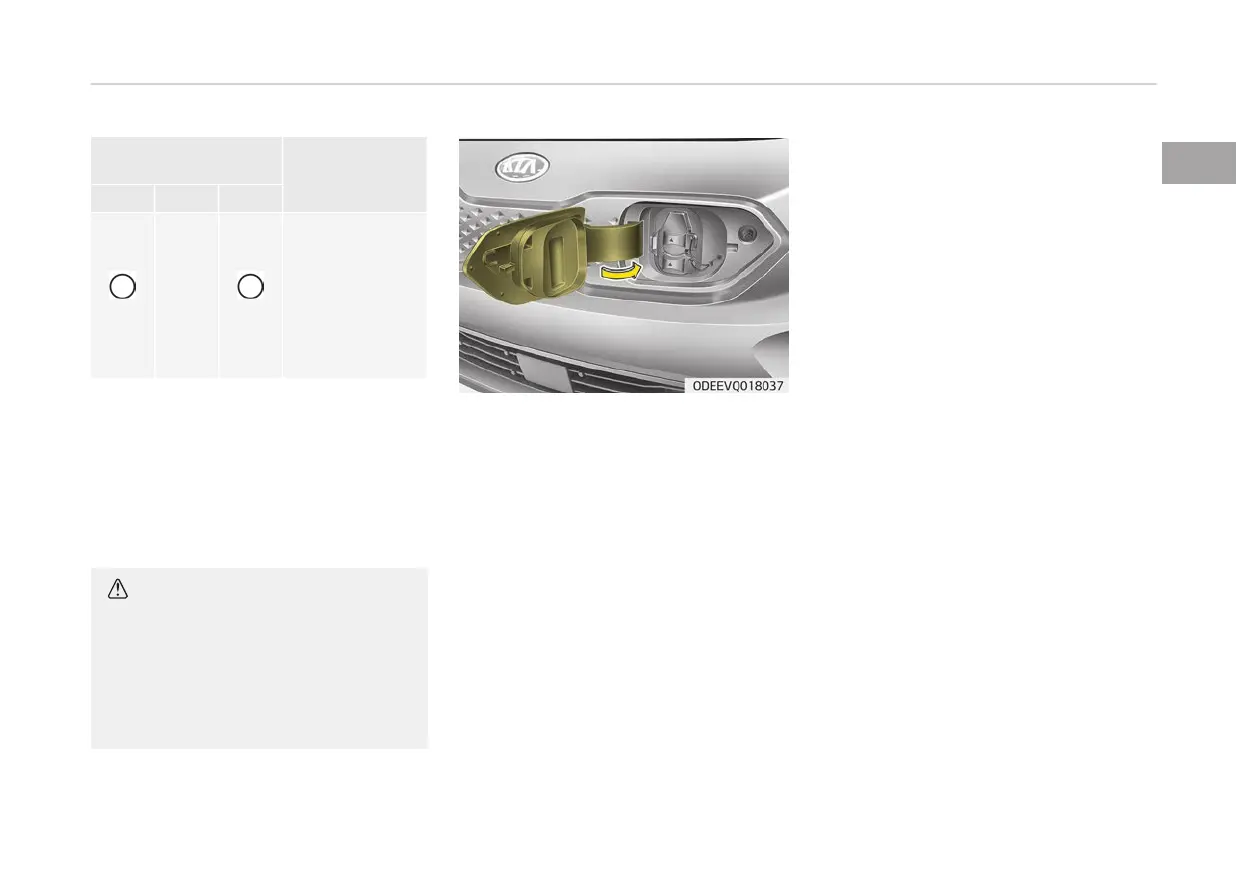
2. Make
sure to completely close the
DC charging inlet cover.
3. Make sure to completely close the
charging door.
1-31
1
Electric vehicle guide



 To Next Page