4. Release
the accelerator pedal. The
desired speed will automatically be
maintained.
Once the system starts working, the
indicator light (
) comes on the instru‐
ment panel.
The
indicator light colors according to
the system status are as follows.
Green: Active
White: Standby
For more SCC settings and details refer
to “Smart Cruise Control (SCC)” on page
6-92.
LFA system activation
If the vehicle is inside the lane with
both lanes recognized by the system,
and there is no steep steering made by
the driver, LFA system changes into
steering assist mode. The indicator
light will come on green, and the sys‐
tem helps the vehicle stay in line by
controlling the steering wheel.
When the steering wheel is not control‐
led temporarily, the indicator light will
flash green and changes to white.
When the both lanes are not recognized
by the system, the system controls the
steering wheel limitedly whether there
is a vehicle in front or not.
WARNING
LFA system ensures the vehicle
stays
in its lane. LFA system does
not guarantee 100% safety. Make
sure you make decisions on the road
after checking the road conditions
and safety matters while driving.
Never completely rely on your LFA
system.
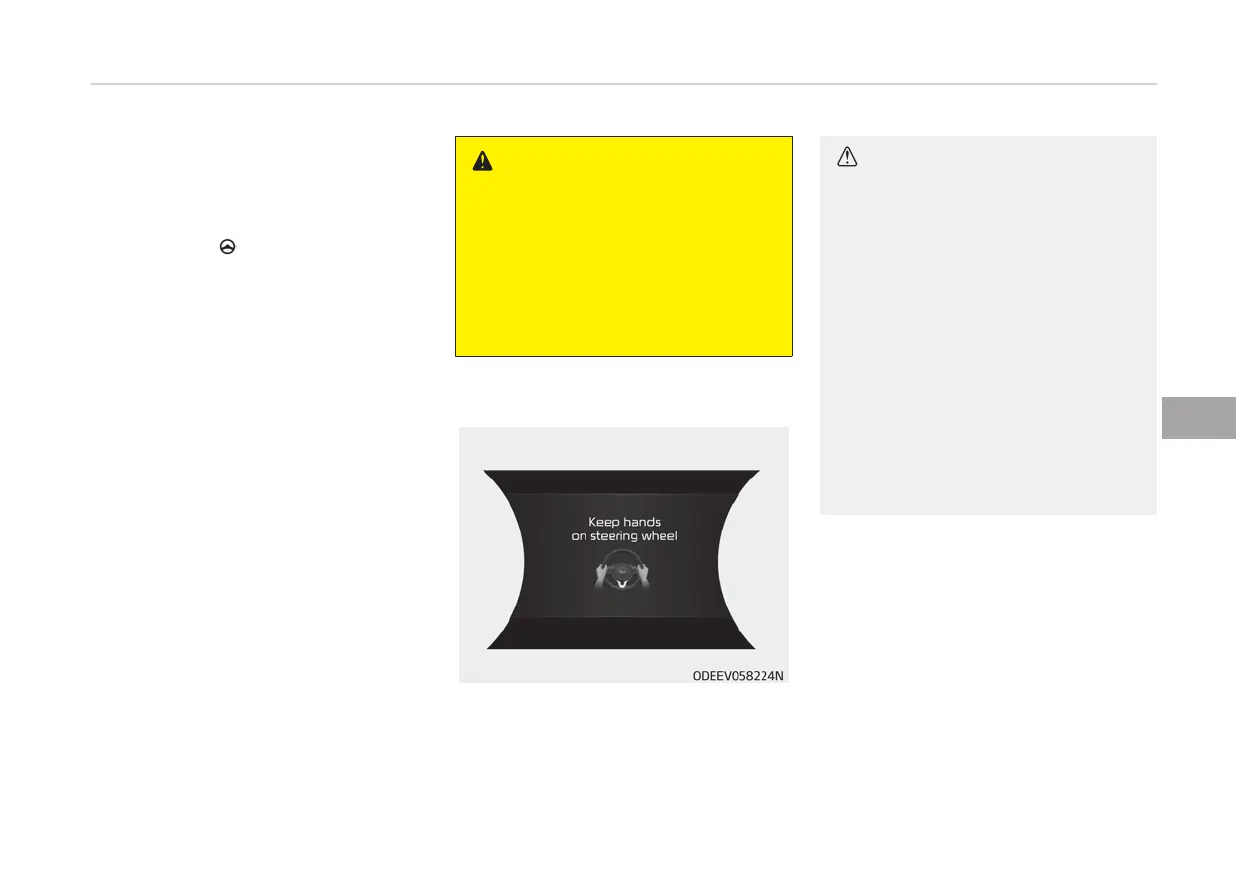
Warning
If you keep your hands off the wheel
while
driving with LFA system assisting
the steering, the hands-off warning will
be triggered.
CAUTION
If the driver keeps hands off the
wheel
even with the hands-off
warning on, the steering assist is
temporarily released automatically.
If you put your hands back on the
wheel with LFA system released, the
steering assist will re-start.
• Hands-off warnings may be de‐
layed
depending on road condi‐
tions. Always keep your hands on
the steering wheel while driving.
• Hold the steering wheel tight. Oth‐
erwise,
LFA system could misjudge
that the driver hands off the
wheel, and a hands-off warning
may occur.
6-113
6
Driving your vehicle



 To Next Page