PCR-M 13
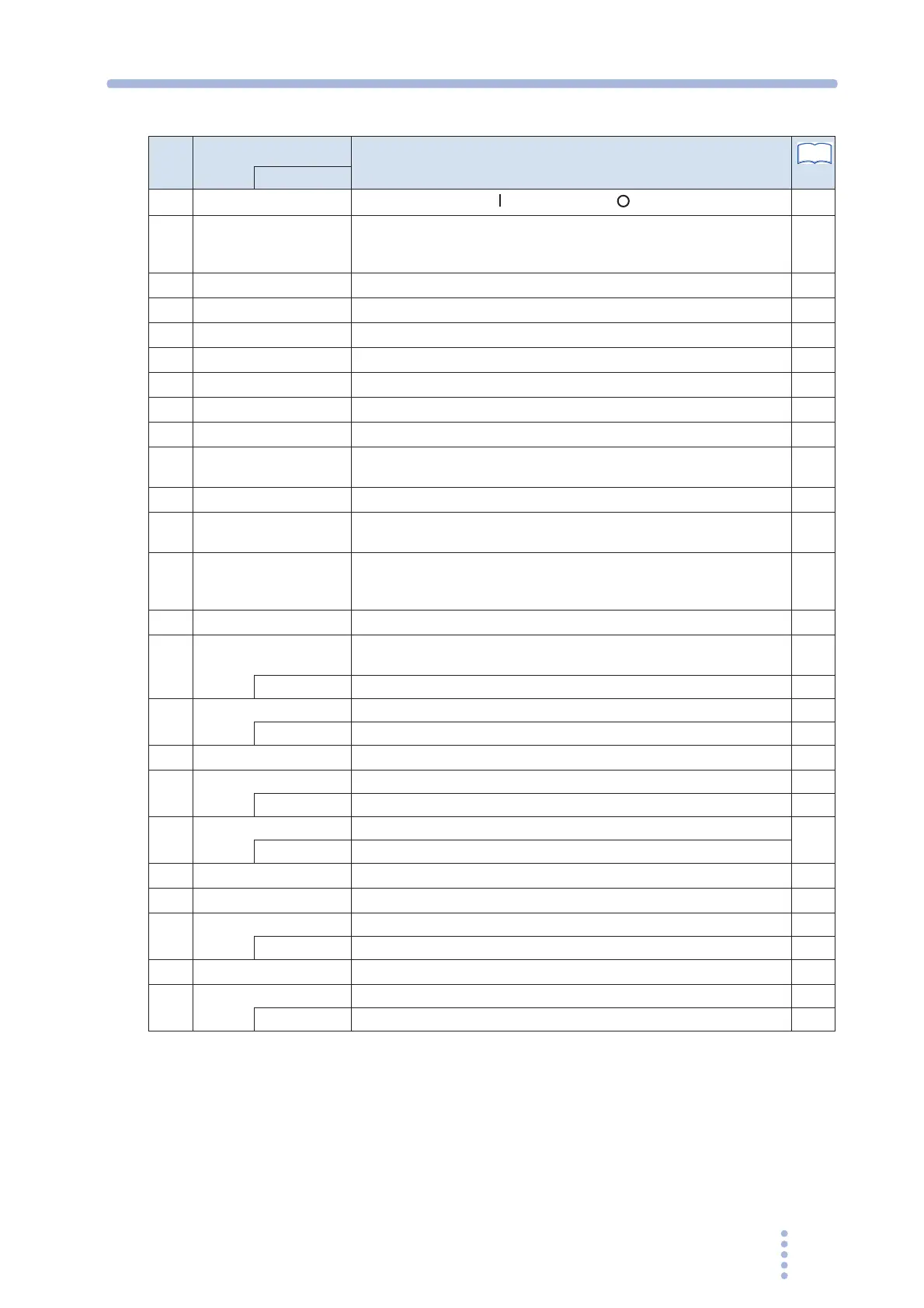
No.
Name
Description
Page
+SHIFT
1
POWER
POWER switch. Push ( ) to turn on; push ( ) to turn off.
28
2
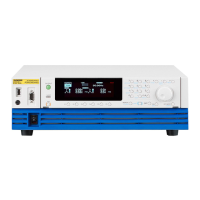
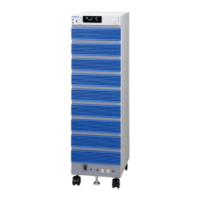
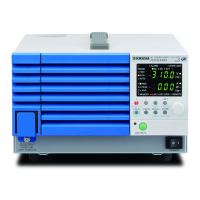
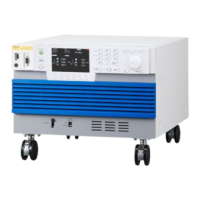
Feet PCR500M: Four locations on the bottom
PCR1000M / PCR2000M: Four locations on the bottom, four locations
on the side.
–
3
OUTPUT outlet Front panel output
30
4
Air inlet Air inlet for internal cooling. A dust filter is built in.
66
5
Handle Handle for transporting
–
6
CIRCUIT BREAKER Reset button of the circuit breaker.
51
7
Alarm/overload Illuminates when and alarm or overload occurs.
49
8
Output mode The selected mode illuminates (AC, DC, or EXT).
36
9
Upper numeric display Displays voltage or frequency.
–
10
Lower numeric display Displays current or power. Displays the frequency when the memory
is used.
42
11
Key lock/remote Illuminates when the key is locked or when in remote mode.
48
12
Rms value, peak value,
and average value
RMS, PEAK, or AVG illuminates according to the type of value shown
on the numeric display.
42
13
Memories A, B, and C The selected memory (A, B, or C) illuminates.
MEMORY illuminates when saving settings and blinks when recalling
settings.
46
14
Voltage range The selected voltage range (135 V, 270 V, or AUTO) illuminates.
37
15
I Selects the type of value shown on the lower numeric display (RMS,
PEAK, AVG, or W).
42
RANGE Sets the voltage range. 37
16
LIMIT Sets the limit value. The key illuminates when active. 44
ALM CLR Clears alarms. 48
17
Rotary knob Changes the settings.
–
18
STORE Saves to the memory (memories A, B, or C). 46
KEY LOCK Locks the keys 48
19
RECALL Recalls from memory.
46
ENTER Confirms memory recall or storage.
20
OUTPUT Turns the output on/off.
40
21
CONFIG Sets the configuration.
52
22
LOCAL Switches to local mode. 47
SHIFT SHIFT key –
23
F Sets the frequency. The key illuminates when active.
39
24
V Sets the voltage. The key illuminates when active. 38
AC/DC/EXT Selects the output mode. 36
See







 To Next Page