PCR-M 49
Chapter 3 Operation
3.11.1 Alarm Occurrence
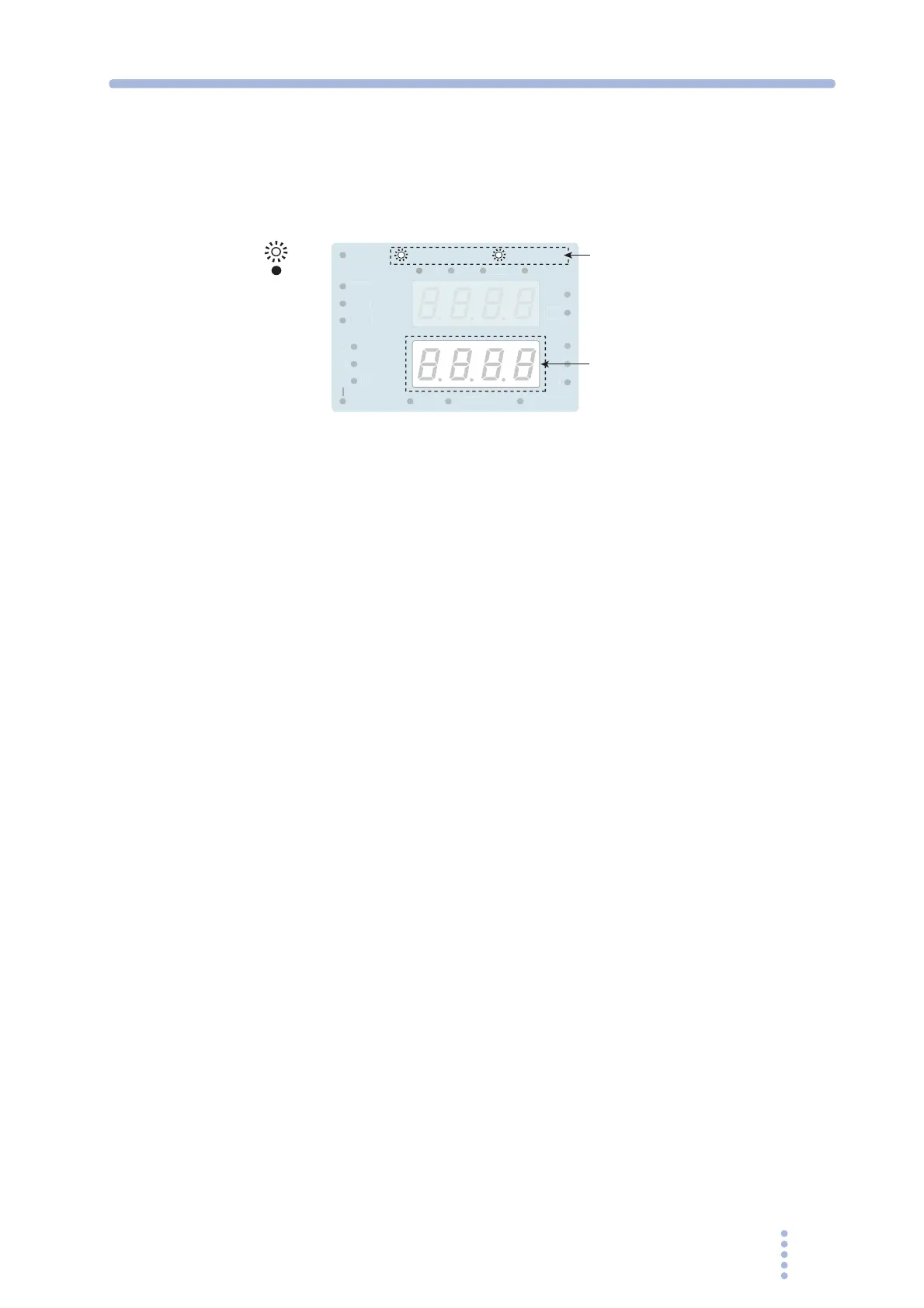
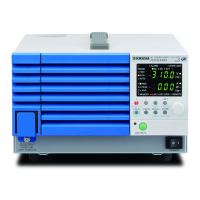
When an alarm or error occurs, an alarm sounds and the ALARM LED on the
display illuminates. The upper numeric display shows the output voltage, and the
lower numeric display shows the alarm or error number.
Fig.3-10 Alarm indication
Clearing Alarms
1.
Check the alarm number.
2.
Press the ALM CLR (SHIFT+LIMIT) key.
The alarm sound stops, and the alarm indication also clears.
If you press the ALM CLR (SHIFT+LIMIT) key again, the last alarm number is
displayed.
3.
Eliminate the cause of the alarm.
Refer to Table 3-13, and eliminate the cause of the alarm that occurred according to the
description of the displayed alarm number.
Clearing Errors
1.
Check the error number.
2.
Turn the POWER switch off.
3.
Eliminate the cause of the error.
Refer to Table 3-13, and eliminate the cause of the error that occurred according to the
description of the displayed error number.
Turn the POWER switch on again to restore.
z
z
35
27
RAN
V
M
UTO
MEM
RY
REM
TE
ALARM
EY L
K
OVER LOAD
C
D
On
Off
Alarm or error number
Alarm and overload







 To Next Page