3. Start with the software
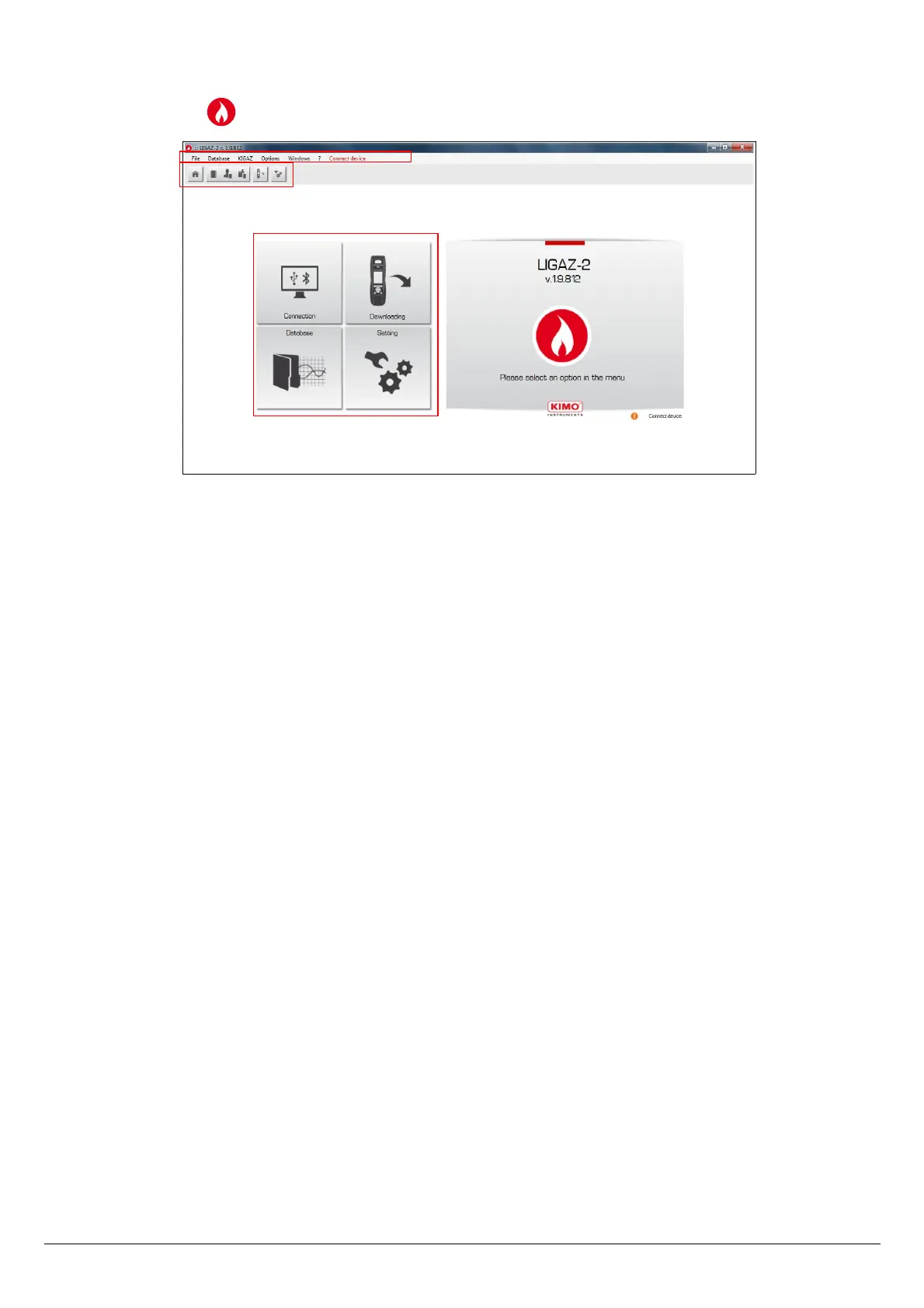
After double-clicking on the software launching icon on the desktop, the homepage of the software opens:
3.1. Meaning and functions of the menus bar (1)
➢ File
• Back to homepage: reduce all the opened windows
• Save database: save the database into the computer
• Import database: import a LIGAZ-2 or LOGAZ-2 (optional software) database saved into another computer
• Quit: close the software
➢ Database
• Total: opens the total database window (Customers, boilers and performed inspections)
• Customers: opens the customers database window
• Boilers: opens the boilers database window
• Database setting: opens the saving setting window of the database (location and recurrence)
➢ KIGAZ
• Downloading: allows to download data saved in the analyser and the instrument setting
• Setting: allows to set different parameters (autozero, combustibles, references…)
• Customers / boilers deletion...: allows to delete customers and/or boilers saved in the analyser
• Comparison of PC elements with KIGAZ...: allows to compare information on customers and boilers between the
LIGAZ-2 database and the analyser
➢ Options
• E-mail: allows to set parameters to send emails
• User: information about the user
• Languages: allows to select the software language (French or English)
➢ Windows: allows to go from one window to another
➢ ?:
• User manuals: allows to get to software and analyser user manuals
• Hotline: allows to get to the address and fax and phone number of the company or send a report to the after sales
service
• About: indicates software version and database version
➢ Device connection: indicates the connection state of the device connection. “Connect device” or “Device connected”.
Start with the software 45
2
1
3



 To Next Page