5.4. Edit an analysis report
From the complete database screen, it is possible to edit a measurements report.
➢ In the menu on the left of the screen, click on the required boiler for the report edition.
➢ Click on the button.
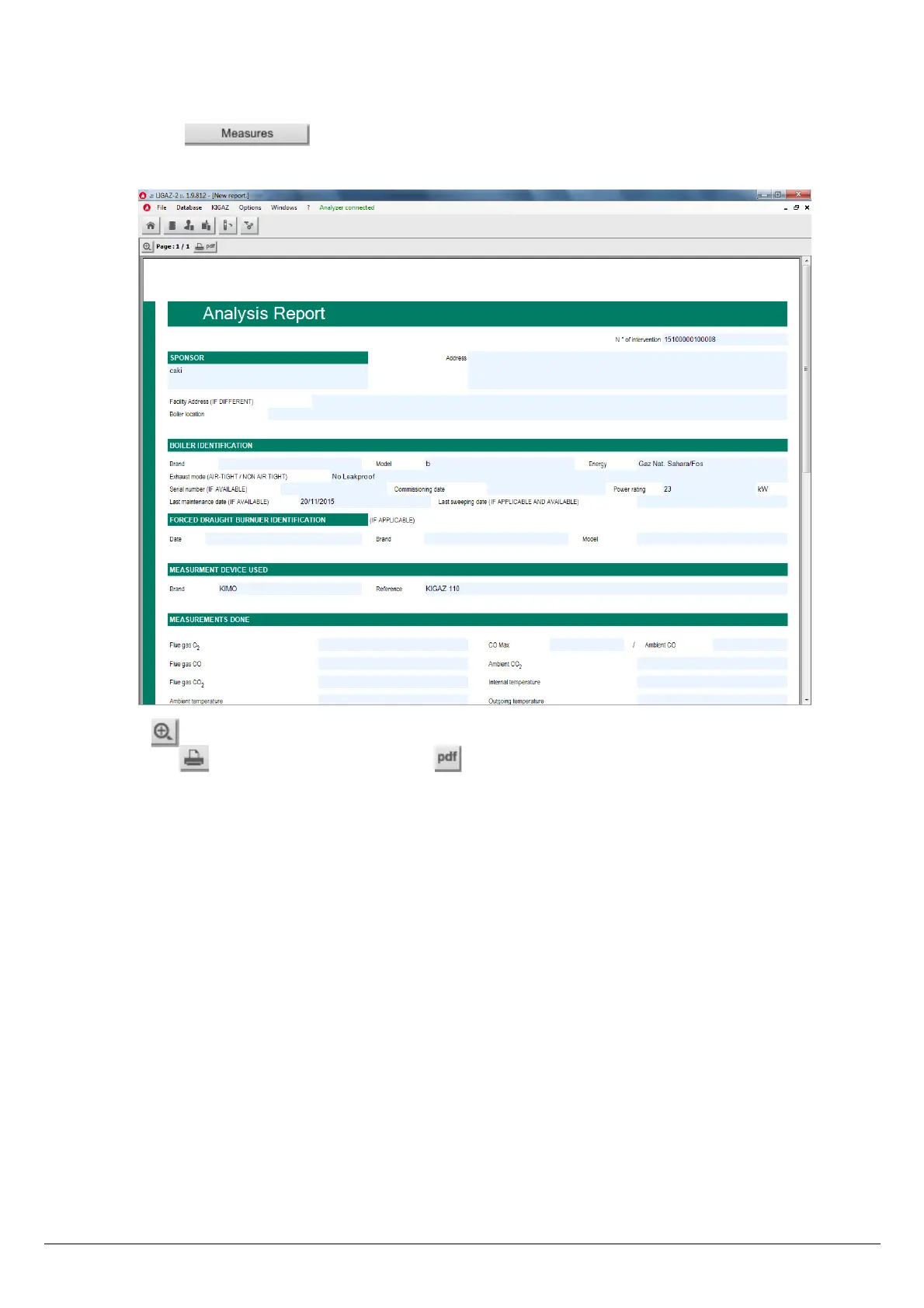
The analysis report is displayed:
➢ Use the button to zoom in or zoom out on the report.
➢ Click on the button to print the report or on the button to export it in PDF format.
Use the different databases 51



 To Next Page